
Text editor
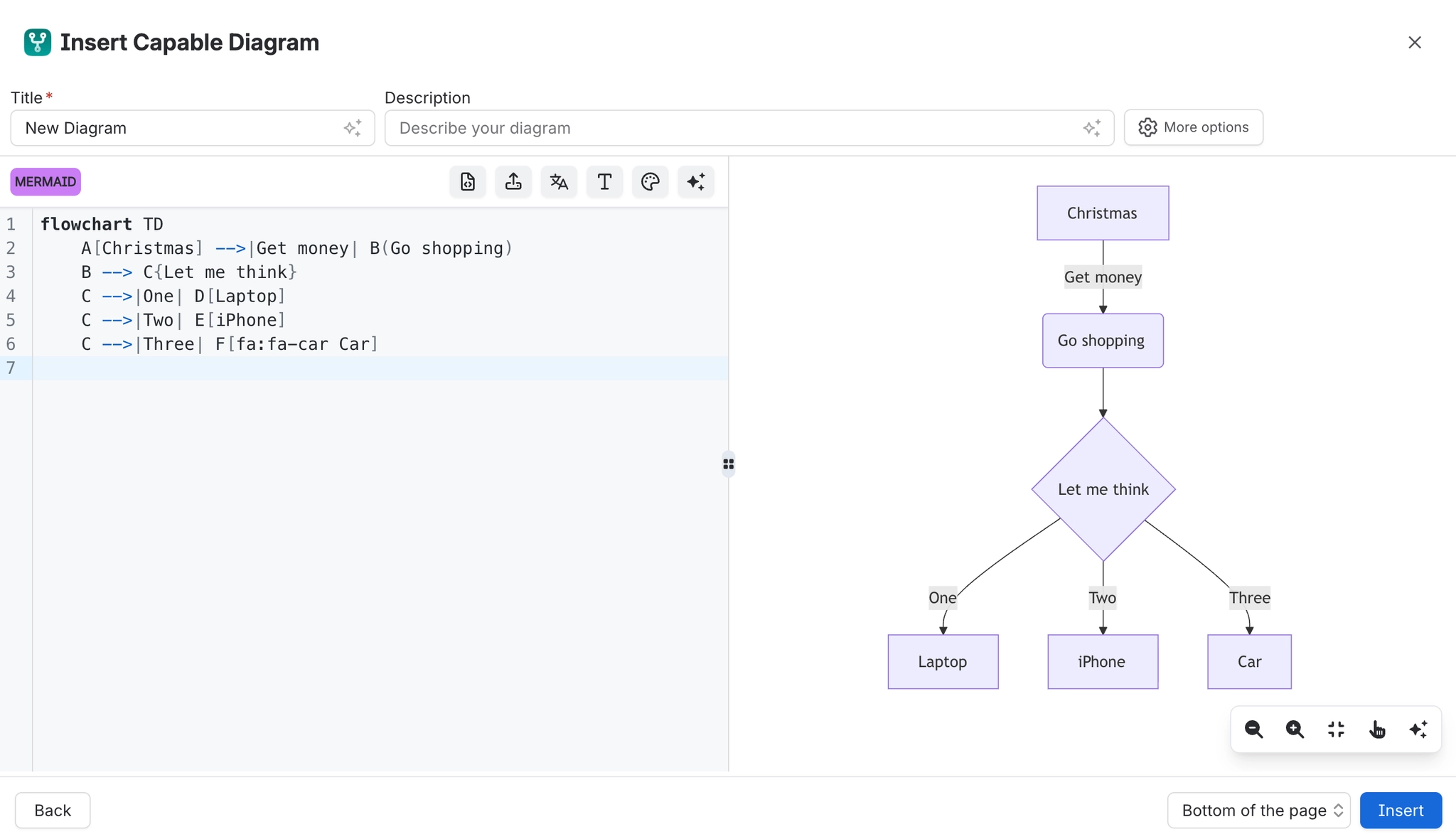
The text editor is one surface for every text language. You pick the language, write the source, and see it render as you type.
#What you get
Live preview. The diagram redraws as you type.
Syntax highlighting for the language you picked.
Errors in place. A broken line is pointed at rather than silently blanking the diagram.
Language switching. Change language and the source is kept.
#Which language
Around thirty are supported. Reference lists them all with what each renders; Diagram types recommends one per job.
#A few things that catch people out
Indentation matters in several languages, Mermaid included. A stray space is the most common cause of a blank diagram.
Some languages render in your browser and others on a renderer service. It affects privacy, not correctness. See Security and privacy.
If you would rather click than type, Mermaid has a visual editor. See Mermaid visual editor.
#Related
Write a line, watch it redraw.






















