
Flowchart diagram (BlockDiag)
BlockDiag ships flowchart-specific shapes, which makes it a reasonable choice for a quick process diagram generated from a script.
#What this example shows
Flowchart shapes: terminator, condition, database, input.
Edge labels on the branches out of a decision.
Explicit orientation.
#A worked example
Open it, edit it, or copy the source below.
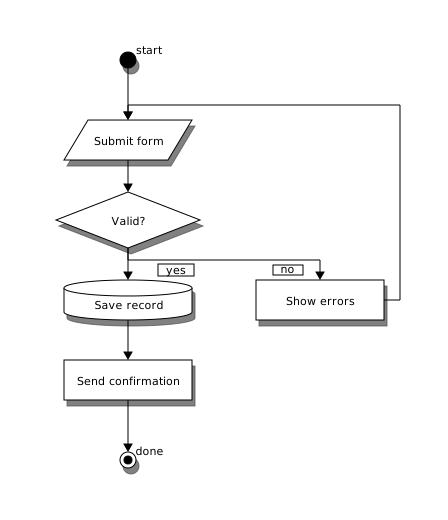
The source, which you can paste into a new diagram and edit:
#Making it your own
orientation = portrait or landscape flips the whole diagram.
Label the branches out of a condition, or the diagram is ambiguous.
Loops back to an earlier node are drawn automatically.
#Related
Mention a node and it exists.






















