
draw.io editor
draw.io is the editor to reach for when the position of things is part of the message. Architecture, network topology, floor plans, anything with an icon set.
#What it is good at
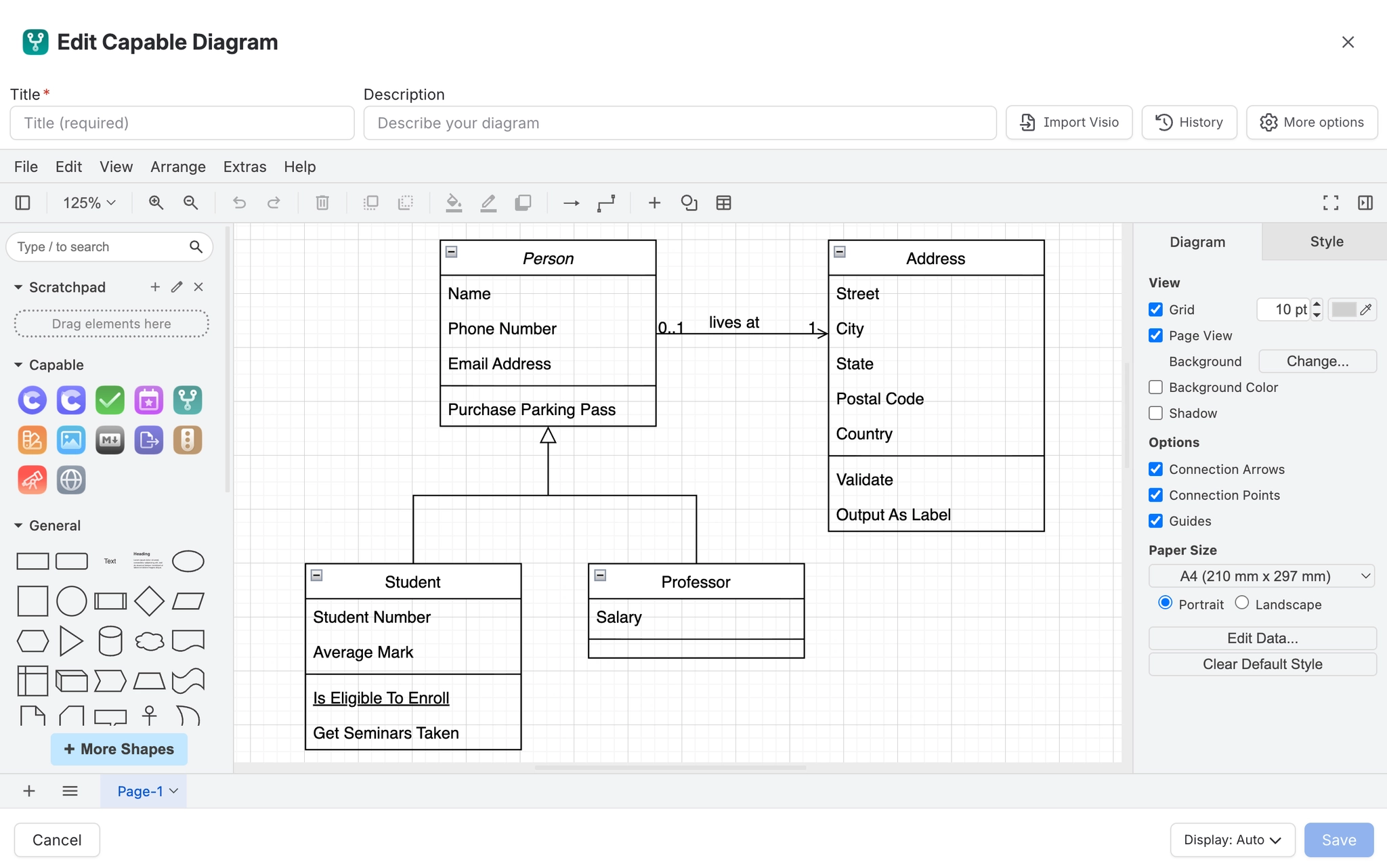
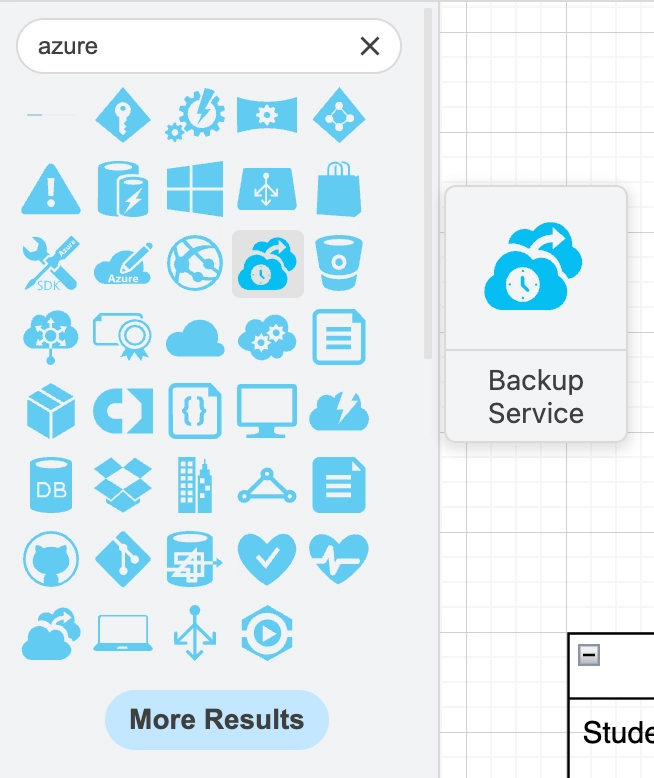
Shape libraries. AWS, Azure, GCP, Cisco, UML and more, plus your own.
Connectors that stay attached. Move a box and its lines follow.
Layers. Keep annotations separate from the drawing itself.
Precision. Grid, guides and exact coordinates when you need them.
#Working with shapes
The sidebar holds the libraries enabled for your site. An administrator can add your own icon sets so everyone draws with the same vocabulary. See Shapes and icons.
#Multi-page diagrams
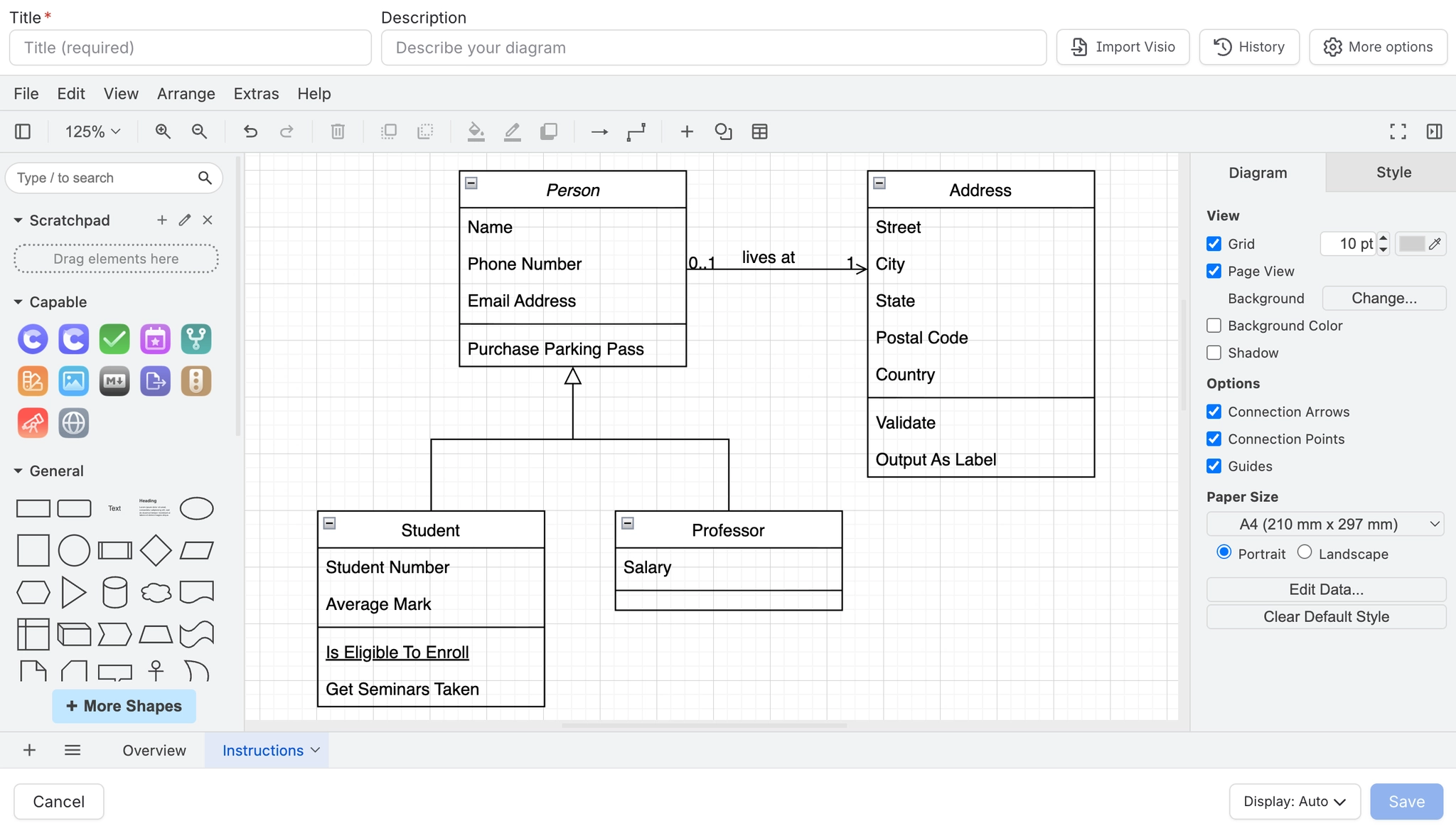
A draw.io file can hold several tabs. The macro shows one of them, so you can keep related diagrams in one file and surface the relevant tab per page.
#A few things that catch people out
Connectors only follow a shape if you attached them to the shape rather than dropping them near it. Look for the green circle when you draw the line.
Very large diagrams render slowly on first load. Splitting into tabs is usually better than one enormous canvas.
Pasted images inside a diagram are stored inside it, so they inflate the source. Link or attach instead where you can.
A diagram that looks cut off is almost always a display mode, not a broken drawing. See Display and appearance.
#Related
Precision, when the layout is the message.






















