
draw.io examples
Six draw.io diagrams, each stored as ordinary draw.io XML. Open any of them and you are in a full draw.io editor, with every shape, layer and style available.
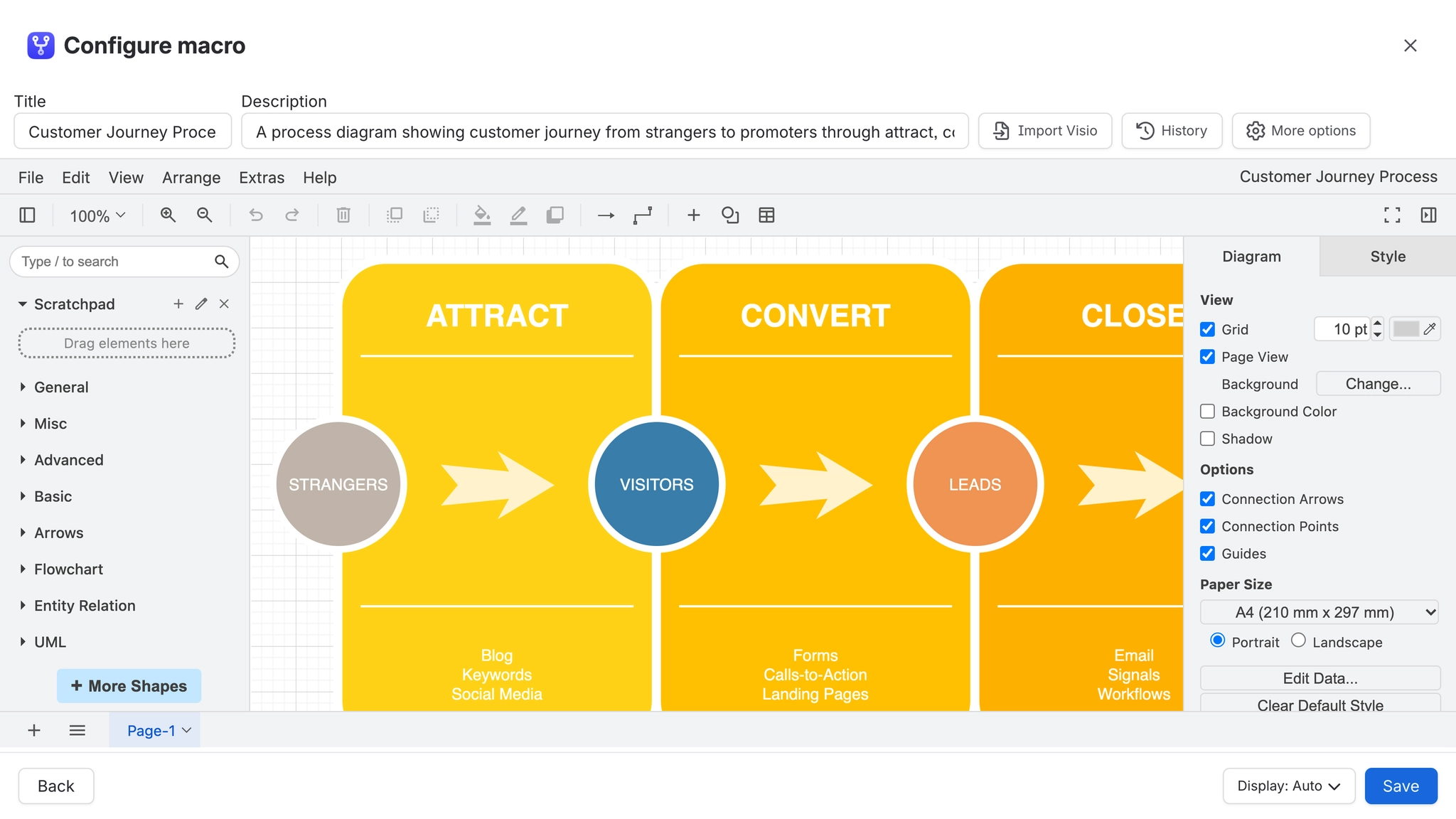
These are deliberately built from plain shapes so they read clearly. Swapping in the AWS, network or mockup shape libraries is a five minute job once you have the structure.
#Every example here is real
Each page holds a diagram that is stored, rendered and editable exactly like one you drew yourself. Open any of them, change something, and see what happens. Nothing here is a screenshot.
#In this set
Flowchart (draw.io)A ready made flowchart you can drag and edit on a Confluence page with the draw.io editor.Swimlane process (draw.io)A cross functional process laid out in swimlanes, drawn with the draw.io editor.AWS architecture (draw.io)An AWS reference architecture drawn with the draw.io AWS shape library.Org chart (draw.io)An organisation chart you can edit directly on a Confluence page.UI wireframe (draw.io)A screen wireframe built from the draw.io mockup shape library.Rack layout (draw.io)A data center rack elevation drawn with the draw.io rack shape library.
#Related
Open it. Drag something. It is a real canvas.