
Connect Mermaid shapes
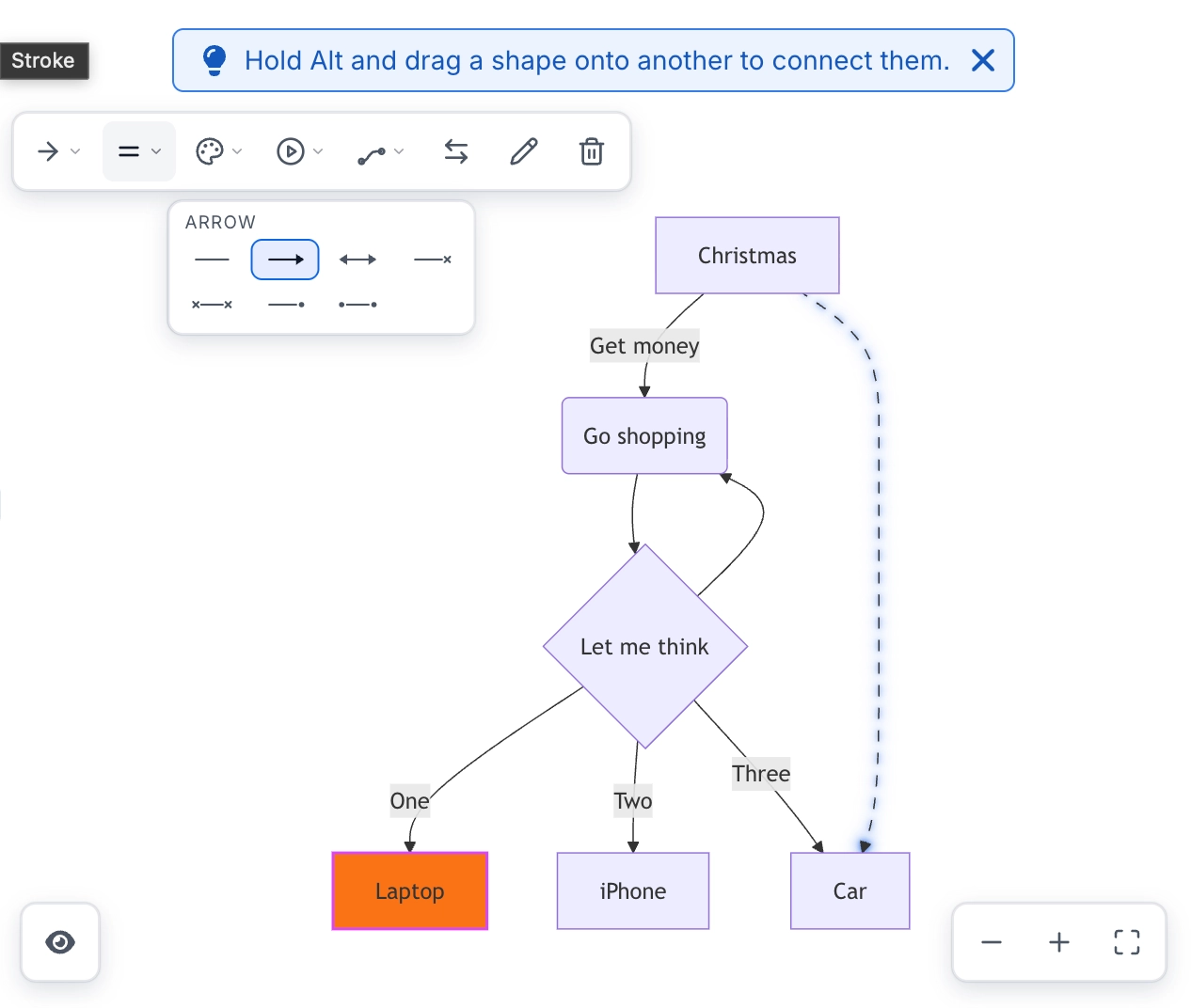
Drawing a connection is a deliberate gesture rather than an accidental one: hold Alt and drag from one shape onto another. That prevents connections appearing every time somebody drags a node.
The new edge appears in the source in the right place.
#What this is for
Adding a relationship to an existing diagram.
Building a diagram entirely on the canvas.
Reconnecting something you deleted.
#How it works
Action | How |
|---|---|
Draw a connection | Hold Alt and drag from one shape onto another. |
Cancel | Escape, mid-drag. |
Label it | Select the edge and rename it. |
Delete | Select the edge and press Delete. |
#A few things that catch people out
Without Alt, dragging moves the node. That is deliberate, and it is the most common first confusion.
The edge is written into the source where it belongs, not appended at the end.
Edge labels are renamed exactly like node labels.
#Related
Drag it. The text keeps up.






















