
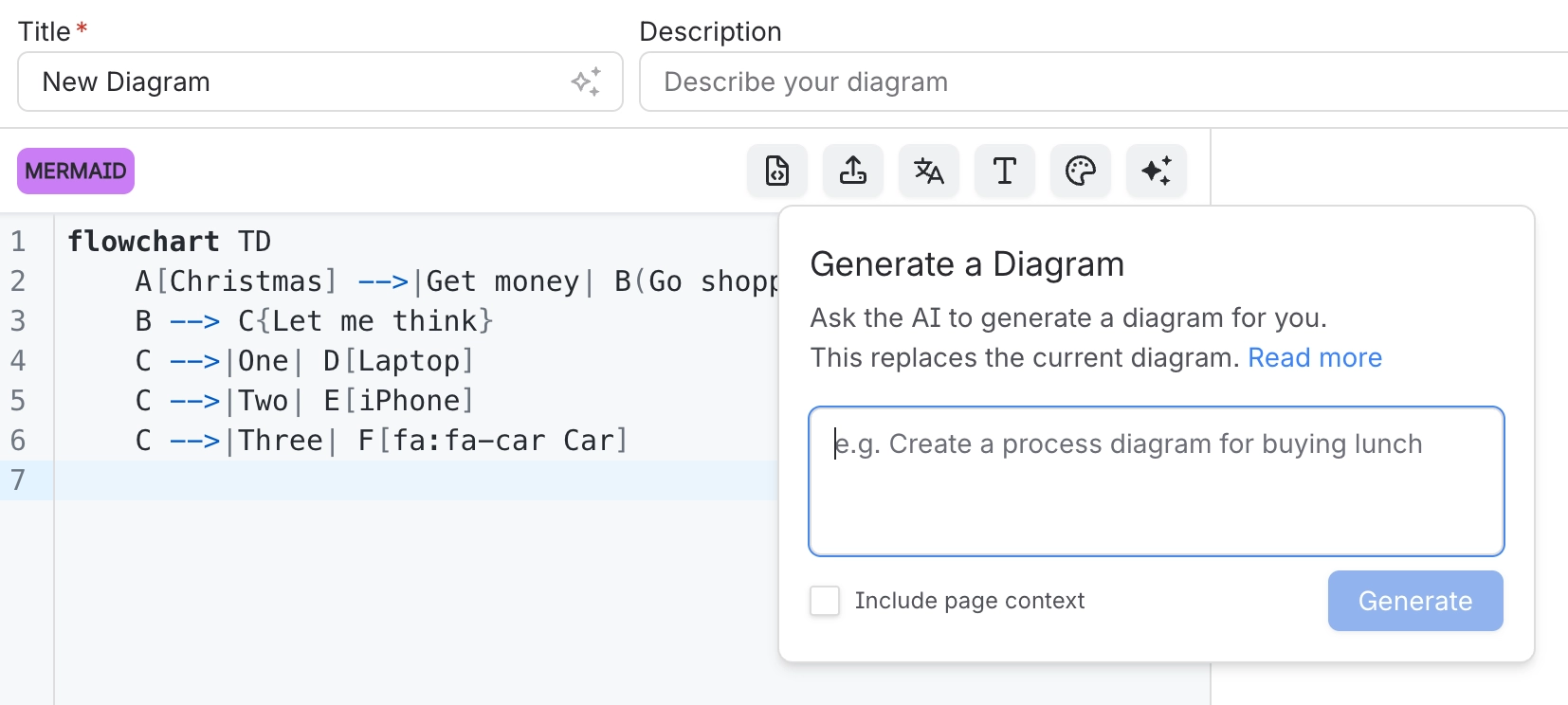
Generate diagram code with AI
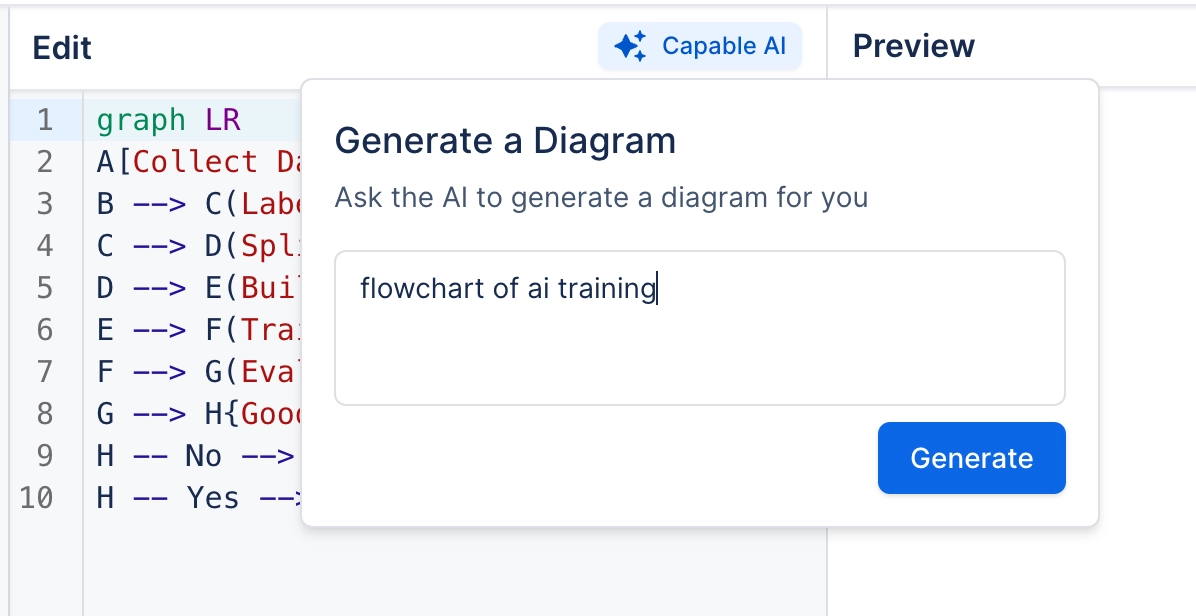
The AI button in the toolbar writes source for you. What it produces goes into the code pane as ordinary text, which means you can read it, edit it, and see exactly what it did.
That transparency is the important part. You are never handed a picture you cannot inspect.
#What this is for
Getting a first draft of a diagram from a description.
Starting a diagram in a language you do not know well.
Expanding a diagram you have already begun.
#How it works
Action | How |
|---|---|
Generate | Describe the diagram; the source appears in the code pane. |
Review | Read the source and the preview before saving. Both are right there. |
Edit | It is ordinary source. Change anything. |
Regenerate | Replaces the source, so copy anything worth keeping. |
Availability | Removed entirely if an administrator has turned AI off. See Administration. |
#A few things that catch people out
Check the relationships, not just that it rendered. Plausible and wrong is the common failure.
Say which language and notation you want in the prompt; vague prompts get vague diagrams.
What is sent to the model is described in Security and privacy.
#Related
The source is right there. Read it.






















