
Diagram version history
Diagram history is separate from page history, because a diagram can change many times without the page text changing at all.
#What is kept
Recorded | Detail |
|---|---|
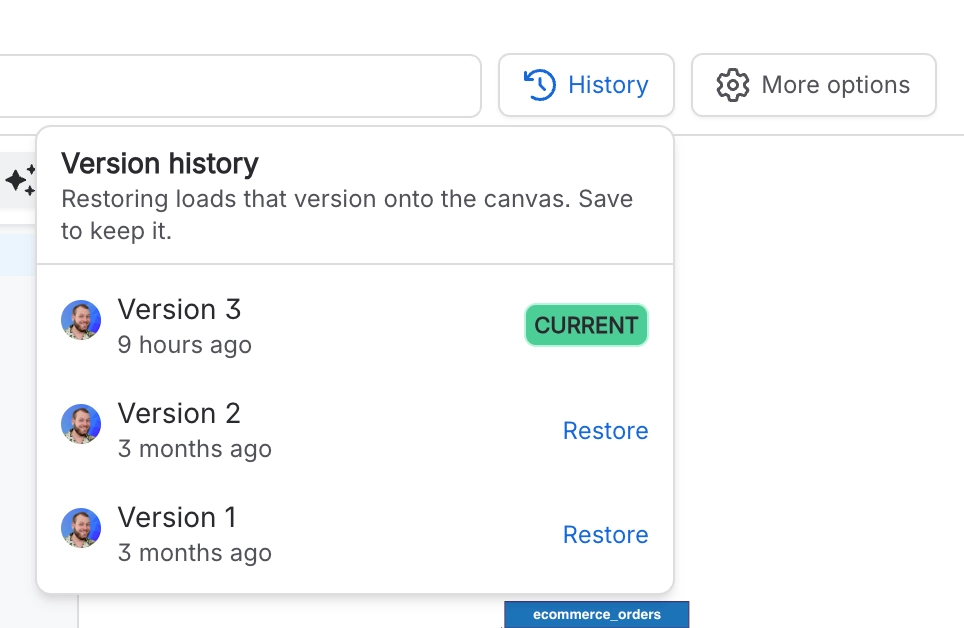
Every save | A full copy of the source at that point |
Who saved it | The account that made the change |
When | Timestamp of the save |
#Restoring
Open the diagram's history, pick a version, and restore it. Restoring creates a new version rather than deleting anything, so the restore itself is reversible.
#A few things that catch people out
Diagram history is not page history. Reverting the page does not revert the diagram.
Retention limits apply on very long histories. See Reference.
Deleting the page deletes the diagram and its history with it.
#Related
Every save is recoverable.






















