
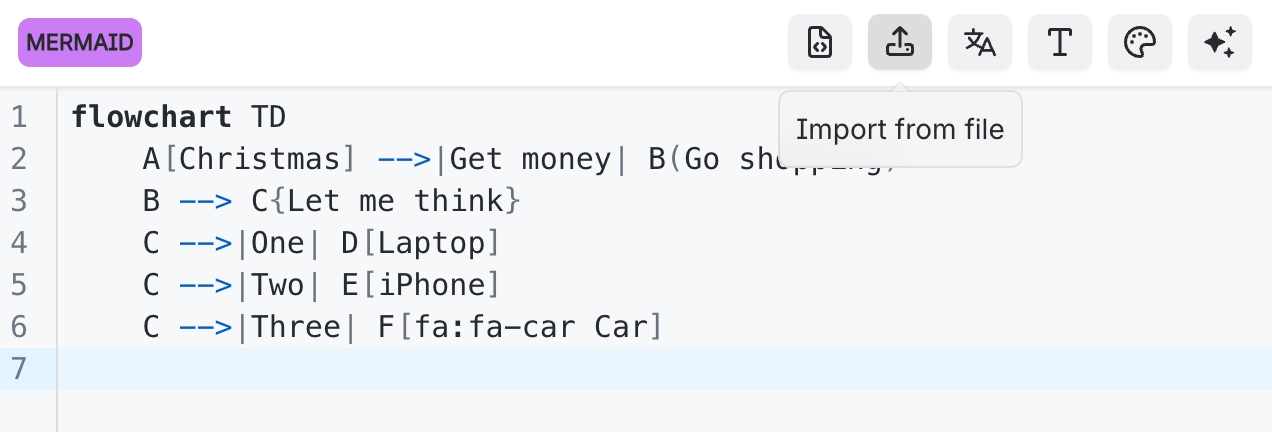
Import diagram source from a file
If the diagram already exists as a file, import it rather than copying and pasting through a text editor that may mangle the whitespace.
Several source formats are accepted, and the language is detected from the file rather than from whatever was selected.
#What this is for
Diagrams that already live in a repository.
Source somebody has sent you as a file.
Bulk-importing documentation from elsewhere.
#How it works
Action | How |
|---|---|
Supported files | .mmd, .puml, .dot, .d2, .txt and .md |
Import | The import option in the editor toolbar. |
Language detection | Taken from the file, so a .puml arrives as PlantUML. |
Markdown files | Source is taken from the file's contents; check the result before saving. |
#A few things that catch people out
Importing replaces the current source. Copy anything you want to keep first.
Whitespace matters in several languages. Importing preserves it; pasting sometimes does not.
The full extension list is in Reference.
#Related
The source is right there. Read it.






















