
Edit and update
Diagrams are edited in place by anyone who can edit the page. That is the point of them, and it is also where the sharp edges are.
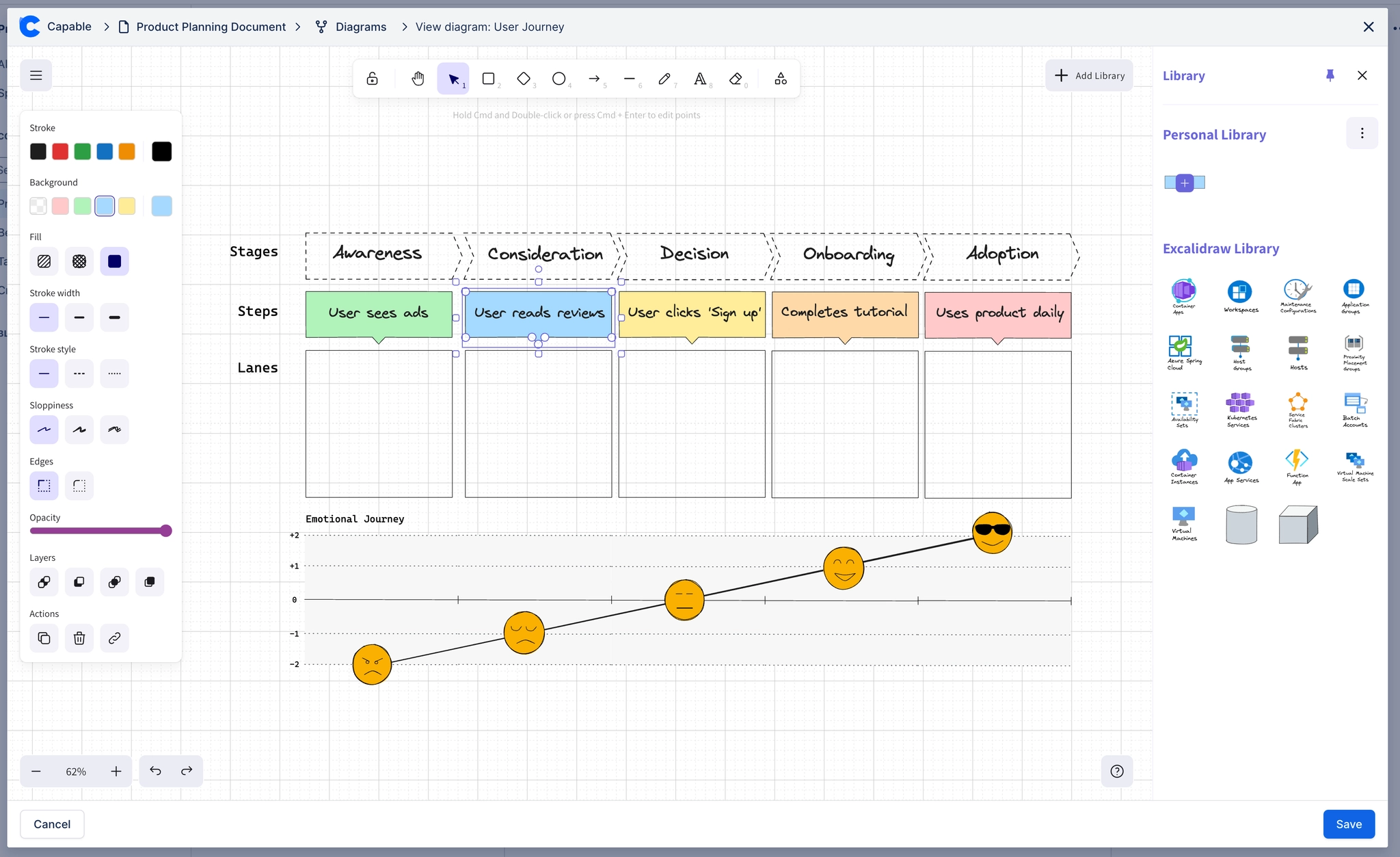
Update a diagram. Opening the editor, and what saving actually writes.
Version history. Every save is a version, and old ones can be restored.
Save conflicts. What happens when two people edit the same diagram, and how to recover.
Comments on diagrams. Discussing a diagram right next to it, with @mentions and page links, without touching the diagram itself.
Editing a diagram edits its source, never the rendered image. The picture is regenerated, so there is no stale copy to clean up.
#Everything in this section
Update a diagramOpen an existing diagram, change it, and understand exactly what is saved.Diagram version historyEvery save is kept. How to see previous versions and restore one.Save conflictsWhat happens when two people edit the same diagram at once, and how to get both changes back.Comments on diagramsDiscuss a diagram next to the diagram itself, with comments that are real Confluence comments, so mentions notify and page links work.
#Related
Edit in place, and the page never goes stale.






















