
Excalidraw keyboard shortcuts
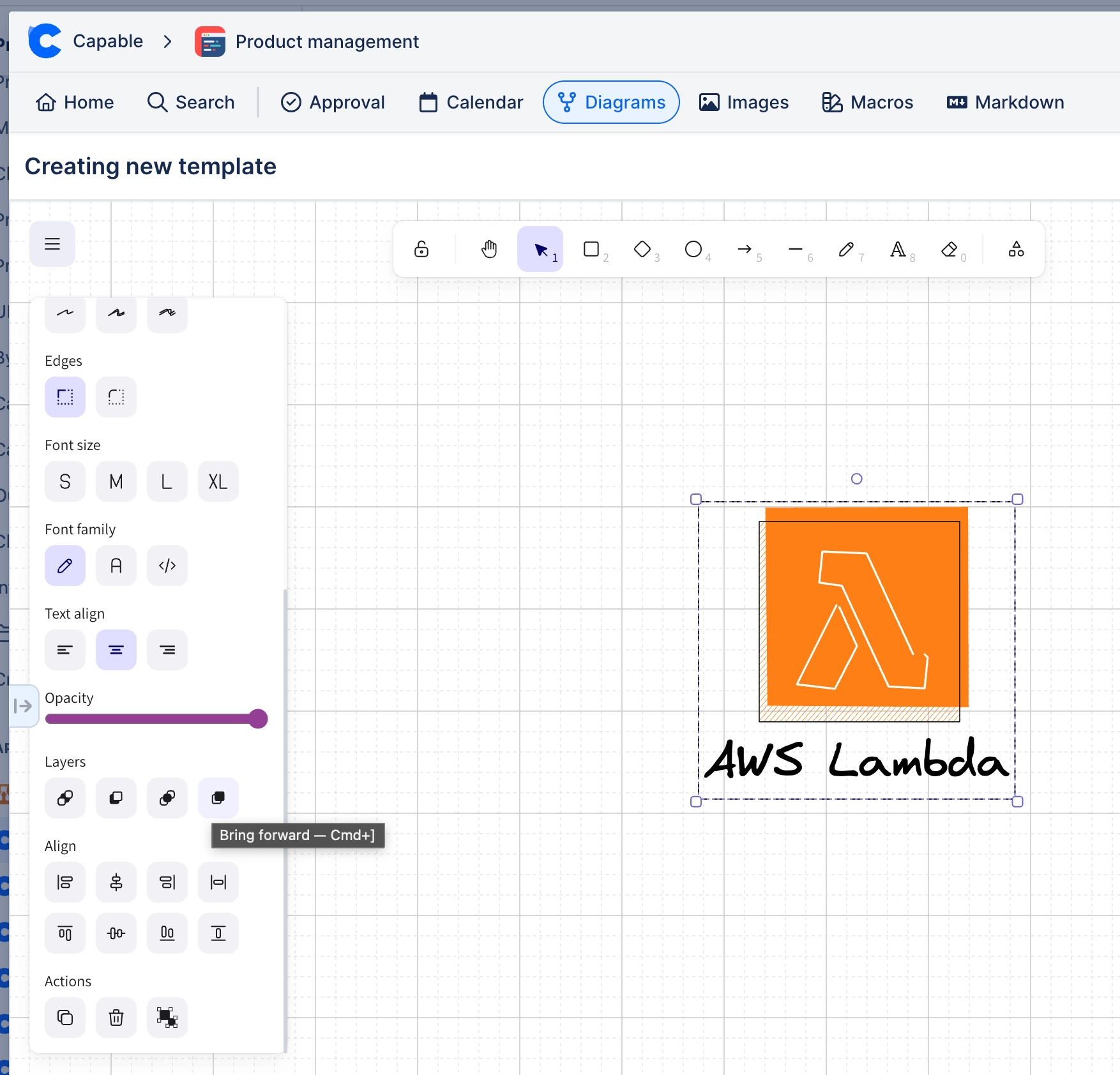
Every tool is on a number key, which is why Excalidraw is quick once your hands know it.
#Worth knowing
Learning three of these saves more time than learning all of them.
Shortcuts work while the editor has focus, not while the page does.
On macOS, use Cmd wherever Ctrl is listed.
#Core Shortcuts
Shortcut | Does |
|---|---|
V or 1 | Selection tool |
R or 2 | Rectangle |
D or 3 | Diamond |
O or 4 | Ellipse |
A or 5 | Arrow |
L or 6 | Line |
P or 7 | Freedraw |
T or 8 | Text |
9 | Image |
F | Frame |
Ctrl+G / Ctrl+Shift+G | Group / ungroup |
Ctrl+Shift+L | Lock the selection |
Shift+1 | Zoom to fit |
Ctrl+' | Toggle the grid |
Alt+drag | Duplicate the selection |
Ctrl+Z / Ctrl+Shift+Z | Undo / redo |
#All Shortcuts
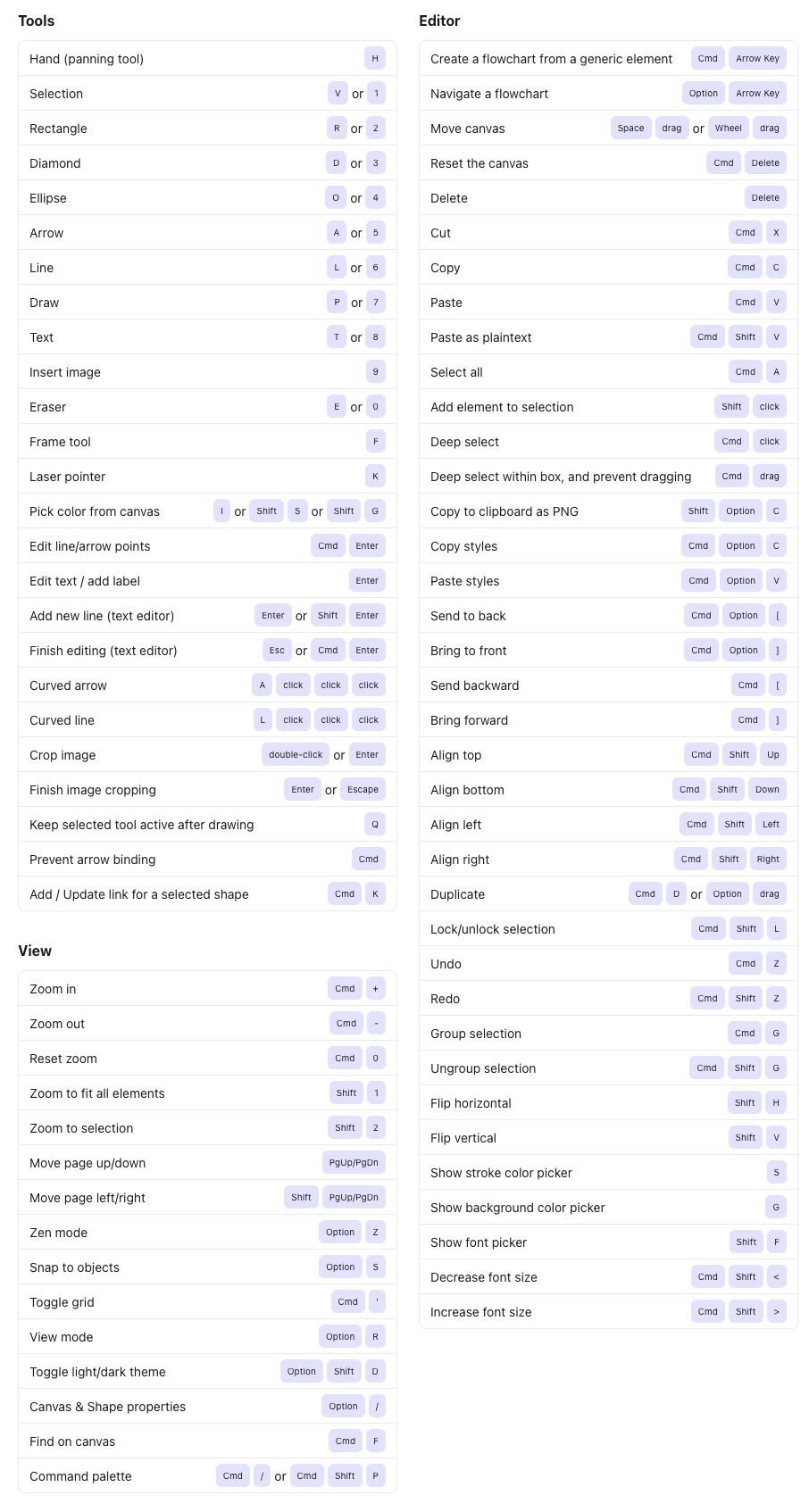
#A few things that catch people out
Escape returns to the selection tool from anywhere.
Holding Shift while drawing constrains to squares, circles and straight lines.
Alt+drag to duplicate is faster than copy and paste for repeated shapes.
#Related
Rough on purpose.






















