
Capable Markdown
If your team writes documentation in Markdown, diagrams can live in a fenced code block with the language name, exactly as they do in a repository README.
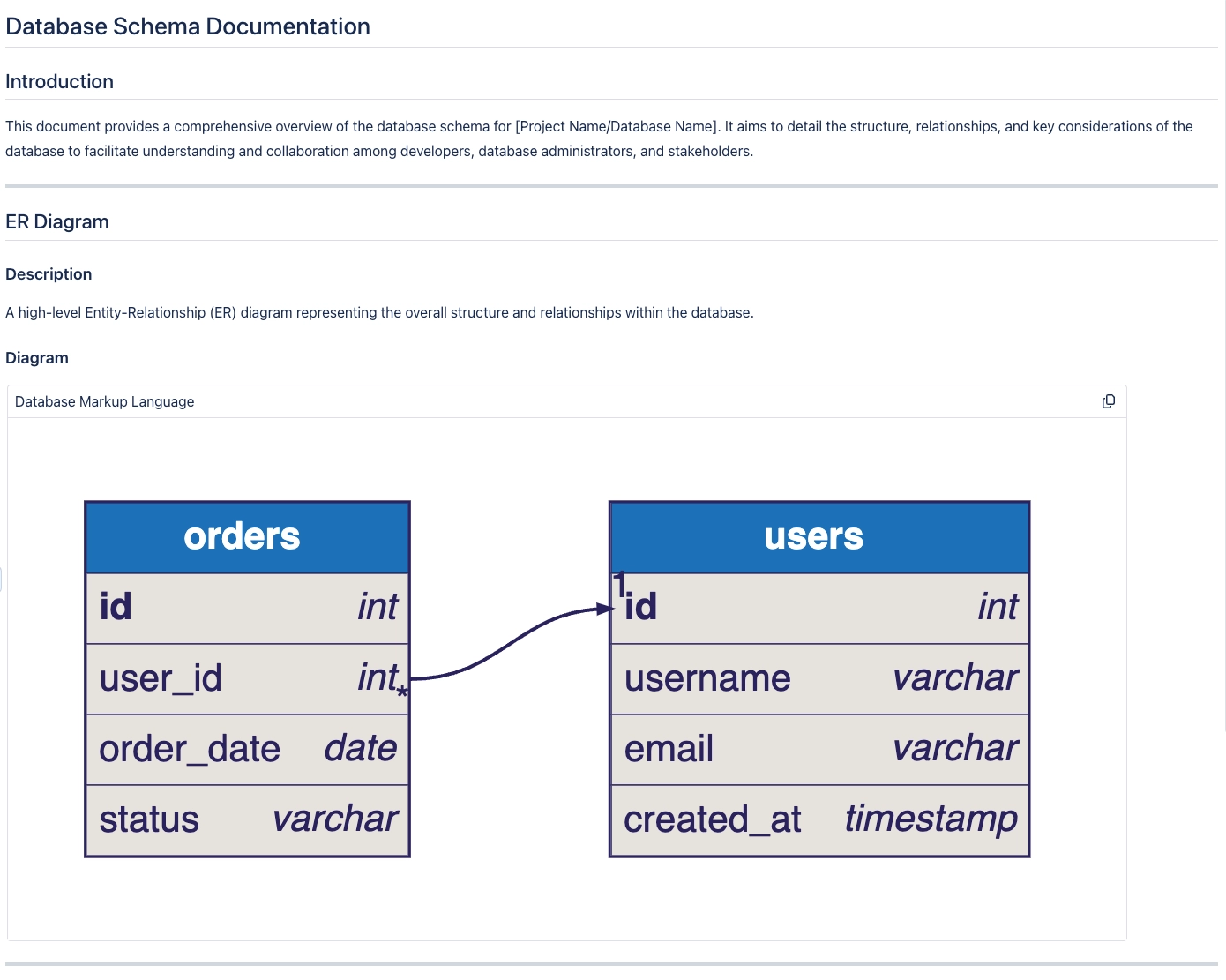
The block renders as a real diagram on the page, and it stays editable as text.
#When this matters
Teams whose documentation is written in Markdown.
Content imported from a repository, where diagrams are already fenced.
Pages where the source should stay visible next to the picture.
#The detail
Thing | What happens |
|---|---|
Fenced block | Use the language name as the fence info string, such as mermaid. |
Rendering | The block renders as a diagram rather than as code. |
Editing | Edit the text; the diagram follows. |
Supported languages | The text languages, exactly as elsewhere. |
#A few things that catch people out
The fence info string is what selects the language. A bare fence renders as code.
draw.io and Excalidraw are canvas formats and do not belong in a fenced block.
This is the easiest path for importing documentation that already contains Mermaid.
#Related
It works better next to the rest of Capable.






















