
Diagram missing from search
Diagram text is indexed in the background, and indexing is not instant. A diagram created a minute ago is genuinely not findable yet, and that is expected rather than broken.
If it has been several minutes and it is still missing, the checks below narrow it down quickly.
#What you are seeing
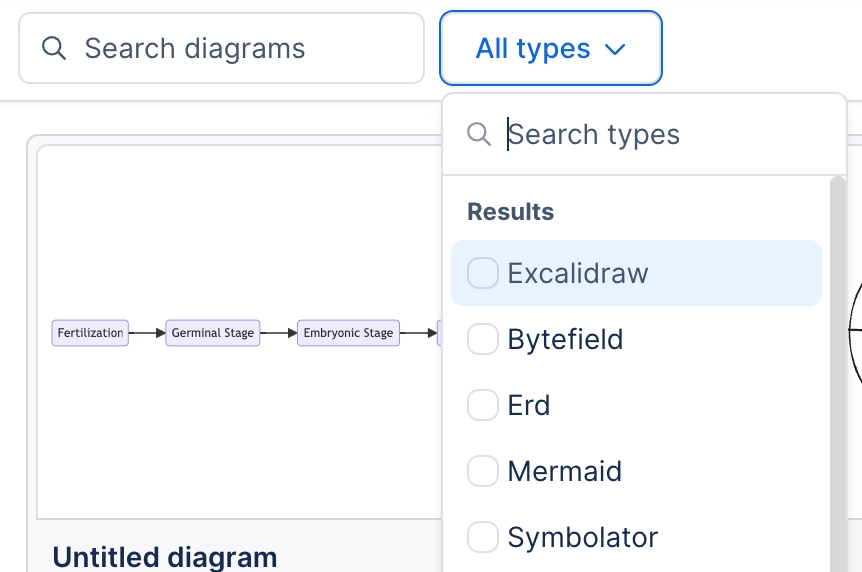
A new diagram does not appear in search results.
A new template has not appeared in the template picker.
Search finds the page but not by the diagram's text.
#Work through these in order
Check | What it means and what to do |
|---|---|
How new is it? | Indexing takes a few minutes. Wait, then search again. |
Is it titled? | Untitled diagrams are much harder to find. Space settings can require titles. |
Is the text real diagram text? | Text inside an imported flat image is not indexed. Only diagram text is. |
Can you see the page? | Search only ever returns what you can already open. |
Is it a leading wildcard? | Confluence search does not match on a leading wildcard, so searching for part of the end of a word will not find it. |
#A few things that catch people out
Titles are the single biggest improvement you can make to diagram findability.
An imported screenshot contains no searchable text, whatever it shows.
Indexing behaviour is described in Administration.
#Related
Most of these take under a minute.






















