
Diagram macro reference
The diagram macro has more settings than most people ever open, because the defaults are right for most diagrams. This is the full list for the times they are not.
Almost every visual setting can be set to inherit, which takes the value from the space setting. That is how you change every diagram in a space at once.
#When you need this page
A diagram that is the wrong size, or scrolls oddly.
Setting a space-wide default and wanting to know what each option means.
Pinning a diagram to a specific version.
Working out what a button on the diagram's toolbar does.
#The detail
Field | What it does |
|---|---|
Title | Shown above the diagram, and used in search results. |
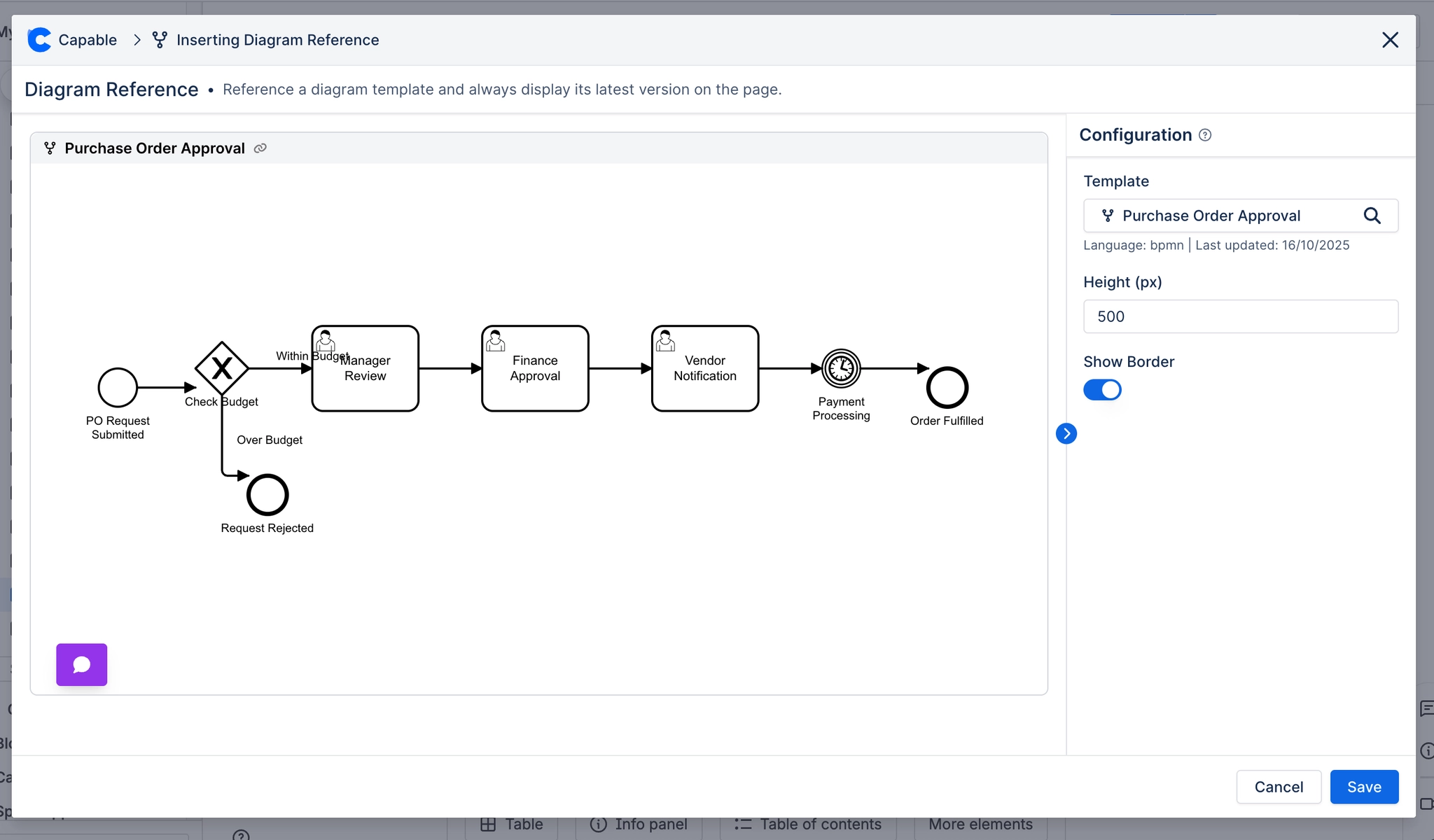
Height | Fixed height in pixels. Ignored when proportional or classic sizing applies. |
Display mode | How the diagram is sized and scaled. See the table below. |
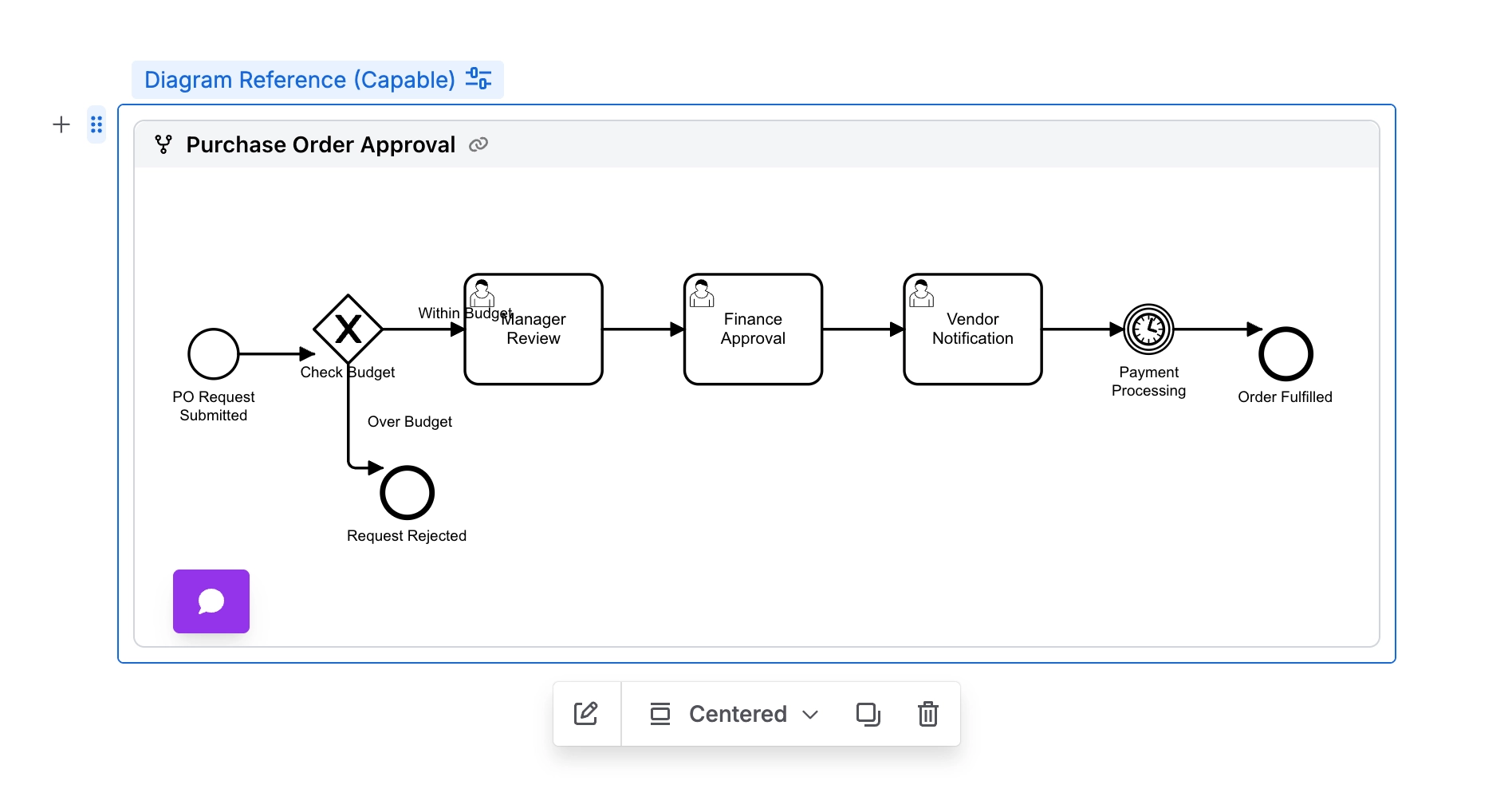
Alignment | Left, centre or right, within the macro container. Only Auto and Classic have room to move. |
Dark mode | Inherit, enabled or disabled. Inherit follows the space setting and the reader's theme. |
Proportional | Auto-height: the container grows to fit the diagram instead of scrolling. |
Scrollable | Native scrollbars instead of pan and zoom. Good for very wide diagrams. |
Smart Scale | Proportional scaling, so a small diagram is not blown up to fill the width. |
Options | Show Border draws a frame around the diagram. |
Diagram version pin | Renders a specific stored version rather than the latest. |
#Display modes
Mode | What it does | Use when |
|---|---|---|
Auto | Proportional sizing with scrollbars when needed | The default, and right for most diagrams |
Fixed | Pan and zoom inside a fixed-height box | The diagram is large and readers will explore it |
Max | Proportional, expanded to the full column width | A wide diagram that should fill the page |
Classic | Natural size, left aligned, box hugs the diagram | draw.io parity, and small diagrams that should stay small |
If a diagram looks clipped, start here. Display mode is the setting behind almost every sizing complaint. Troubleshooting has the full decision tree.
#The toolbar on the page
Hover over a published diagram and a small toolbar appears. Which buttons show depends on the diagram's language and on what you are allowed to do.
Button | What it does |
|---|---|
Comment count | The first button, yellow, showing how many comments the diagram has (100+ past 100). Select it to open the diagram full screen with the comments open. It only appears once a diagram has comments. See Comments on diagrams. |
Decrease size and Increase size | Zoom the diagram inside its box. Not shown for Excalidraw, or in display modes that size the diagram for you. |
Edit diagram | Opens the editor. Only shown to people who can edit the diagram. |
Toggle dark mode | Switches the diagram between light and dark rendering when Confluence is in dark mode. |
Download diagram | Downloads the rendered SVG. For draw.io it reads Download diagram as PNG. Not offered for Excalidraw, BPMN or DMN; use the full-screen view to export those. See Export a diagram. |
Maximize | Opens the diagram full screen, with download, share and Comments buttons. |
#A few things that catch people out
Inherit is not a value, it is a deferral. Changing the space setting moves every inheriting macro.
Height is ignored by the modes that size themselves. Setting it and seeing nothing change is expected.
Alignment does nothing in Fixed and Max, because those already span the column.
The comment count does not refresh by itself. It updates when you close the full-screen view, or when the page reloads.
#Related
The page you only need when something is odd.






















