
Editors
Six surfaces, each suited to different work. This section covers driving each one; the choice between them is in Diagram types.
#The surfaces
Editor | Suited to |
|---|---|
draw.io | Precise drawing: architecture, network maps, floor plans. |
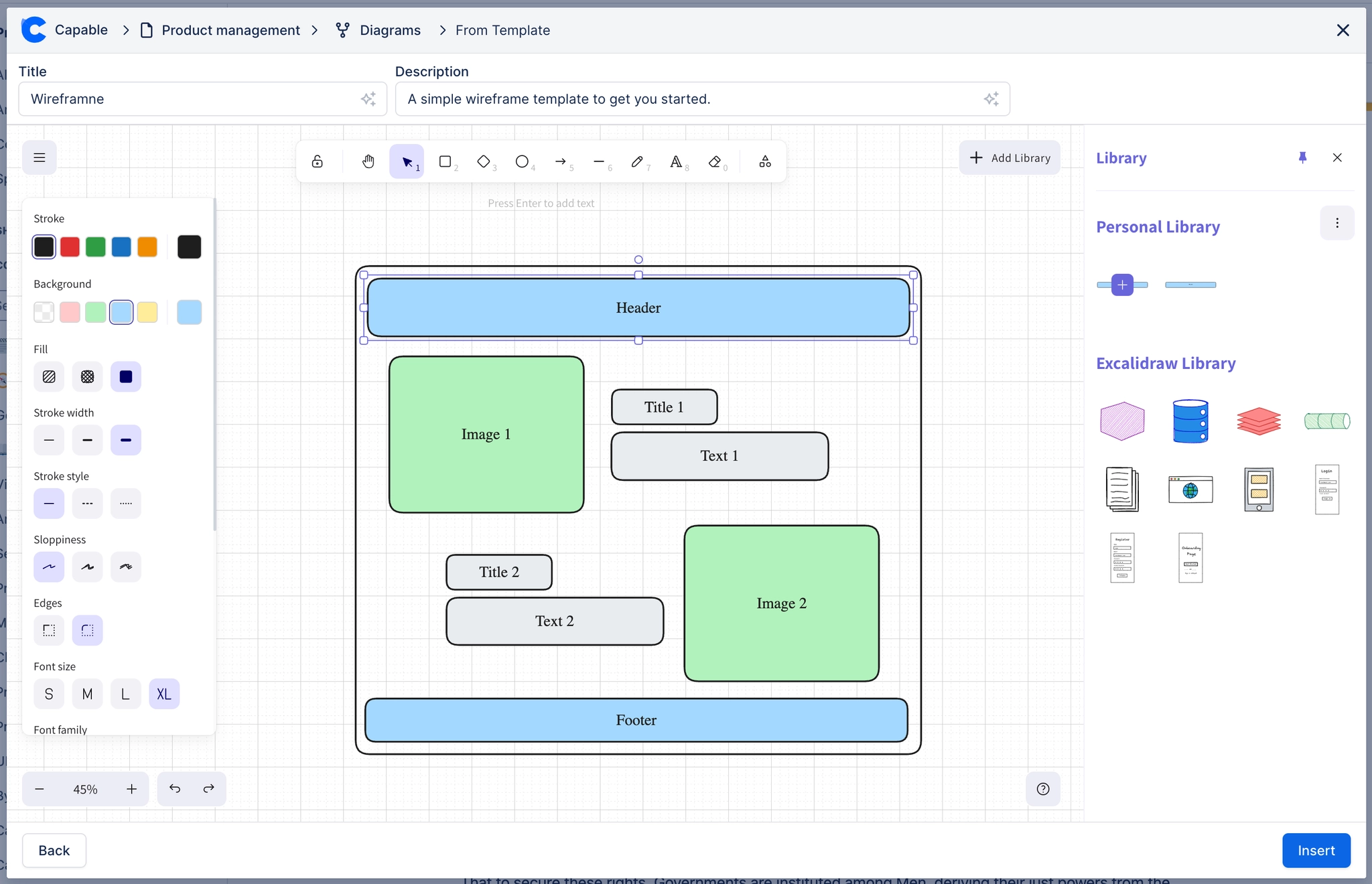
Excalidraw | Rough sketching where a provisional look is the point. |
Text editor | Mermaid, PlantUML, Graphviz and the rest, written as source. |
Mermaid visual editor | Mermaid, edited by clicking rather than typing. |
BPMN | Business processes, validated against the standard. |
DMN | Decision tables and rules. |
#Everything in this section
Choose an editorA decision tree for picking the right editing surface, and what each one costs you.How diagrams are savedWhat a save actually writes, why there are two records, and what that means when things go wrong.draw.io editorThe full drawing surface: shape libraries, connectors that stay attached, layers and precise placement.Excalidraw editorFast, deliberately rough sketching for workshops, RFCs and anything still up for debate.BPMN editorModel business processes in proper BPMN 2.0, validated against the standard rather than drawn to look like it.DMN editorDecision tables and rules in DMN, so business logic stays checkable instead of turning into prose.Text editorWrite diagrams as source in Mermaid, PlantUML, Graphviz and the rest, with live preview.Mermaid visual editorBuild Mermaid diagrams by clicking rather than typing, with real Mermaid source underneath.
#Related
Six surfaces, one place they all live.






















