
Diagrams in PDF and Word exports
Page exports are how diagrams reach people who will never open Confluence. It is worth knowing what survives.
#What survives
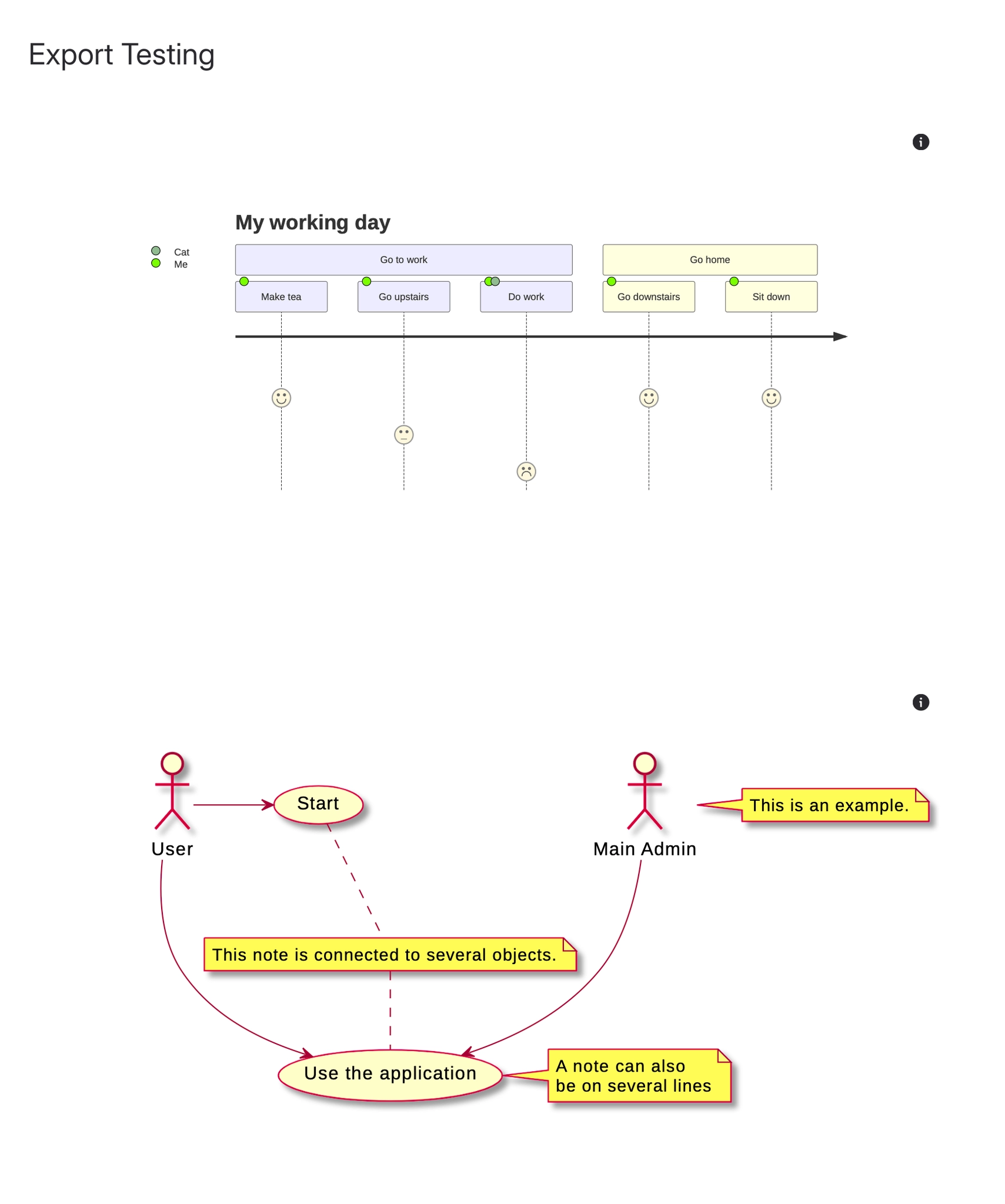
Export | Diagrams | Notes |
|---|---|---|
Confluence PDF | Rendered as images | Uses the stored rendering, so it works offline |
Confluence Word | Rendered as images | Same rendering, embedded in the document |
Capable Sites | Rendered properly, and links still work. See Integrations. | The best option for documentation you publish |
Clickable areas do not survive PDF and Word. A diagram whose shapes link to pages exports as a flat picture. If the links matter, publish to a site instead.
#A few things that catch people out
A diagram edited seconds before export may export its previous rendering.
Very wide diagrams are scaled to the page and can become unreadable; consider splitting them.
Dark mode is never applied to exports.
#Related
It still works for people without Confluence.






















