
Approval for Confluence
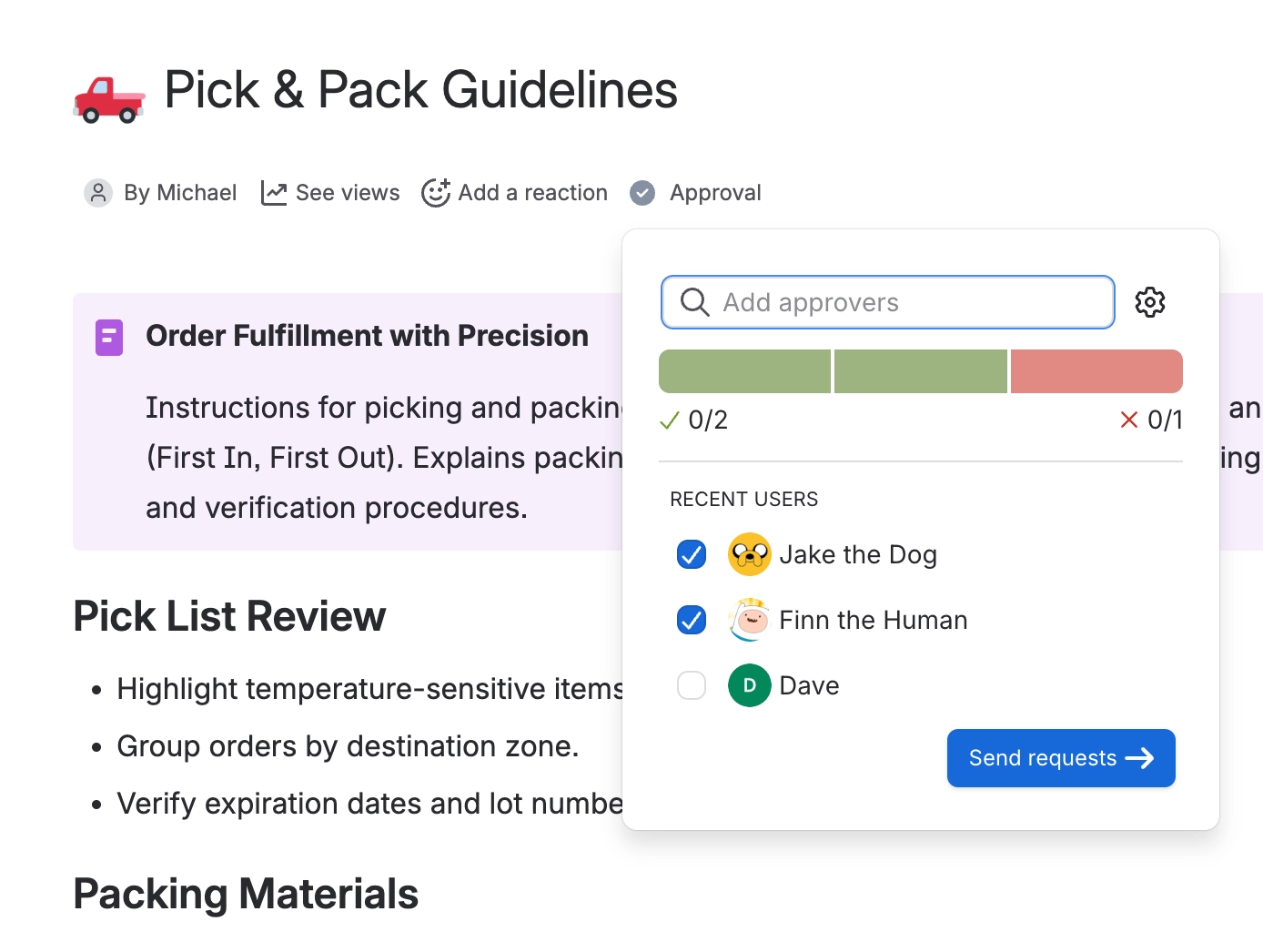
Capable Approval turns any Confluence page into a controlled document. Ask named people or a standing team to sign it off, decide how many of them have to agree, and get a permanent record of who approved what, and against which version of the page. When the page changes, the approval resets, so a signature never outlives the content it was given for.
#Start here
Get started
Install it and get your first page approved in five minutes.
How-to guides and FAQ
Step-by-step answers to the things people search for, and the FAQ.
Overview
What it does for your team, and the problems it takes off your plate.
Guides
Request, respond, set up teams, automate and track approvals.
Administration
Space and site settings, permissions and rolling it out.
Integrations
Slack, Microsoft Teams, Publishing, Sites, Search and AI assistants.
Security and privacy
Signatures, what is recorded, and who can see what.
#What you can do with it
You want to | Go to |
|---|---|
Send this page for sign-off | |
Answer a request somebody sent you | |
Stop picking the same five people every time | |
Make pages come back for review every six months | |
Make every new page in a space need approval | |
Require a code before somebody can approve | |
Prove to an auditor who approved what, and when | |
Approve without leaving Slack | |
Approve without leaving Microsoft Teams | |
Publish a page the moment it is approved | |
See everything waiting on you in one place | |
Bring everything across from the standalone Capable Approval app | |
Follow short step-by-step guides for common tasks |
#Working to a standard
If you are working to SOC 2, ISO 9001, ISO 27001 or FDA 21 CFR Part 11, Compliance sets out exactly which requirements Capable covers, which it covers partly, and which it does not. It also has a suggested configuration for a regulated space. Known limitations lists every boundary in one place, so nothing surprises you halfway through a rollout.
#How it fits with the rest of Capable
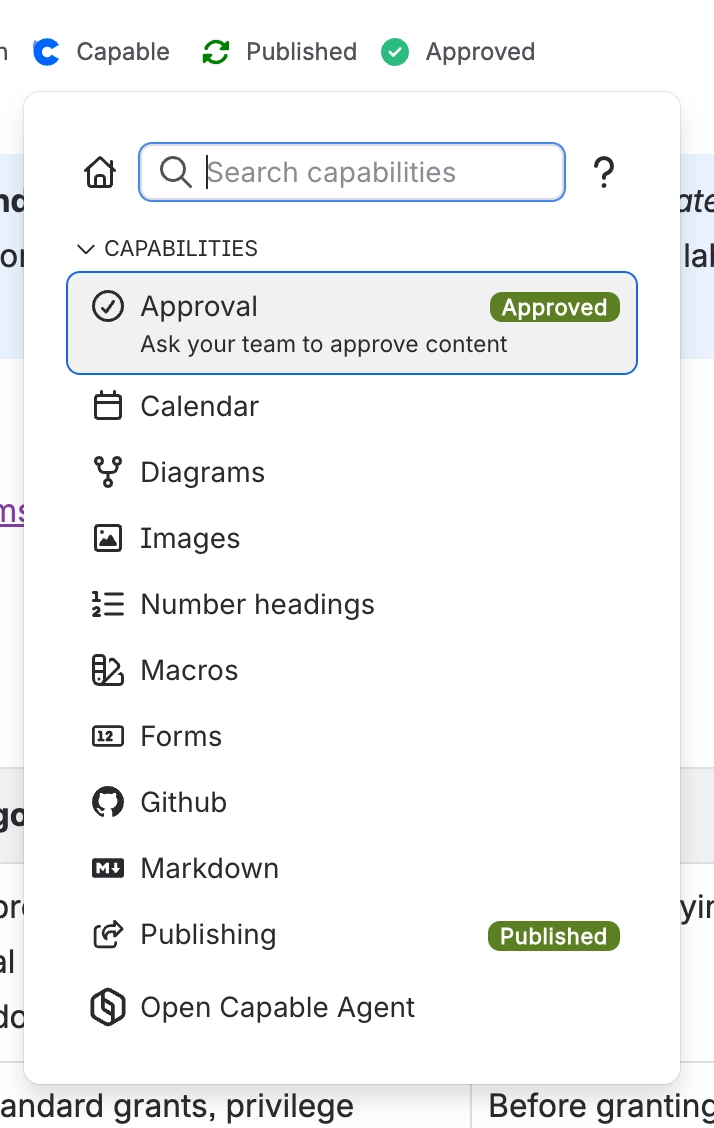
Approval is one capability in Capable for Confluence. It shares the byline under the page title with the others, and it feeds four of them directly: Search can filter and report on approval state across a whole site, Publishing can push a page live the moment it is approved, Sites can show approval state to your public readers, and Rovo lets you ask about approvals in plain language.
#Everything in this space
Sign-off that sticks, on the pages you already have.






















