
Edit the diagram XML
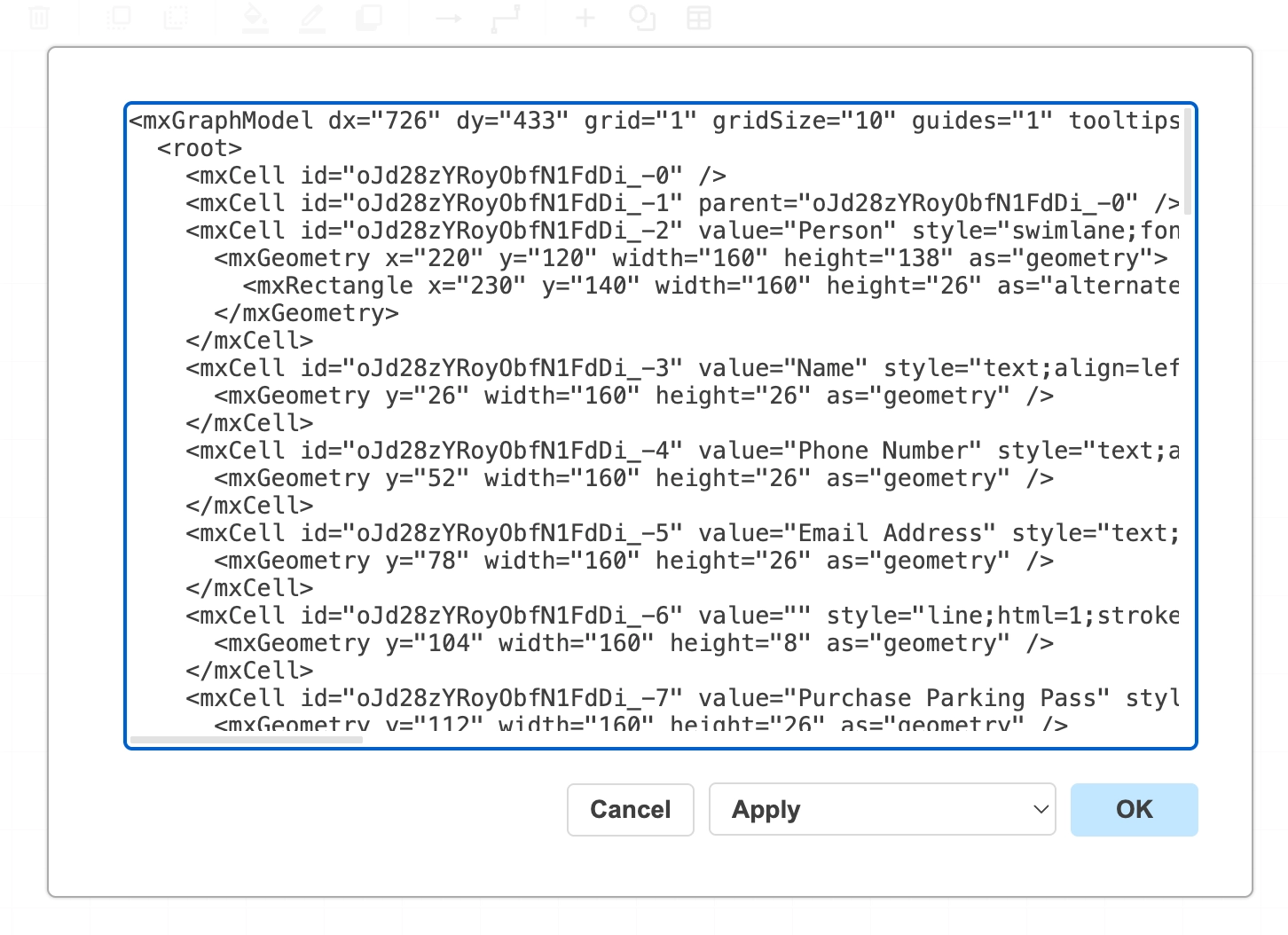
Underneath the canvas is draw.io XML, and you can edit it directly. That makes bulk changes trivial: rename thirty shapes, restyle everything, or fix something the UI makes awkward.
It is also how you paste in a diagram somebody sent you as XML.
#What this is for
Bulk edits that would take a hundred clicks.
Pasting in a diagram supplied as XML.
Debugging a diagram that behaves oddly.
#How it works
Action | How |
|---|---|
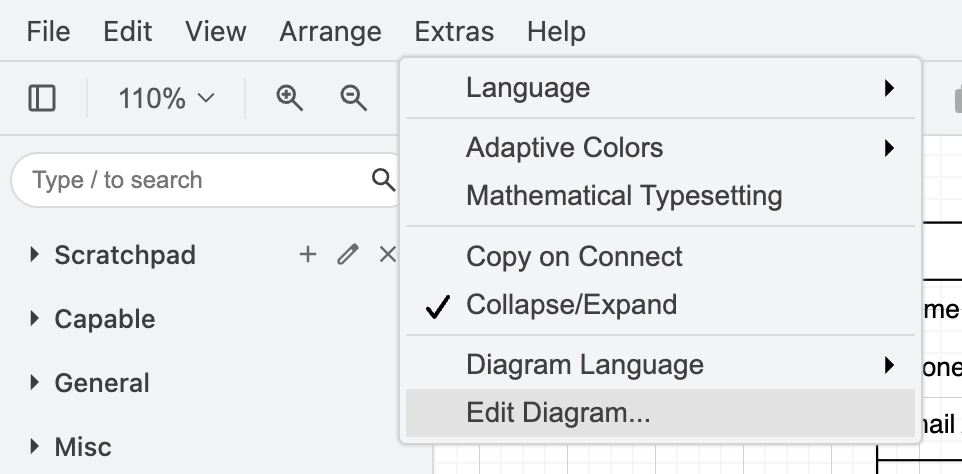
Open the XML | Extras, Edit Diagram. |
Replace the diagram | Paste new XML over the existing content and confirm. |
Edit one shape's style | Ctrl+E with the shape selected, which is a smaller version of the same idea. |
Cancel | Close without confirming; nothing is applied. |
#A few things that catch people out
Invalid XML is rejected rather than applied, so the worst case is that nothing happens.
Take a copy before a large hand edit. The undo history does not always survive a full replace.
The XML is standard draw.io, so it opens anywhere else too. See Reference.
#Related
The canvas rewards ten minutes of learning.






















