
Mobile wireframe (Excalidraw)
Mobile wireframes have to be drawn at a realistic size or they hide the problem they exist to reveal: that everything does not fit.
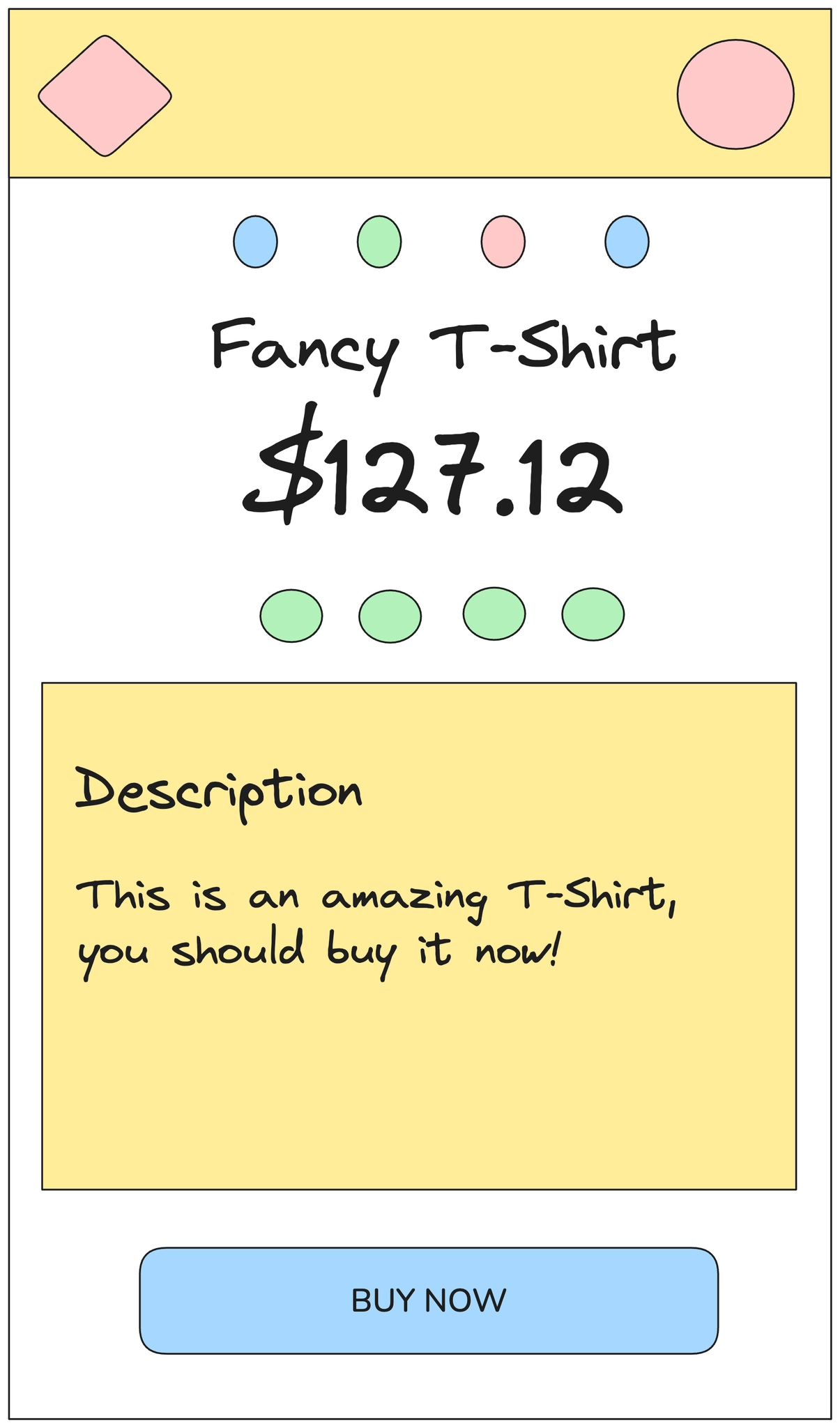
#What this example shows
A device frame at realistic proportions.
The fold marked explicitly, so it is obvious what is below it.
Touch targets drawn at a real minimum size.
#How to build it
Step | What you do |
|---|---|
1 | Draw the device frame first, at roughly 2:1 proportions. |
2 | Add the status bar and any tab bar; both take more room than people remember. |
3 | Draw a horizontal line where the fold falls, and label it. |
4 | Block out the content, keeping every tappable element at a real target size. |
5 | Group the whole screen so you can duplicate it for the next state. |
#Making it your own
Duplicate the frame with Alt+drag for each state rather than redrawing it.
Use frames to hold each screen, so you can move a whole flow at once.
Draw the long-text case; it breaks more mobile layouts than anything else.
#Related
Rough on purpose, and quicker for it.






















