
Images for Confluence
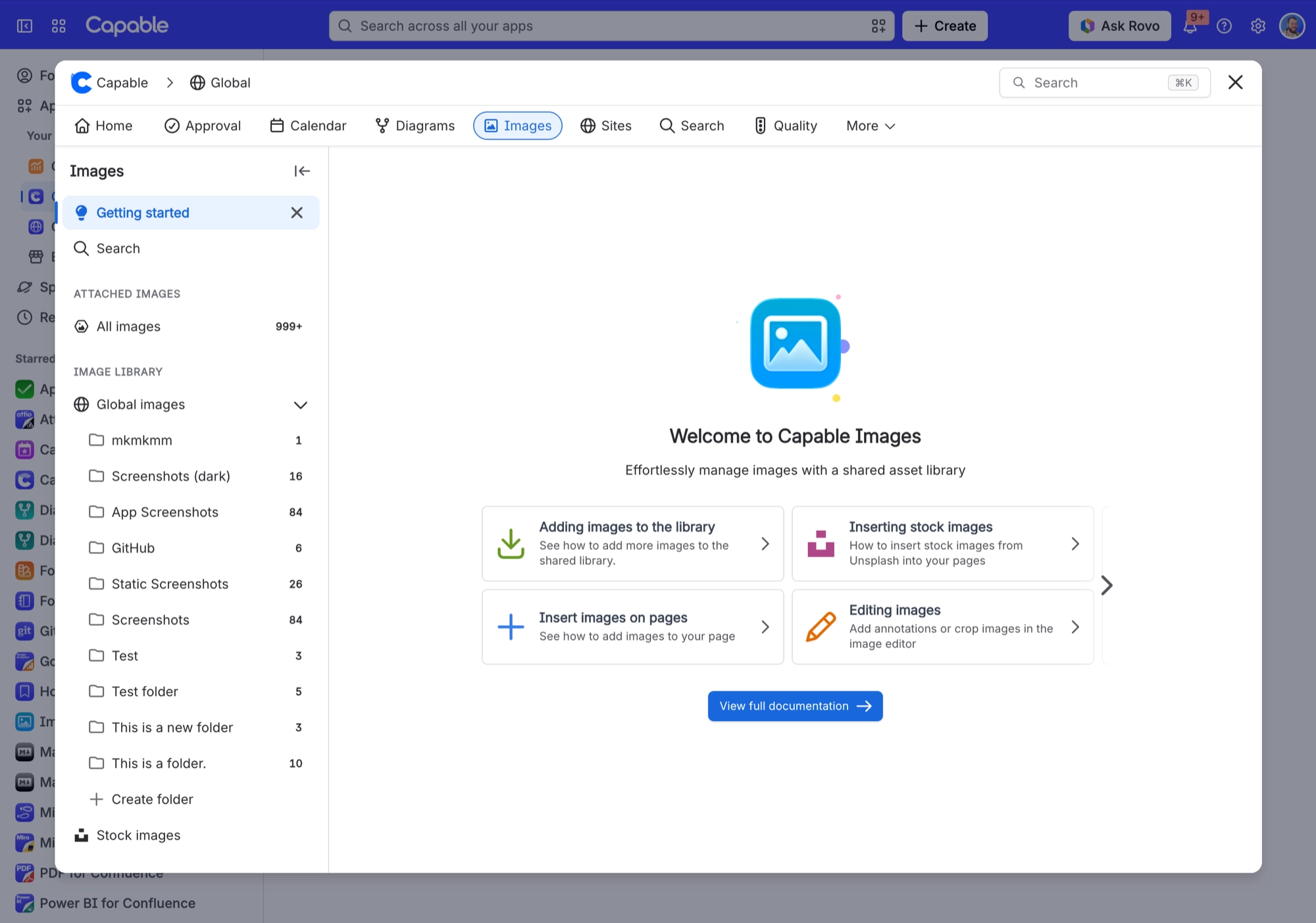
Capable Images gives Confluence a proper image library. Images live in two places: a per-space library, and one site-wide "Global" library.
Inside each library you can create a single flat level of folders (no sub-folders), upload files, drag in page attachments or Unsplash stock photos, rename, move and delete.
Every image in the library is searchable. Your original file is kept exactly as you uploaded it, with a small thumbnail made for browsing.
Once an image is in the library you can put it on a page three ways: as a plain native Confluence image (a frozen copy that survives exports and logged-out readers), as the Image reference macro (a live link that always shows the latest version of the library image), or as the Image folder gallery macro.
#Start here
#Everything in this space
Written against the app as it behaves today.






















