
Drafts and recovery in draw.io
The editor does not save continuously. That is deliberate, because a diagram half-way through an edit is not something you want published.
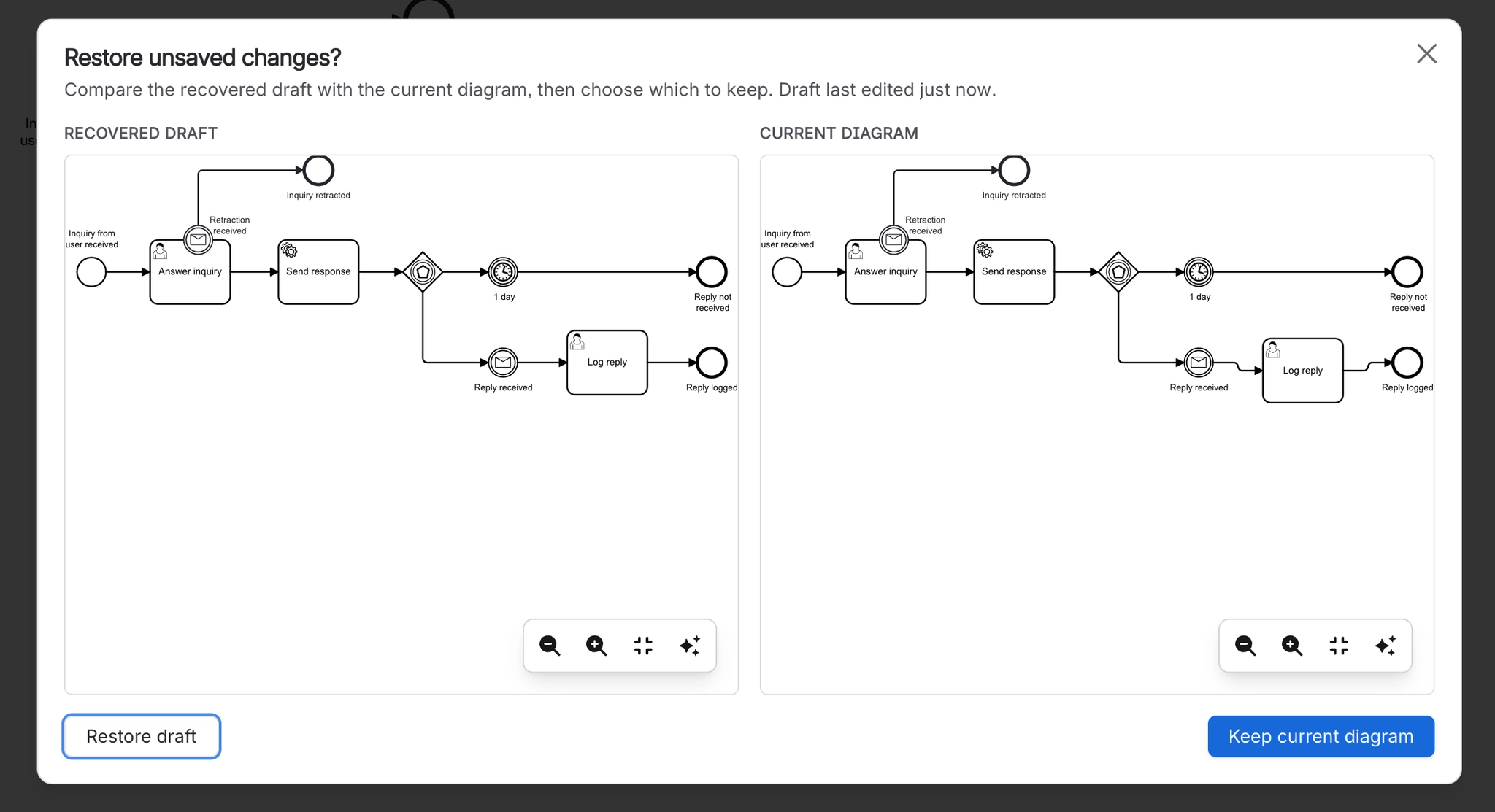
It does take local draft snapshots, so a crash or an accidental refresh does not cost you the work. Snapshots last seven days.
#What this is for
Recovering after a browser crash or an accidental reload.
Understanding what happens if you close the editor without saving.
Deciding how often to save during a long editing session.
#How it works
Action | How |
|---|---|
Saving | Explicit. Use the save action in the editor. |
Draft snapshots | Taken locally as you work, and offered when you reopen the editor. |
How long they last | Seven days. |
Where they live | In your browser, on that machine. |
Version history | Every save creates a version you can restore later. |
#A few things that catch people out
The close button is a cancel, not a save. Save before you close.
Draft snapshots are local, so they do not follow you to another machine or browser.
If a draft is not offered, version history is the next place to look. See Guides.
#Related
The canvas rewards ten minutes of learning.






















