
Hardware module (Symbolator)
Symbolator reads a VHDL or Verilog declaration and draws the block symbol. Because it reads the real interface, the picture cannot drift from the code.
#What this example shows
Port grouping comments, which organise the symbol.
Generics rendered as part of the interface.
Directions placing ports on the correct side.
#A worked example
Open it, edit it, or copy the source below.
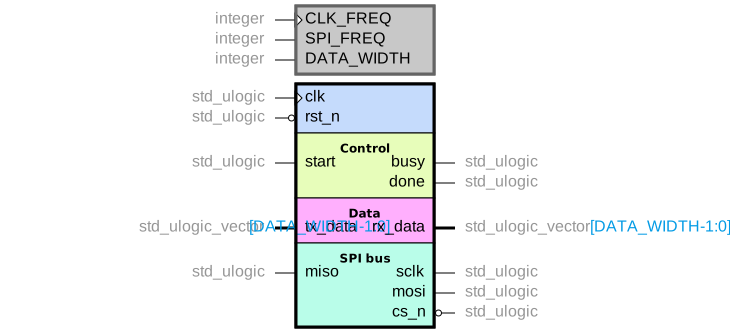
The source, which you can paste into a new diagram and edit:
#Making it your own
Only the declaration is read, so paste the header rather than the whole file.
The group comments are what make a wide interface readable.
Regenerate rather than editing the picture; that is the entire point.
#Related
Specialists. Borrow one when you need it.






















