
Open the Mermaid visual editor
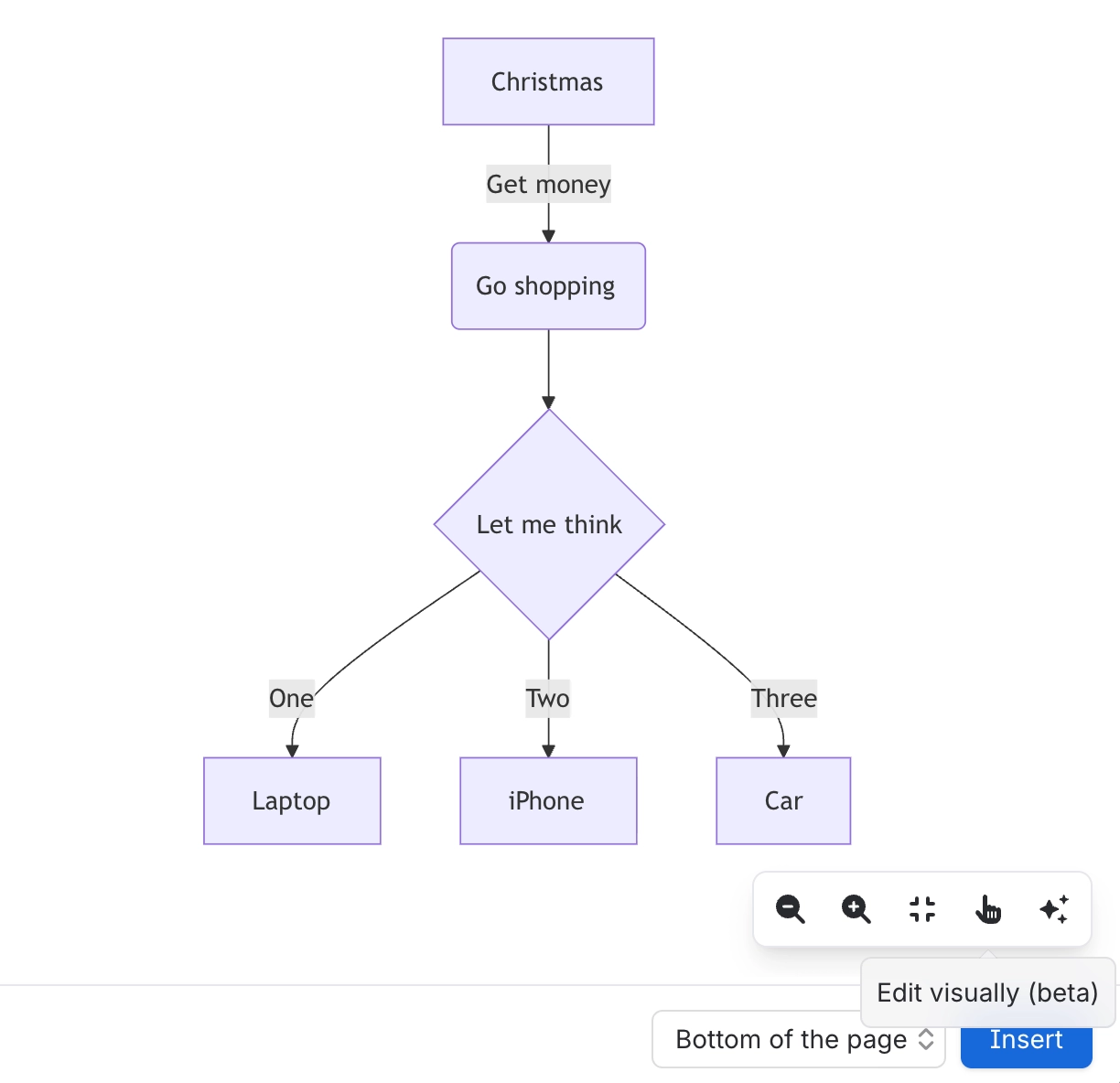
Mermaid diagrams have a second editing mode: a canvas where you can drag nodes, draw connections and rename things, with every gesture written back into the source.
It is the bridge between the two ways of working. Text people keep their diffs; canvas people get to drag.
#What this is for
Editing a Mermaid diagram without writing syntax.
Rearranging a diagram somebody else wrote.
Showing a Mermaid diagram to somebody who will not touch the source.
#How it works
Action | How |
|---|---|
Open it | Switch from the static preview to the visual editor in the editor toolbar. |
Go back | Switch back to the code view at any time; the source is already updated. |
Availability | Only for the Mermaid types the visual editor supports. |
The source | Remains the source of truth throughout. |
#A few things that catch people out
Not every Mermaid type can be edited visually. The button is absent for the ones that cannot.
The source is always authoritative. The canvas is a view onto it, not a replacement for it.
Anything the canvas cannot express is still editable in the code pane.
#Related
Drag it. The text keeps up.






















