
Create a draw.io shape library
Once more than a couple of people draw architecture diagrams, they diverge. A shared library is the cheapest way to stop that.
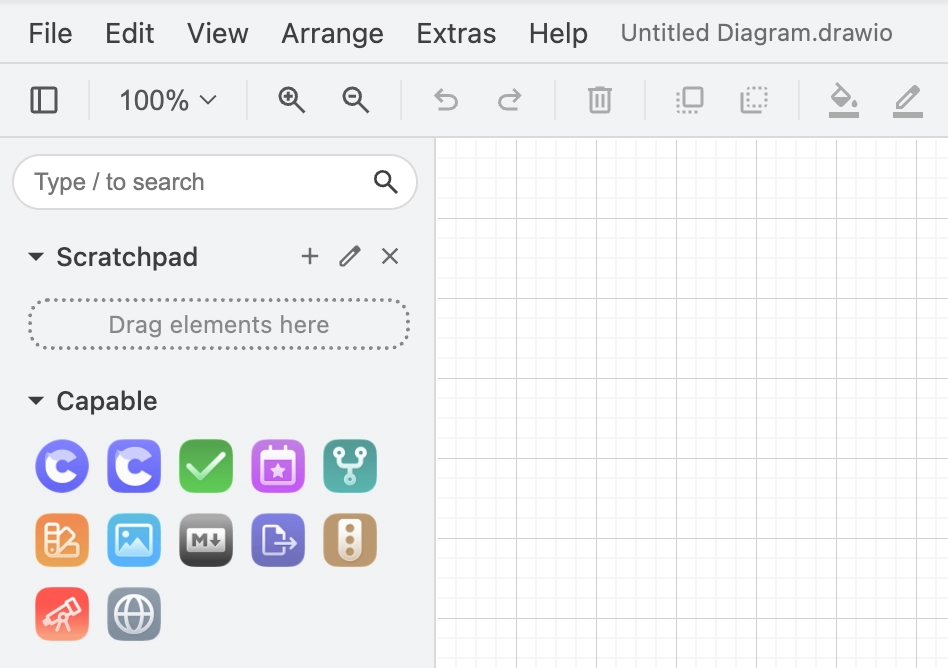
#How to
#1. In the draw.io editor, build the shapes you want to share.
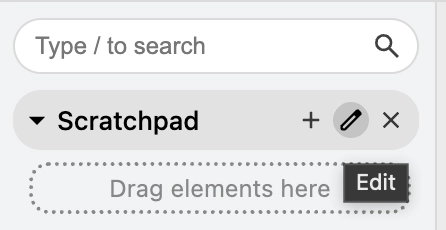
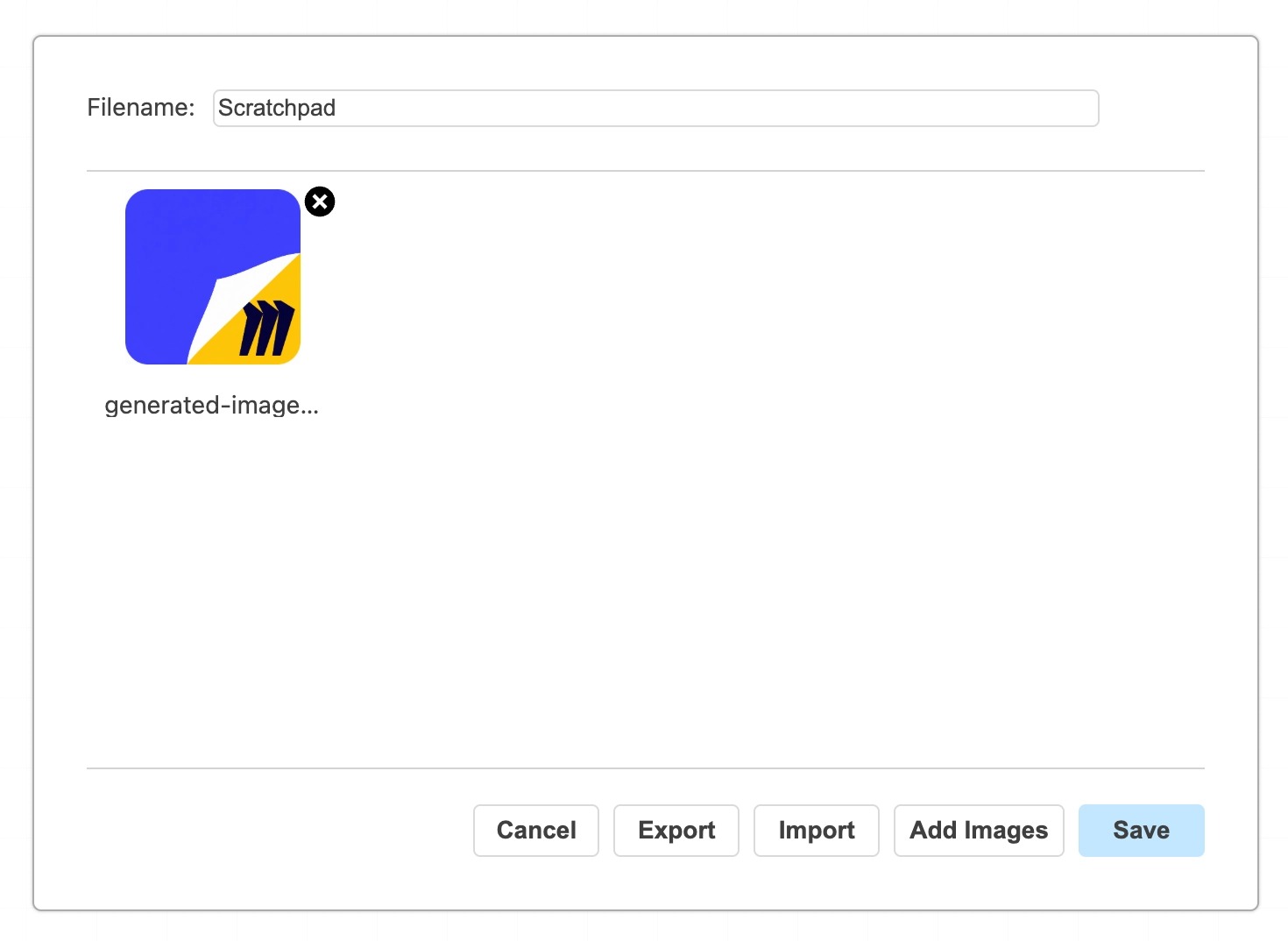
#2. Add any images you want to the shape library
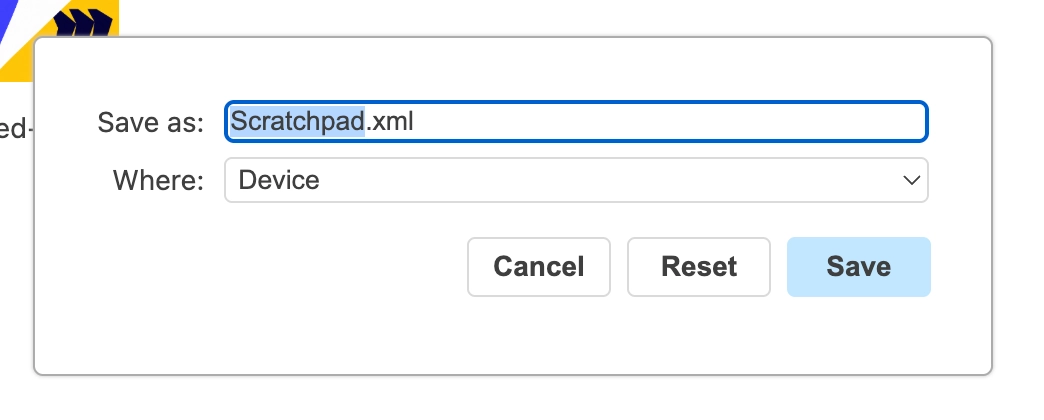
#3. Save them as a library file.
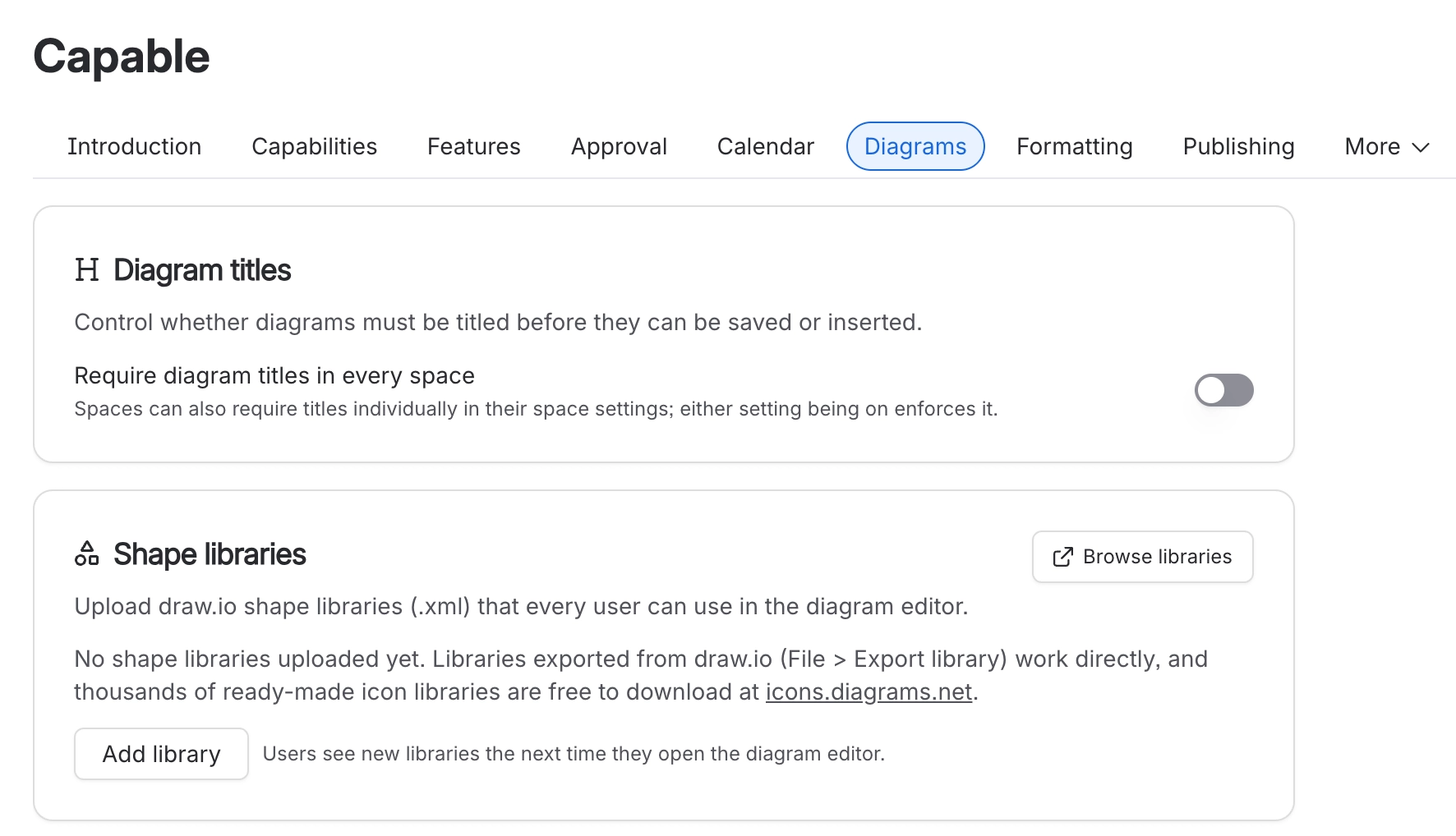
#4. Upload it so it is available site-wide. See https://innovator.atlassian.net/wiki/spaces/NDFC/pages/1409089631.
#What belongs in one
Your product's own components, drawn once and named properly.
Brand-correct colours and logos.
A standard legend, so every diagram explains itself the same way.
#A few things that catch people out
Libraries are stored as attachments in your own site, so they never leave it.
Adding a shape to the library does not update diagrams already drawn with the old version.
Name shapes for what they are, not what they look like. Search uses the name.
#Related
One vocabulary, drawn the same way by everyone.






















