
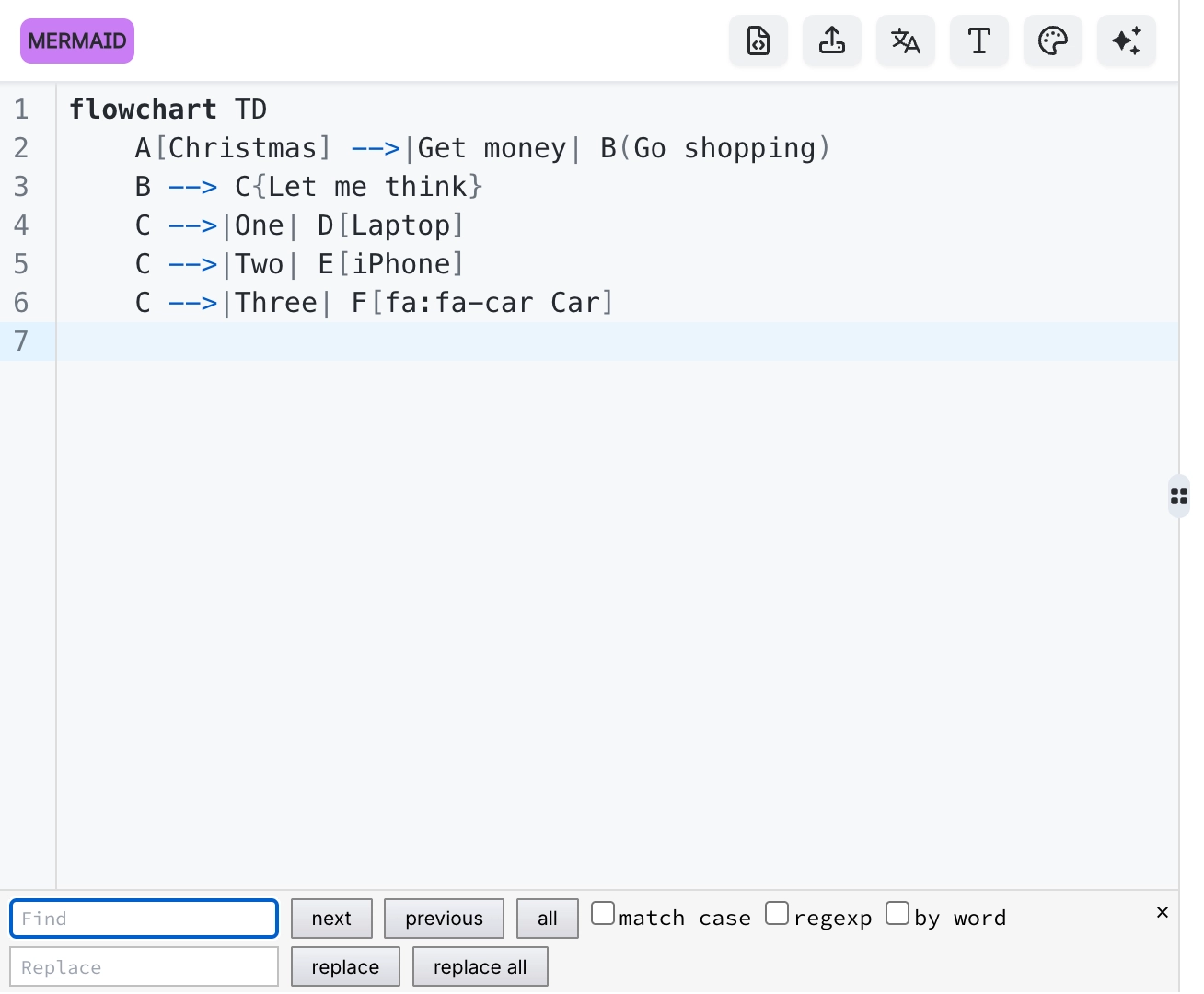
Find and replace in diagram code
Search and replace inside diagram source is the fastest way to do the edit people most often do by hand: renaming something that appears in fifteen places.
Column select is the other tool worth knowing, for editing the same position across many lines.
#What this is for
Renaming a node, service or entity throughout a diagram.
Editing the same field across many lines.
Finding where something is defined in a long source.
#How it works
Action | How |
|---|---|
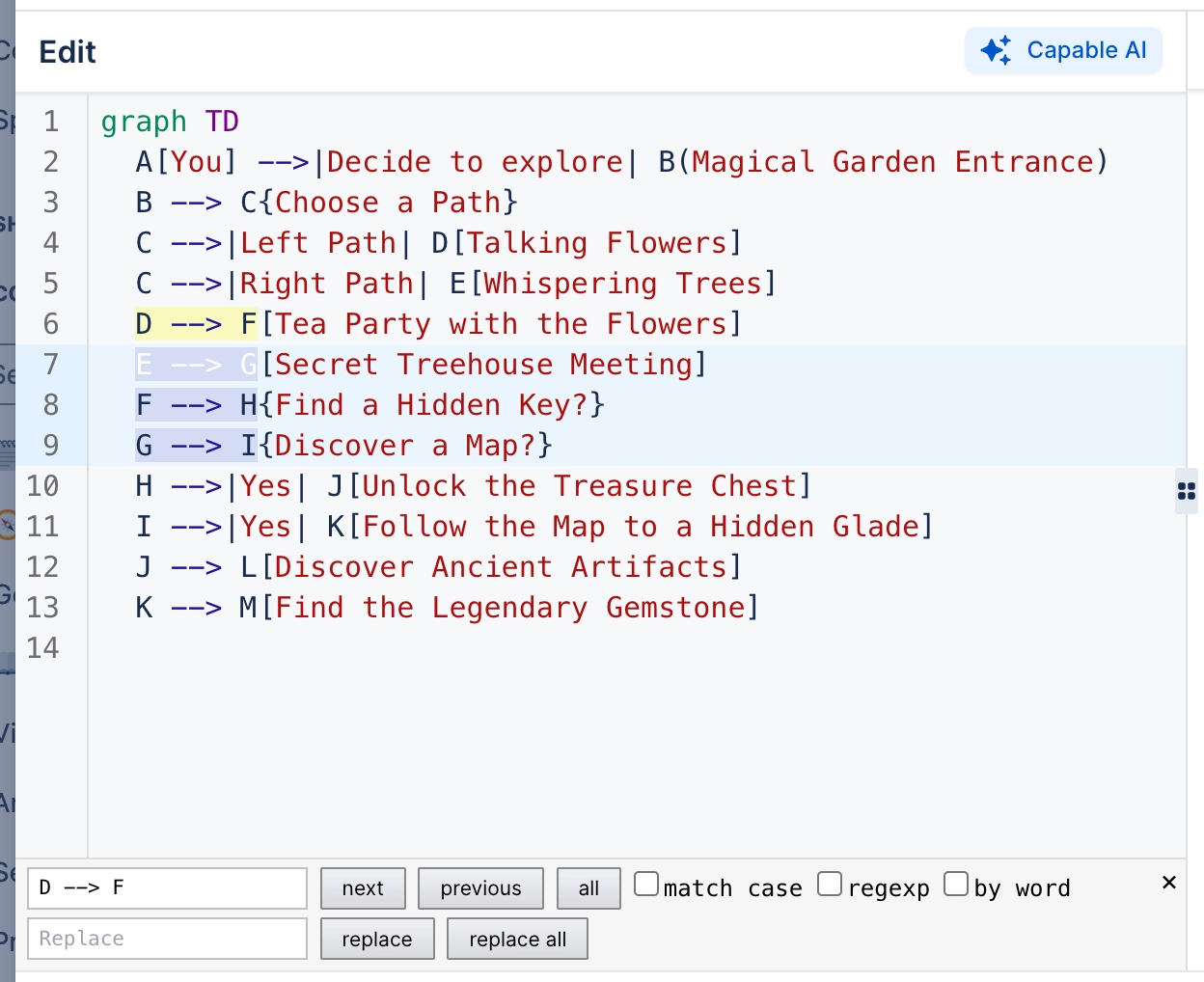
Find | Ctrl+F opens the search panel. |
Replace | Ctrl+H, or the replace field in the search panel. |
Replace all | Applies to the whole source at once. |
Column select | Hold Alt and drag to select the same columns across lines. |
Multi-cursor | Alt+click to place several cursors. |
#A few things that catch people out
Replace all is not undone selectively. Check the count before confirming a large replace.
Column select is how you add the same suffix to twenty lines in one gesture.
The preview updates after the replace, so an error is immediately visible.
#Related
The source is right there. Read it.






















