
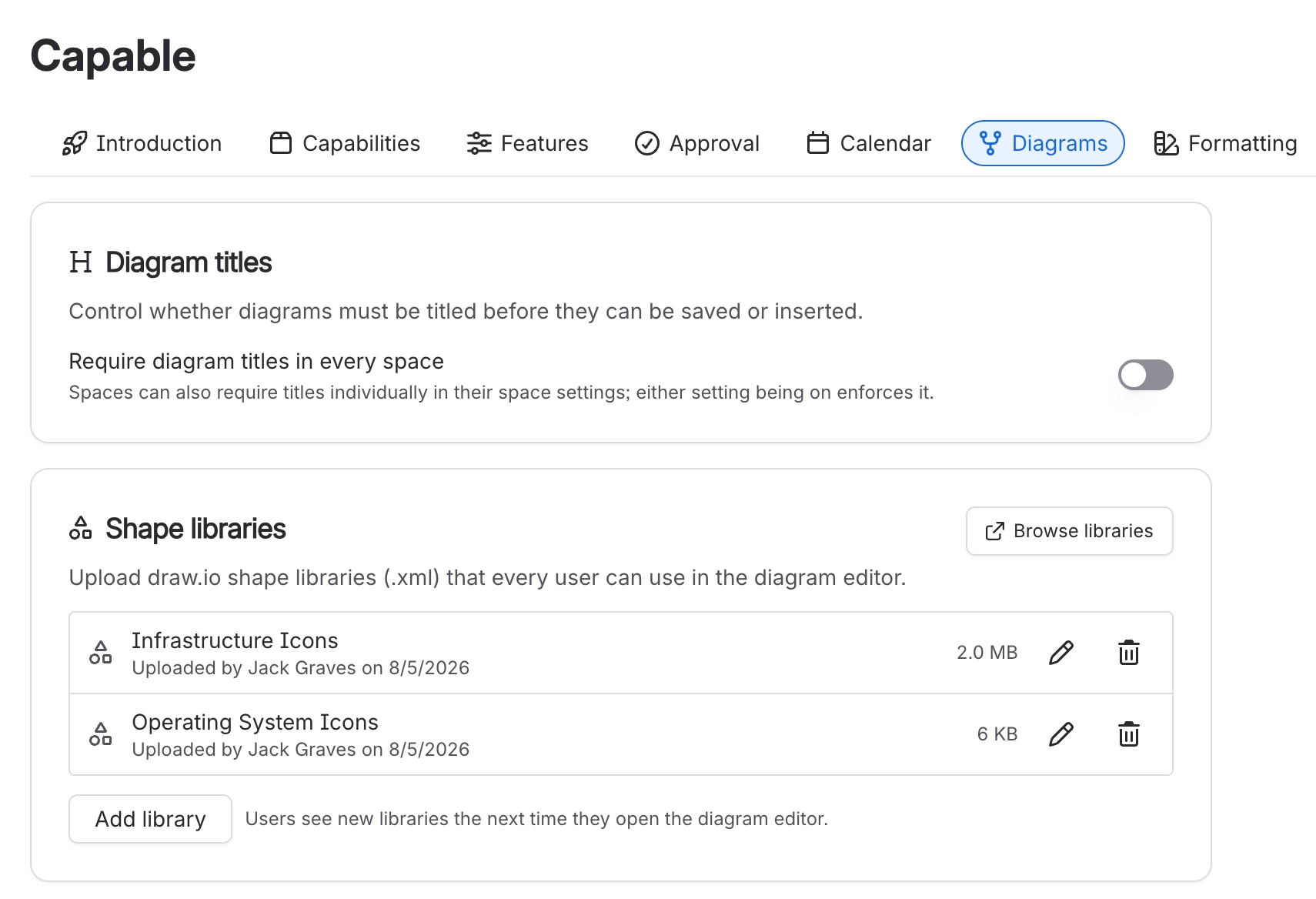
Global shape libraries
A shared shape library means everyone drawing architecture diagrams uses the same components, drawn the same way. Without one, five people invent five versions of your own product.
Libraries are draw.io mxlibrary files, stored as attachments in your own site, and available in every editor once uploaded.
#When you would change this
Standardising diagrams across teams.
Distributing brand-correct shapes, colours and logos.
Sharing a library somebody has already built on their own machine.
#What you can set
Setting | What it does |
|---|---|
Format | draw.io mxlibrary XML, exported from the editor. |
Where they live | Attachments in your Confluence site. Nothing leaves it. |
Who can upload | A Confluence administrator. |
Who can use them | Everyone, in every space, automatically. |
#A few things that catch people out
Updating a library does not update diagrams already drawn with the old shapes.
Name shapes for what they are; the name is what search matches on.
Excalidraw libraries are a different format and are managed separately.
#Related
Set it once, in the right place.






















