
Arrows, groups and frames
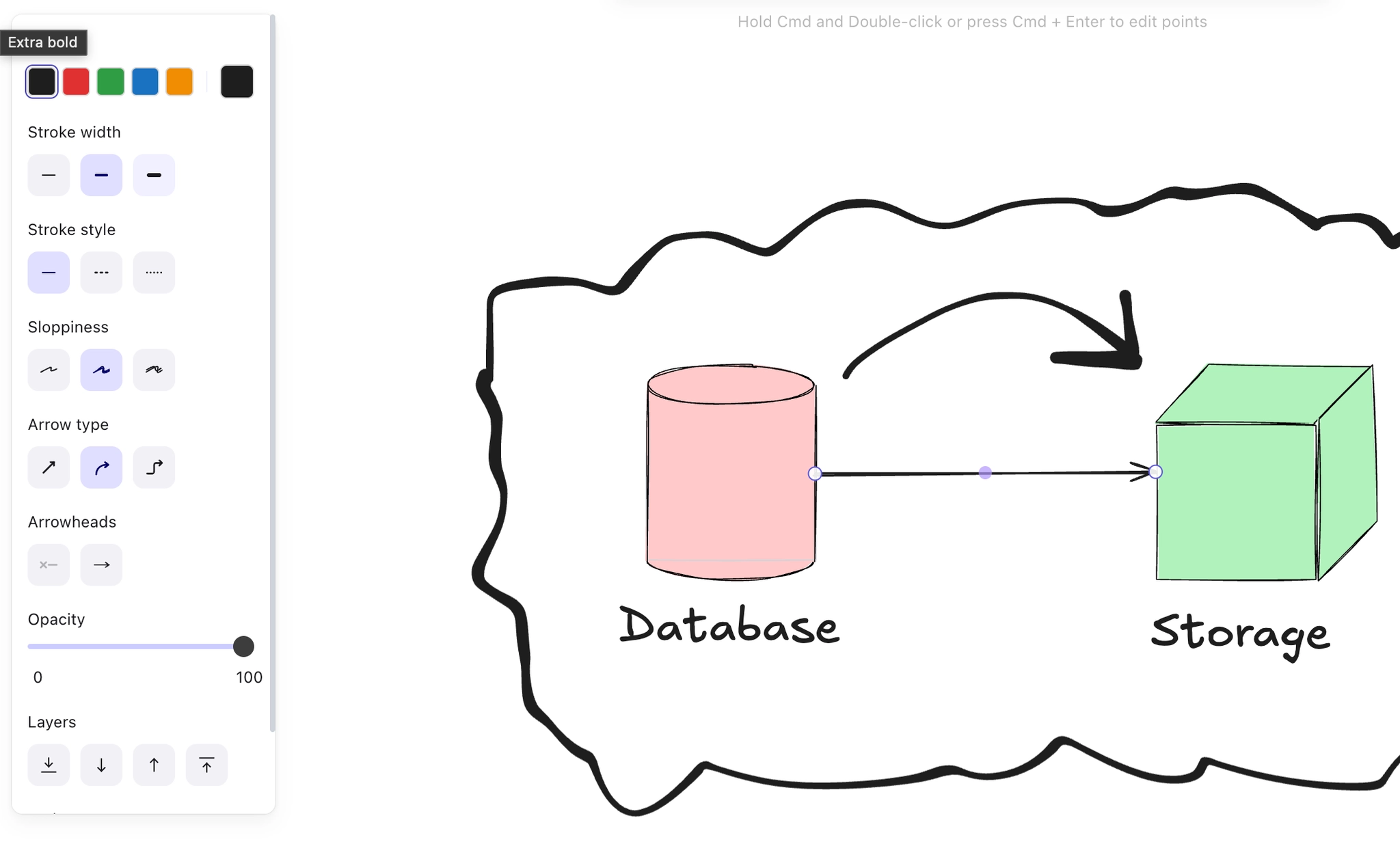
An arrow drawn onto a shape binds to it, so it follows when the shape moves. An arrow drawn near a shape does not. This is the single most useful thing to know about Excalidraw.
Frames are the larger unit: a named region you can move, and which is useful for organising a workshop board.
#What this is for
Diagrams you will rearrange after drawing.
Workshop boards with several distinct sections.
Locking a background so you stop selecting it.
#How it works
Action | How |
|---|---|
Bind an arrow | Start or end it on a shape; the shape highlights when it will bind. |
Unbind | Drag the arrow endpoint away from the shape. |
Group | Ctrl+G, and Ctrl+Shift+G to ungroup. |
Frame | Press F, then drag. Name it, and moving the frame moves its contents. |
Lock | Ctrl+Shift+L locks the selection so it cannot be selected by dragging. |
#A few things that catch people out
Check the shape highlights before releasing. An unbound arrow looks identical until you move something.
Frames are for organising a board, groups are for moving a handful of elements. Do not confuse them.
Locking the background is the quickest fix for a board where you keep grabbing the wrong thing.
#Related
Rough on purpose.






















