
Space graph macro
The space-level version of the link graph. Most useful as a health check rather than as decoration.
#What to look for
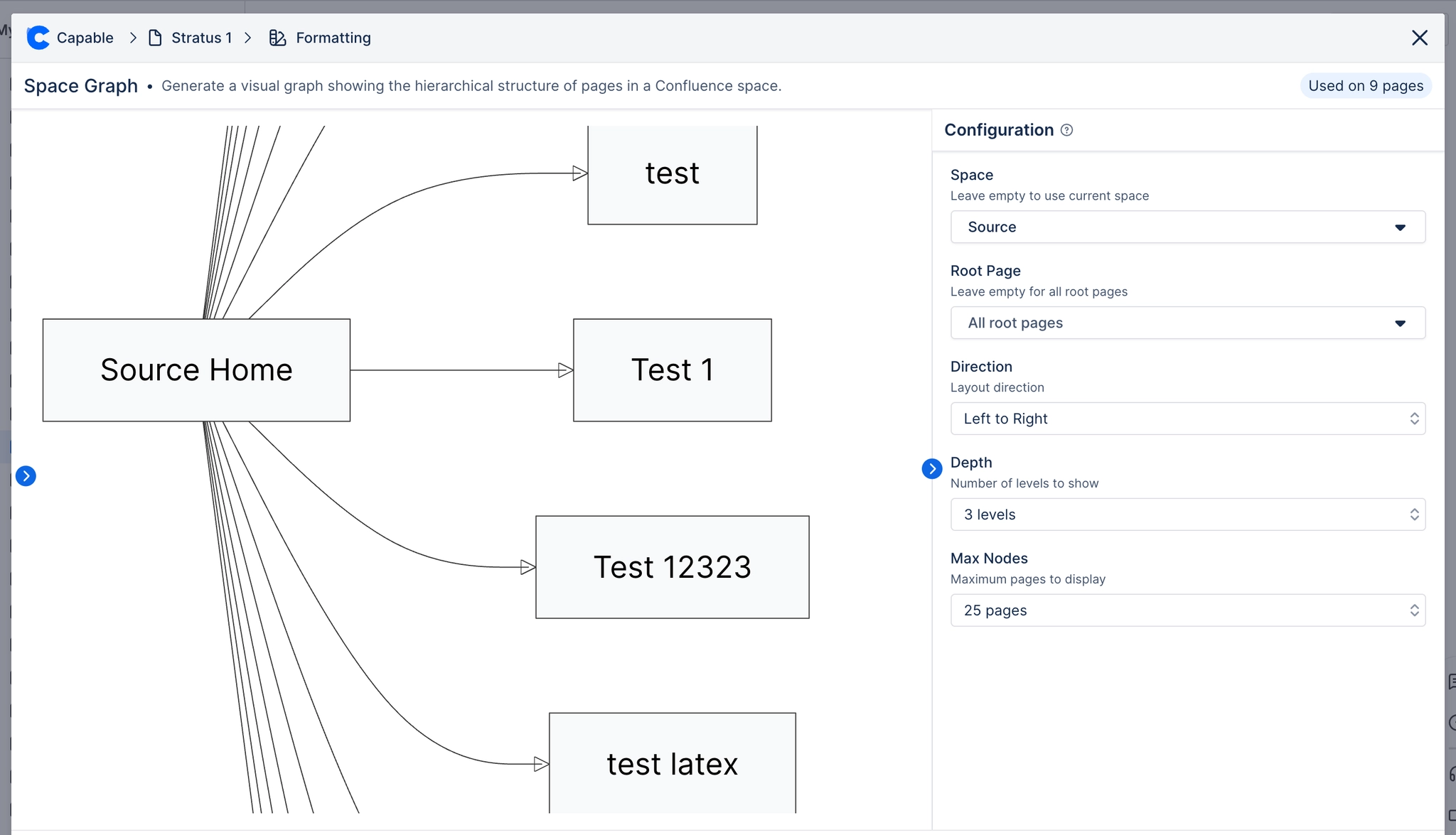
Pattern | What it usually means |
|---|---|
Isolated dots | Orphaned pages nobody links to, and probably nobody finds |
One page with everything attached | A hub doing too much; a candidate for splitting |
Dense clusters with no links between them | Two teams documenting the same area separately |
Run this before a restructure, not after. The graph tells you which pages people actually reach, which is rarely the structure you assumed.
#A few things that catch people out
Large spaces take time to render and can be dense enough to be unreadable. Filter where you can.
The graph shows links, not page importance. A popular page with few links still looks minor.
Permissions apply, so your view may differ from a colleague's.
#Related
Find the pages nobody can reach.






















