
Export a diagram
Diagrams leave Confluence more often than people expect: slide decks, tickets, emails to people without access.
#Which format
Format | Use when | Trade-off |
|---|---|---|
SVG | It will be resized, printed, or zoomed. | Not every tool accepts SVG. |
PNG | It is going somewhere that wants an image. | Fixed resolution; blurs when scaled up. |
Prefer SVG where it is accepted. It stays sharp at any size and keeps text as text, so it remains searchable and accessible.
#How to
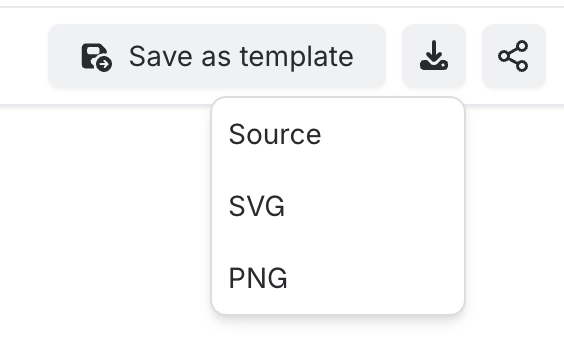
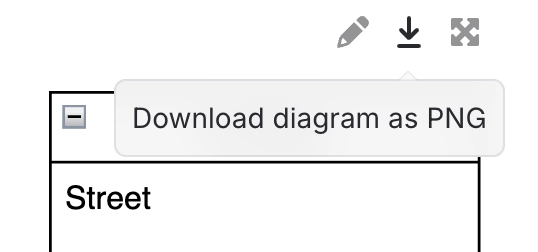
Open the diagram and choose export, then pick the format. The file downloads to your machine.
#A few things that catch people out
Exported images are a snapshot. They do not update when the diagram does.
Exports use the stored rendering, so a very recent edit may not be reflected. See How diagrams work.
Dark mode is not applied to exports; they render light.
#Related
Sharp at any size, if you pick SVG.






















