
Code pane and live preview
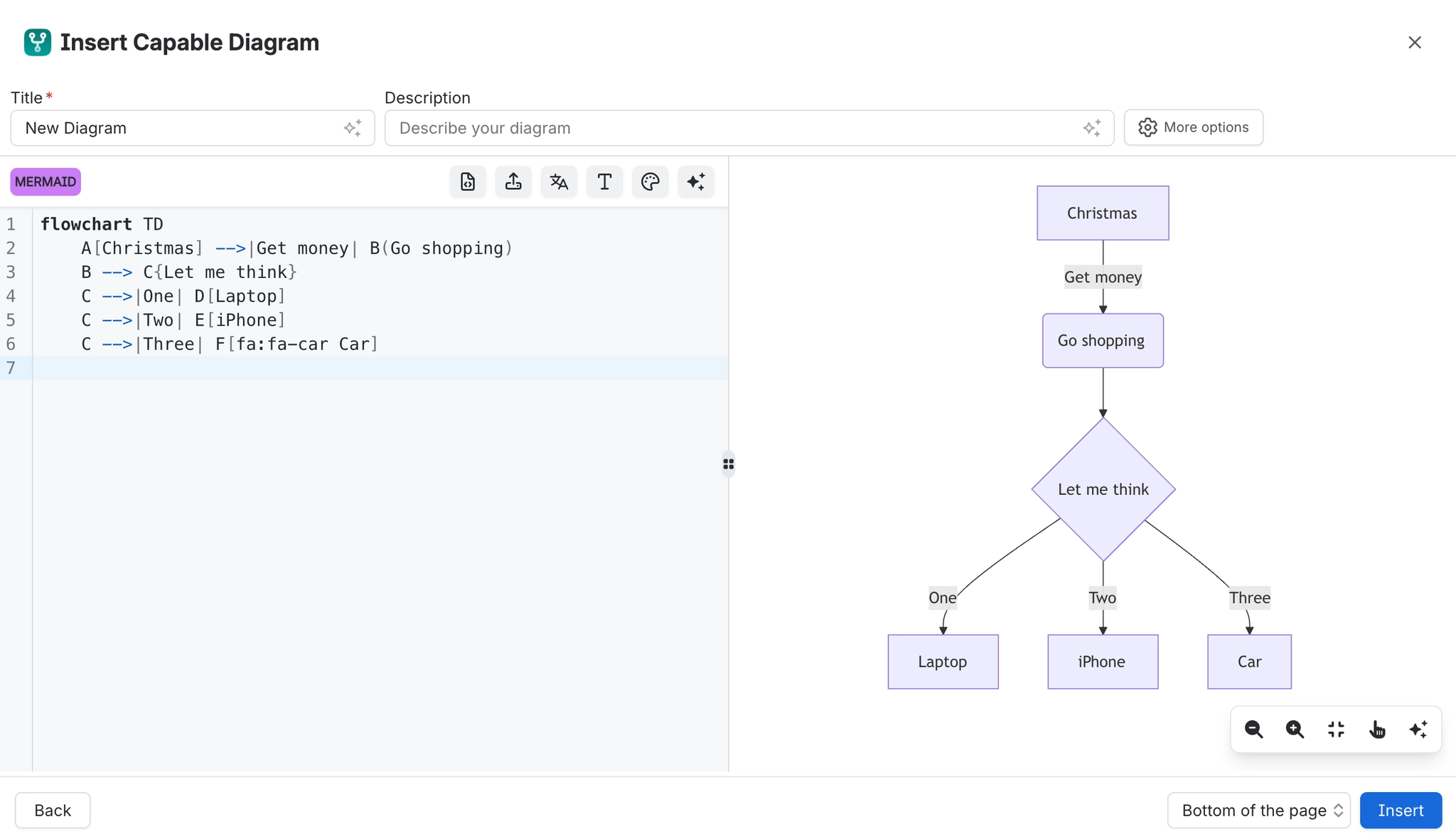
The text editor is a split view: source on the left, rendered diagram on the right. The preview updates as you type, which turns learning a diagram language into a fast feedback loop rather than a documentation exercise.
The split itself is draggable, so you can give whichever side needs the room.
#What this is for
Writing any text diagram.
Learning a language by trying things and seeing what happens.
Reading a long source while checking the result.
#How it works
Action | How |
|---|---|
Resize the split | Drag the divider between the panes. |
Preview refresh | Updates as you type, settling once you pause. |
Errors | Shown in place of the diagram, usually naming the line. |
Zoom the preview | The preview has its own zoom controls. |
Save | Explicit, from the editor toolbar. |
#A few things that catch people out
A preview that stops updating usually means a syntax error; the error replaces the diagram.
The preview is the same renderer used on the page, so what you see is what gets published.
Give the code pane the space when writing, and the preview the space when reviewing.
#Related
The source is right there. Read it.






















