
Excalidraw shape libraries
Excalidraw has its own library format, separate from draw.io's. The two are not interchangeable.
#How it works
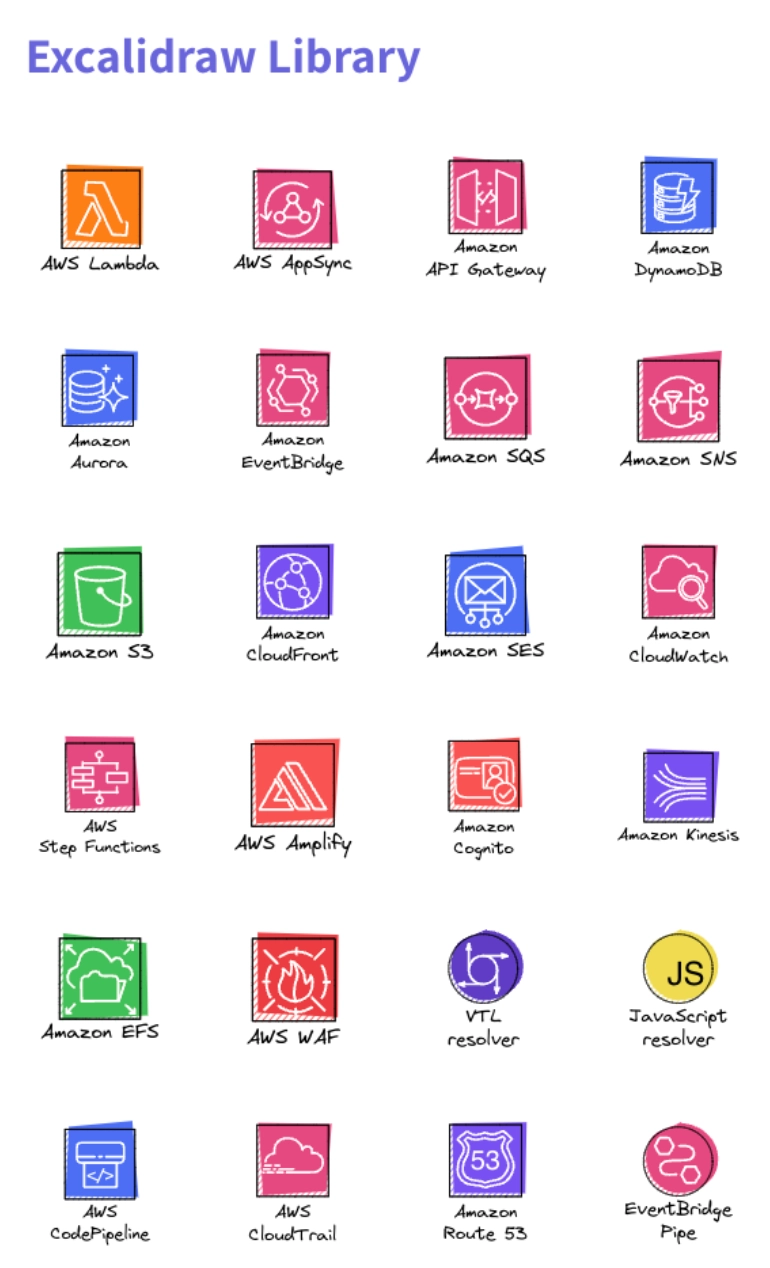
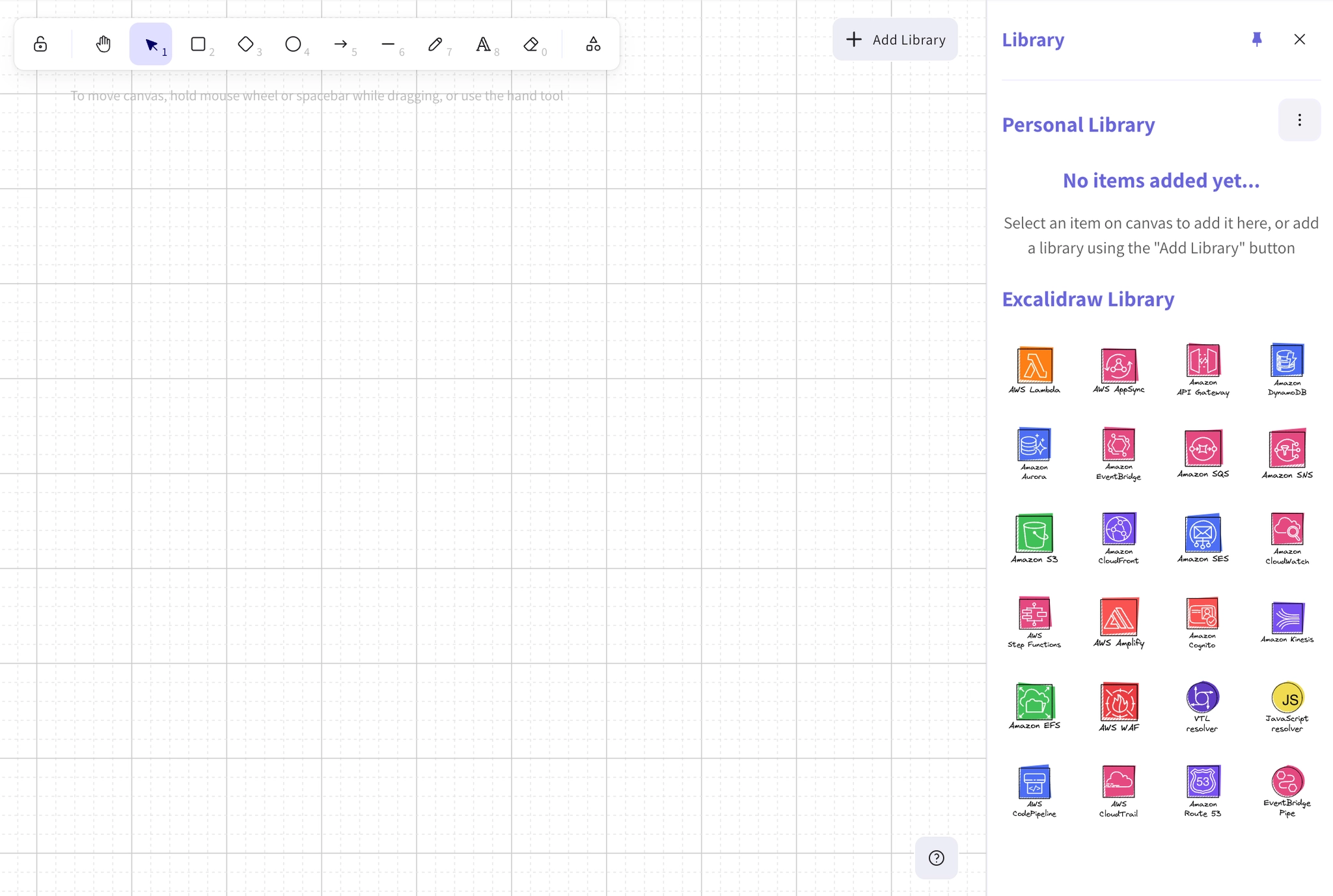
Excalidraw libraries are collections of pre-drawn elements you can drop onto a canvas. Build your own, or import one, and it appears in the editor's library panel.
#What it is good for
Recurring workshop furniture: swimlanes, sticky notes, personas.
Rough versions of your own components, for sketching architecture quickly.
Anything you find yourself redrawing freehand more than twice.
Keep sketch libraries small. The value of Excalidraw is speed. A library with two hundred elements defeats the point.
#A few things that catch people out
Excalidraw and draw.io libraries are different formats and cannot be shared between editors.
Library elements keep the sketch style; they will not make a diagram look formal.
Libraries are per site, like draw.io's.
#Related
Stop redrawing the same sticky note.






















