
Link graph macro
You do not draw this one. It is built from your content and changes as your content does.
#What it shows
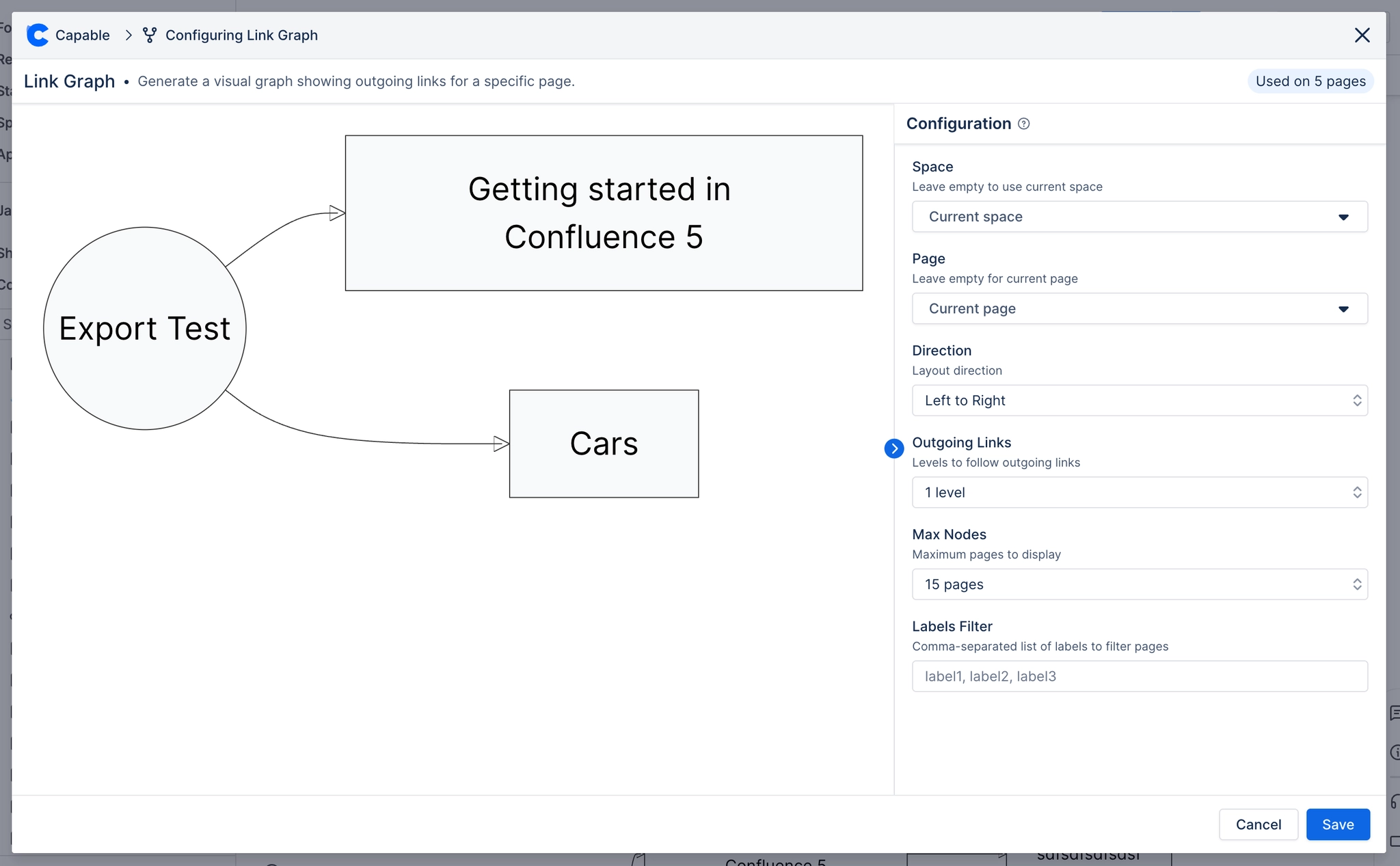
The page at the centre, the pages it links to, and the pages that link to it, out to a depth you choose.
#What it is good for
Spotting documentation that links out but has nothing linking in.
Understanding how a page sits in a larger set before restructuring.
Onboarding: showing someone the shape of an area rather than a list of links.
#A few things that catch people out
It reflects links, not meaning. Two pages about the same thing with no link between them look unrelated.
Depth costs performance. Two levels is usually enough and much faster than four.
Only pages the reader can see appear, so the graph differs between readers.
#Related
See how a page actually sits in your documentation.






















