
Code editor themes and wrapping
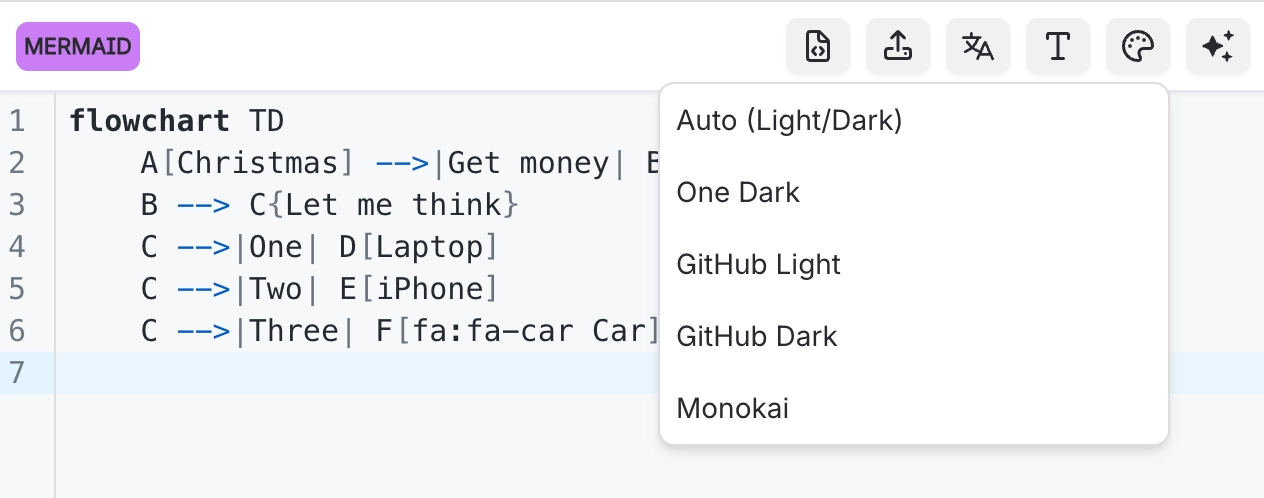
The code pane has four themes and a line wrapping toggle. Auto follows the Confluence theme, which is the sensible default, and the three explicit themes are there for when it is not.
Wrapping matters more than it sounds: some languages, Vega-Lite in particular, produce long lines that are painful to read otherwise.
#What this is for
Working in a dark Confluence theme.
Reading source with very long lines.
Any long editing session, where legibility compounds.
#How it works
Action | How |
|---|---|
Auto | Follows the Confluence theme. The default. |
One Dark | A dark theme, regardless of the page theme. |
GitHub light | A light theme, regardless of the page theme. |
GitHub dark | A second dark option. |
Line wrapping | Toggle on to wrap long lines instead of scrolling horizontally. |
#A few things that catch people out
Wrapping is off by default because it changes line numbers in error messages visually, not actually.
Theme is a personal preference stored for you, not a property of the diagram.
Auto is right for most people, because it follows whatever theme they already chose.
#Related
The source is right there. Read it.






















