
draw.io
The draw.io editor is the drag-and-drop one, and it is the right answer whenever the arrangement of the diagram is part of the information: floor plans, network diagrams, cloud architecture with official icons.
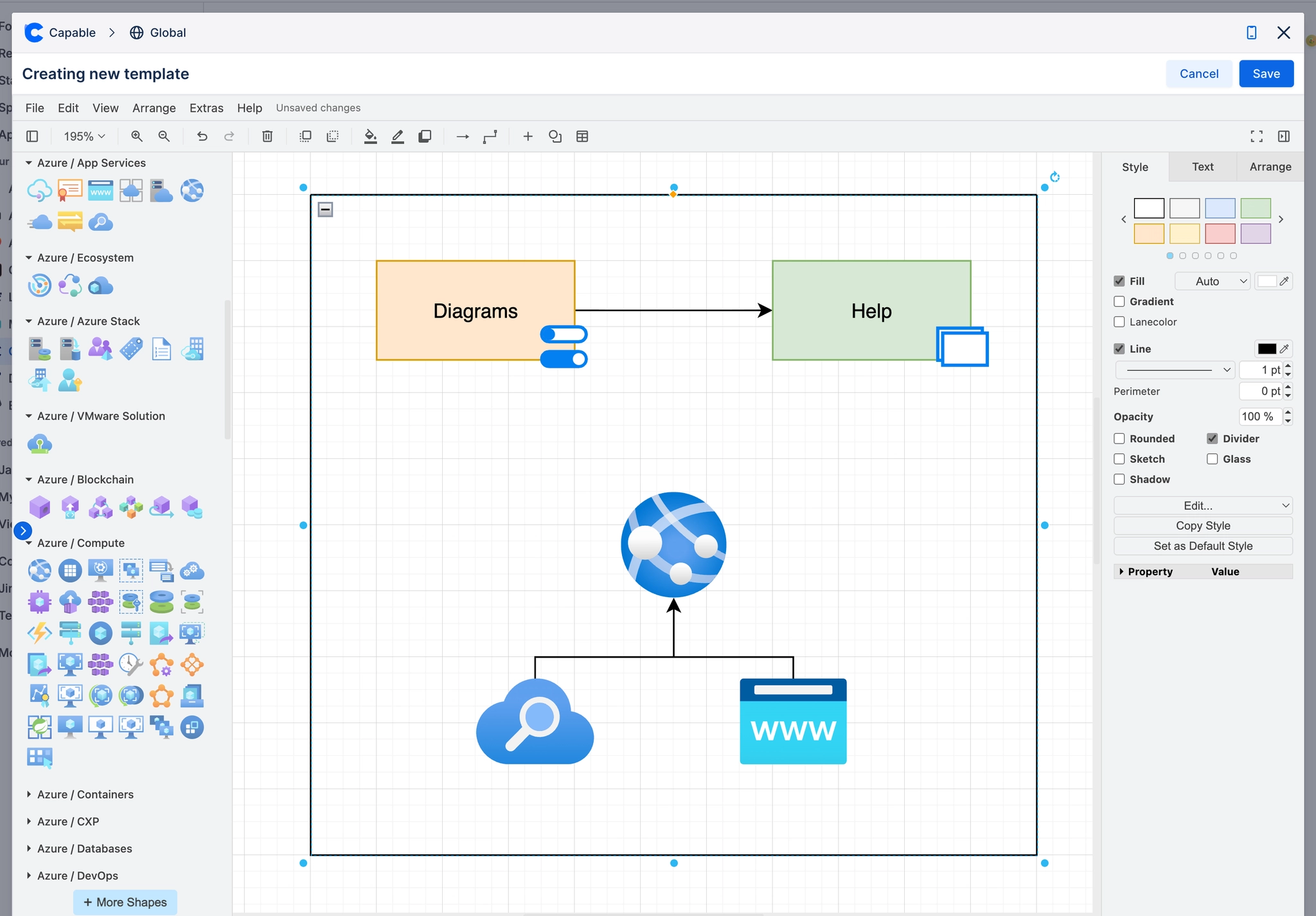
It renders in the browser, and its files are ordinary draw.io XML, so they open in any other draw.io-compatible tool.
#What it is good at
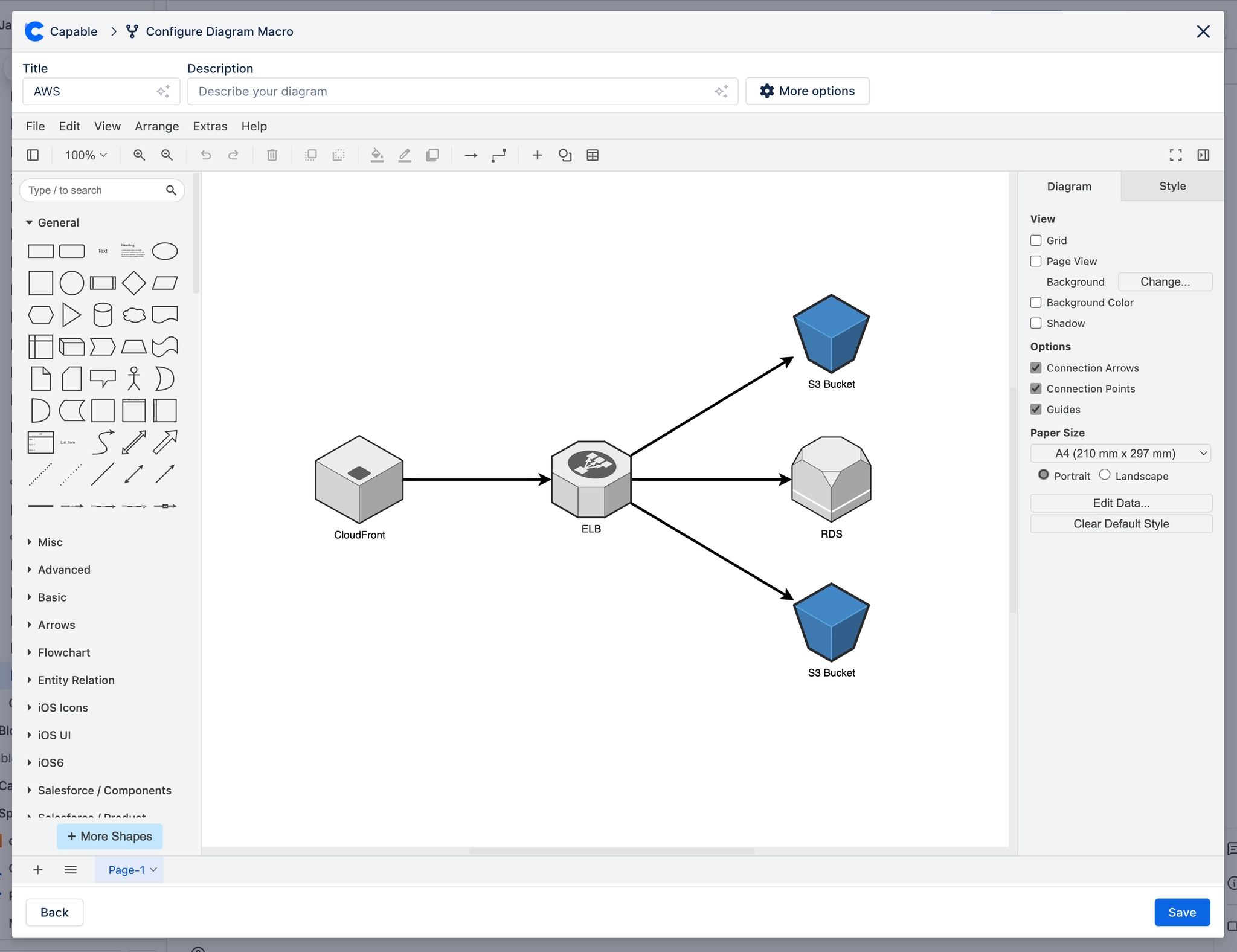
Anything positional: layouts, plans, elevations, seating.
Diagrams needing a specific icon set: AWS, Azure, Google Cloud, ArchiMate, P&ID.
Complex diagrams where automatic layout produces a mess.
#Where its files come from and go
File | Behaviour |
|---|---|
.drawio, .dio, .xml | Imported and editable |
.drawio.png | Imported: the XML travels inside the image |
.vsdx | Visio, imported and converted |
Export to PNG or SVG | Keeps the XML inside, so the export is still editable later |
It is a full draw.io. Shape libraries, layers, custom styling and the whole shape search all work the same way they do in the standalone tool.
#A few things that catch people out
draw.io renders in the browser, so an anonymous reader sees a stored image rather than a live render.
A .png or .svg exported from draw.io still contains its XML, so it can be imported and edited.
A plain .xml file is treated as draw.io. A BPMN file must keep its .bpmn20.xml ending.
#Related
Learn one properly. Borrow the rest when you need them.






















