
Sites for Confluence
Capable Sites turns Confluence spaces into a static website. You pick the spaces, theme it, decide who can see it, and publish.
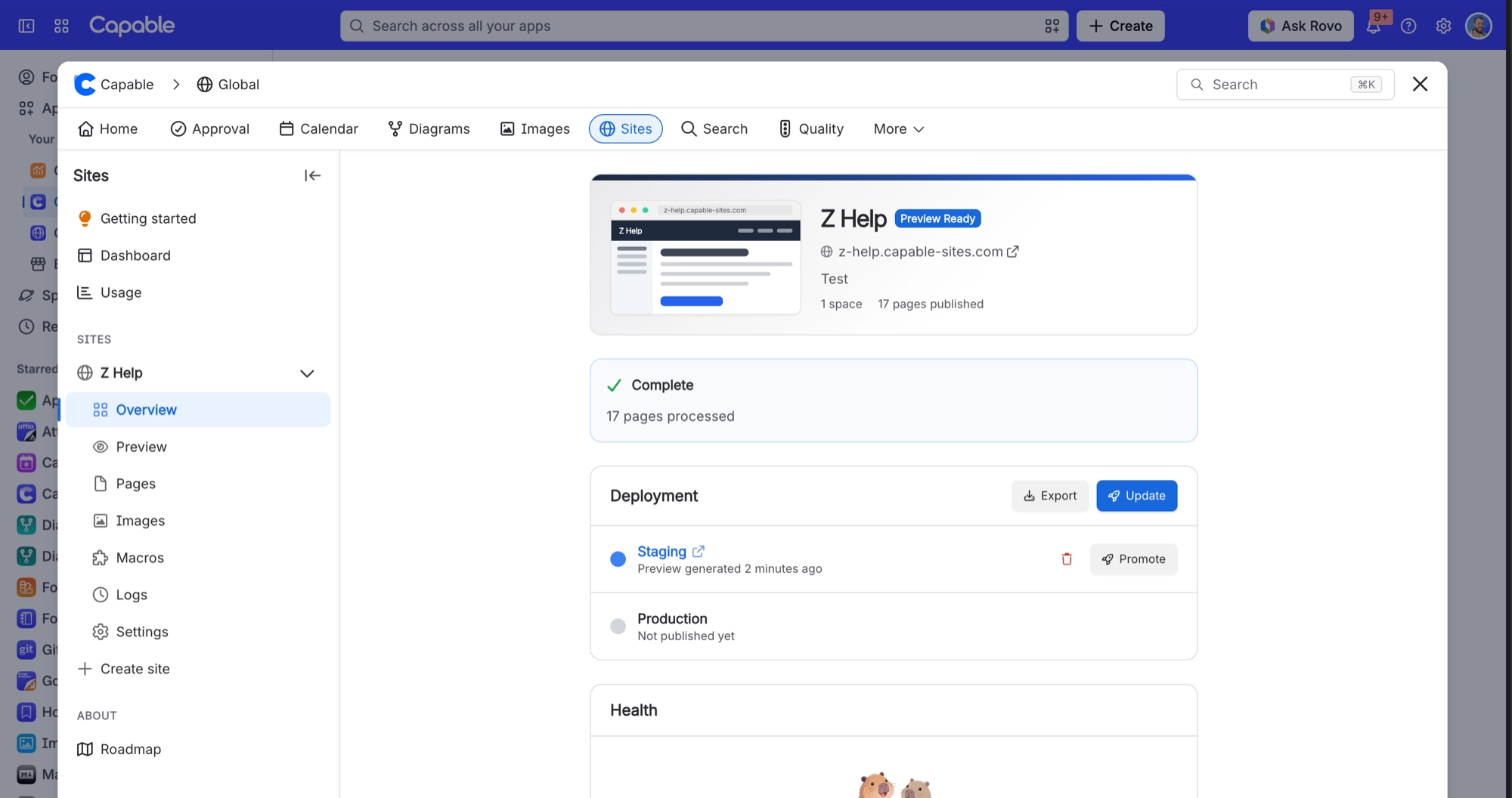
Publishing is deliberately two-stage. Update builds the whole site into a private preview you can open and share; Promote copies that build onto the live address. Nothing you write in Confluence reaches the public site until you say so.
#Start here
#Everything in this space
OverviewWhat Capable Sites publishes, and the two-stage publish that keeps it predictable.Get startedCreate a site in five steps, and understand which two you cannot easily change.Use casesHow teams actually use Sites, and the settings each pattern depends on.PublishingUpdate, promote, export, and the three different ways to take something down.Spaces and navigationThe spaces you pick, in the order you pick them, are the site's navigation.Theme and designSeven palettes, twenty-two controls, contrast grading, and dark mode you cannot switch off.Custom domainsOne domain per site, four stages, and two DNS records of which one is optional.Who can see your sitePublic, password protected, or Atlassian login. And one wizard claim that is not true.What gets publishedCurrent pages in the chosen spaces, the macros that render, and the metadata built for you.AdministrationEvery setting, and who is allowed to do what.ReferenceThe hard numbers, and what they do when you reach them.AI integration (MCP)SEO optimizationTroubleshooting33 symptoms, grouped by where they bite. Many are the product working as designed.Samples
Update builds it. Promote publishes it.






















