
Capable Search
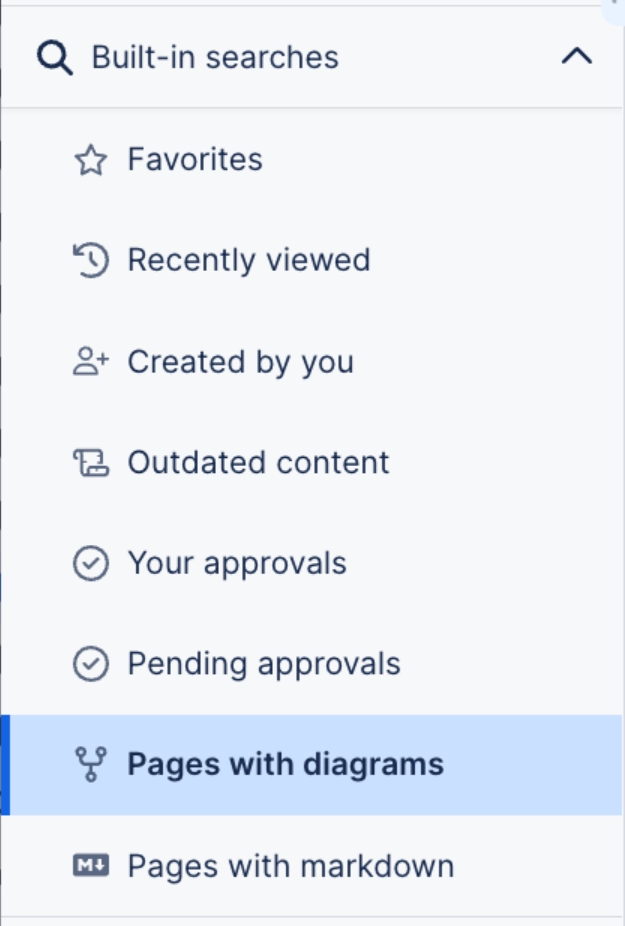
Capable Search indexes diagram content alongside everything else, which means a label inside a shape is findable, and you can filter a search down to pages that contain diagrams.
It is the difference between knowing a diagram exists somewhere and being able to open it.
#When this matters
Large sites where diagrams are scattered across spaces.
Finding the canonical version of a diagram somebody has copied three times.
Auditing which pages contain diagrams at all.
#The detail
Thing | What happens |
|---|---|
Diagram text | Shape and node labels are indexed and searchable. |
Diagram titles | Indexed, which is why titling diagrams is worth the ten seconds. |
Filtering | Narrow a search to pages containing diagrams. |
Permissions | You only ever find what you could already open. |
#A few things that catch people out
Indexing takes a few minutes, so a brand new diagram is not instantly findable.
Text inside an imported flat image is not indexed; only real diagram text is.
Untitled diagrams are much harder to find. Space settings can prompt for titles.
#Related
It works better next to the rest of Capable.






















