
Diagram code templates
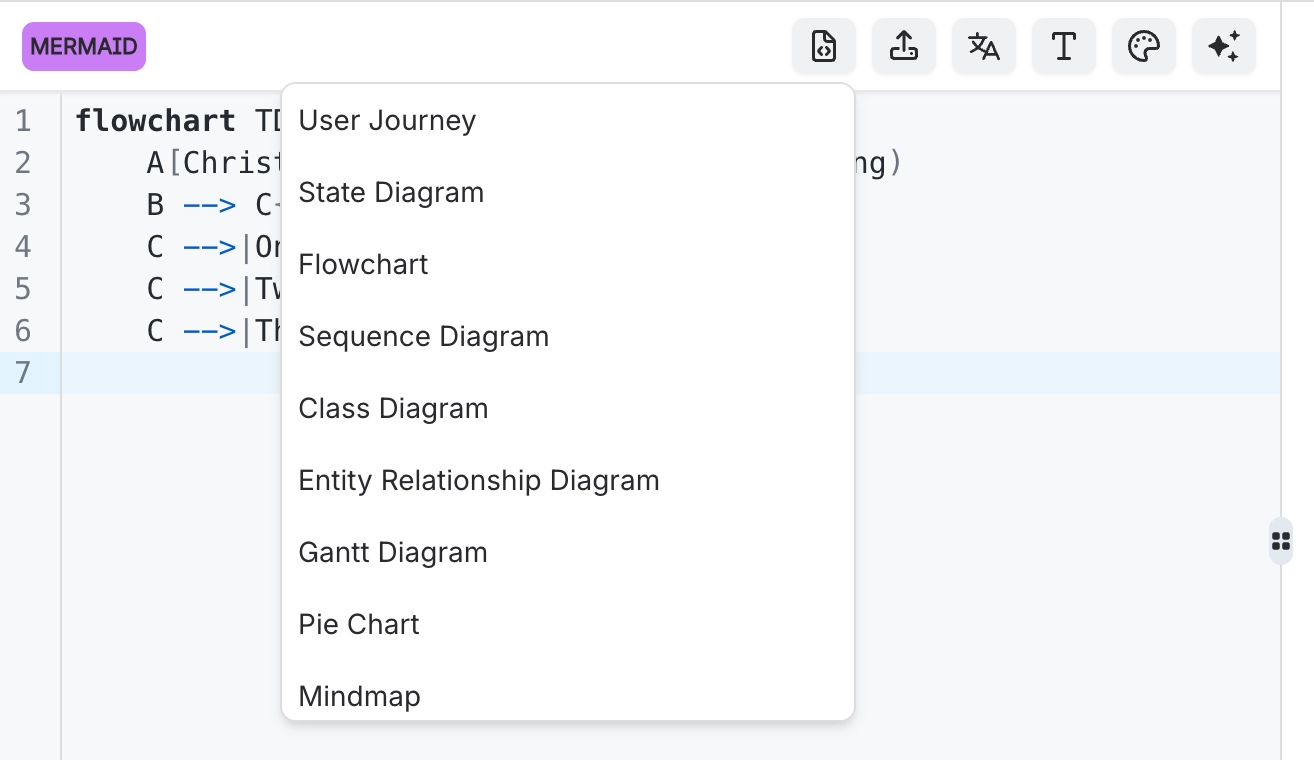
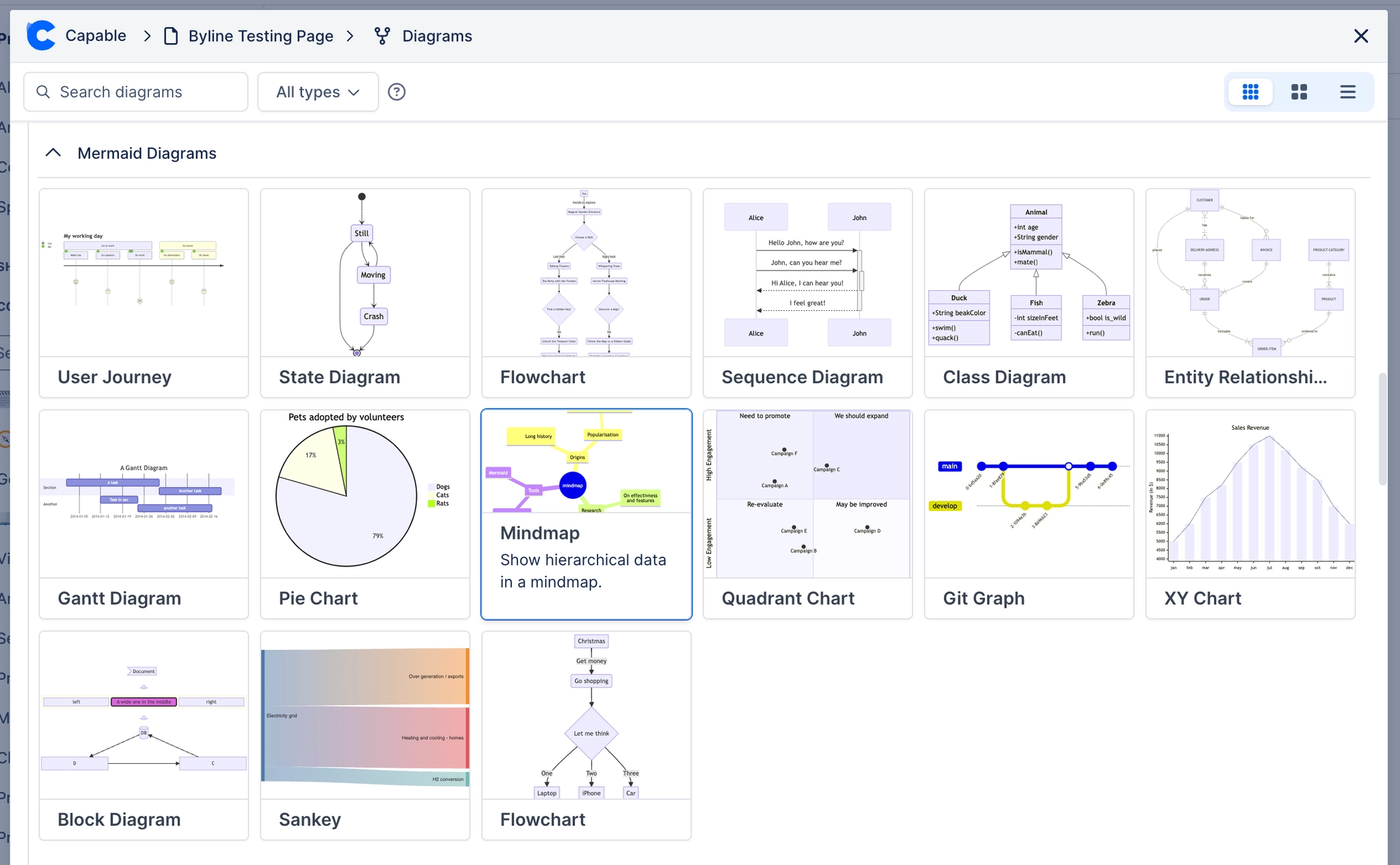
Nobody remembers the syntax for a language they use twice a year. The template button loads a working example for whichever language you have selected, which you then edit into what you wanted.
It is the quickest route into an unfamiliar language, and it is genuinely how most people should start.
#What this is for
Starting a diagram in a language you do not use often.
Learning a new language by editing a working example.
Getting past the blank page.
#How it works
Action | How |
|---|---|
Load a template | The template option in the editor toolbar. |
Per language | The template matches the language you have selected. |
Editing | Replace the example content with yours; the structure is already correct. |
Replacing your source | Loading a template replaces what is there, so copy anything you want to keep. |
#A few things that catch people out
Loading a template replaces the current source. Copy first if you have written anything.
Templates are starting points, not house style. Nothing stops you deleting all of it.
The language reference pages have longer worked examples. See Reference.
#Related
The source is right there. Read it.






















