
Overview
Most teams already draw diagrams. They just draw them somewhere else, paste a screenshot into Confluence, and then discover six months later that the picture and the truth have drifted apart. Nobody can edit the screenshot, so nobody updates it.
Capable Diagrams removes the round trip. The diagram is made on the page, stored with the page, and stays editable by whoever opens it next.
#Pick your way in
Three editors, because the right one depends entirely on what you are drawing. Guides covers each in detail.
If you are drawing | Use | Because |
|---|---|---|
Architecture, network maps, floor plans | draw.io | Position carries meaning, and you want precise control of it. |
A sketch for a workshop or an RFC | Excalidraw | It looks deliberately hand-drawn, so people treat it as a draft and argue with it. |
Sequence diagrams, flowcharts, ER models | Mermaid or PlantUML | Text diffs in review and regenerates itself when the source changes. |
A business process or decision table | BPMN or DMN | These are standards with real semantics, not just boxes that look official. |
#What you get either way
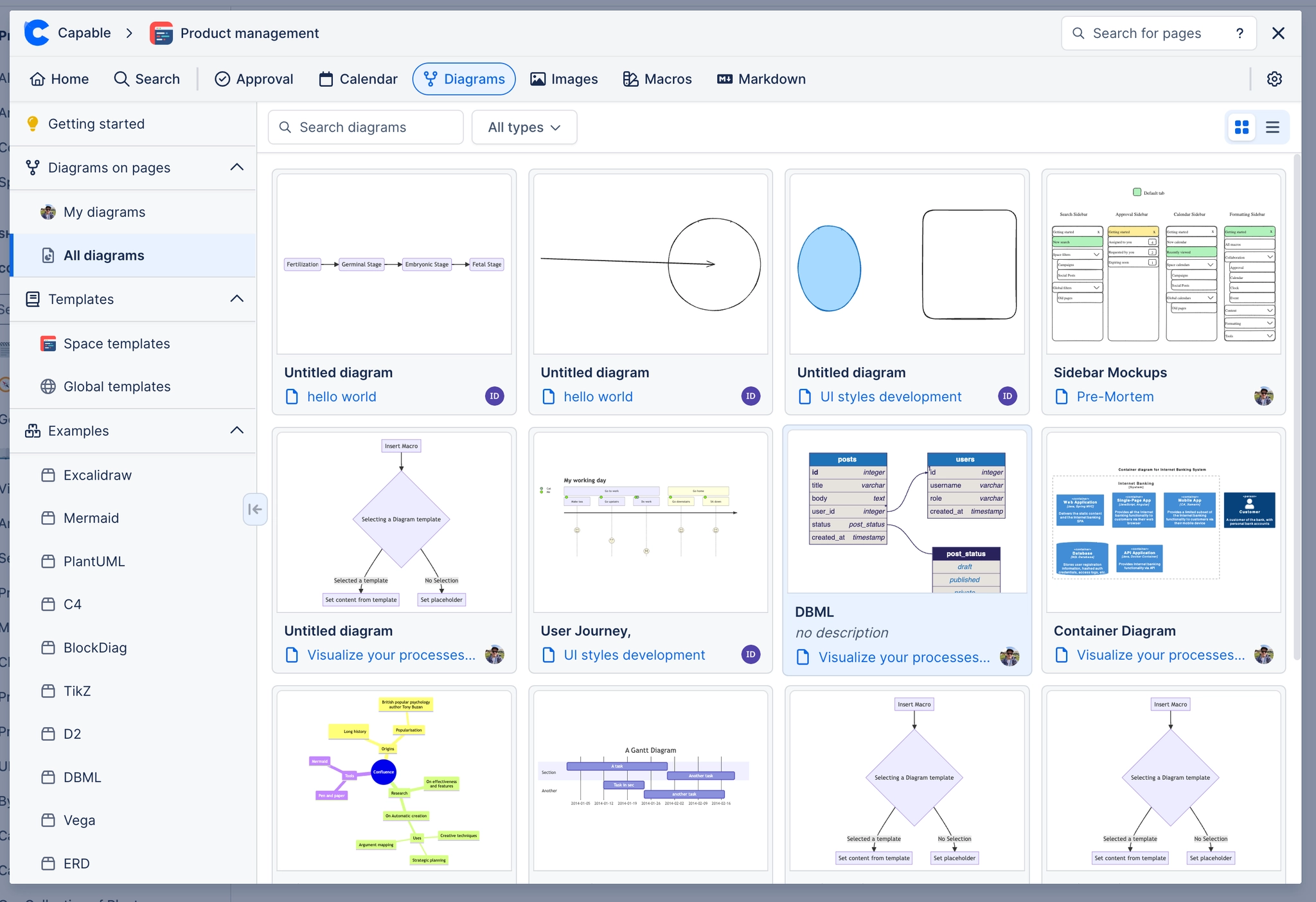
It stays editable. Anyone with page edit permission can open the diagram and change it. No separate tool, no separate licence.
It travels. Diagrams render in exports and on published sites. See Integrations.
It is searchable. Diagram text is indexed, so a shape label is findable from Confluence search.
It is yours. Source lives in your Confluence site, not in ours. See Security and privacy.
#Where to go next
Get started
Install it and draw something in two minutes.
Diagram types
Every type, and the tool we recommend for it.
Guides
How to drive each editor properly.
Examples
Working diagrams you can copy.
Reference
Languages, macros, settings and limits.
Security and privacy
Where the data lives and what leaves your site.
However you draw it, it belongs on the page.






















