
Forms for Confluence
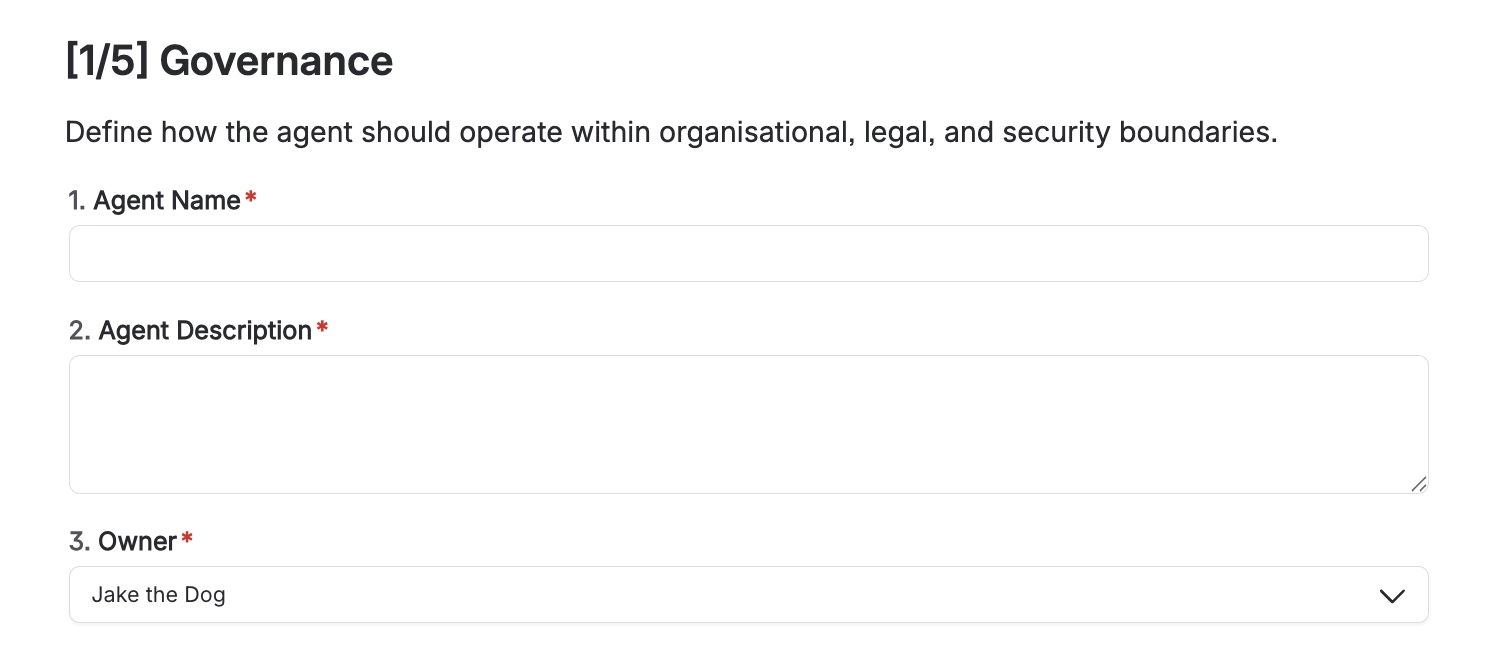
Capable Forms lets you collect structured answers directly on a Confluence page. You insert a Form container macro, place Form field (Input) macros inside its body, and readers fill the fields in and press Save. On top of that, Forms maintains three read-only indexes so forms can be found and reported on: a per-page content property, Confluence labels on every page carrying a form, and a site-wide registry of Form IDs. A Forms catalogue page lists every Form ID on the site; opening one shows a row per page carrying that form, with a column per field and a CSV export. Only the single-line Text field works on the Standard edition; every other field type needs the Advanced edition (or the confluence.forms feature flag).
#Start here
#Everything in this space
Written against the app as it behaves today.






















