Diagram Studio
Diagram Studio is where you go when you want to iterate: describe a diagram, look at what comes back, and refine it in place rather than starting again.
#How it works
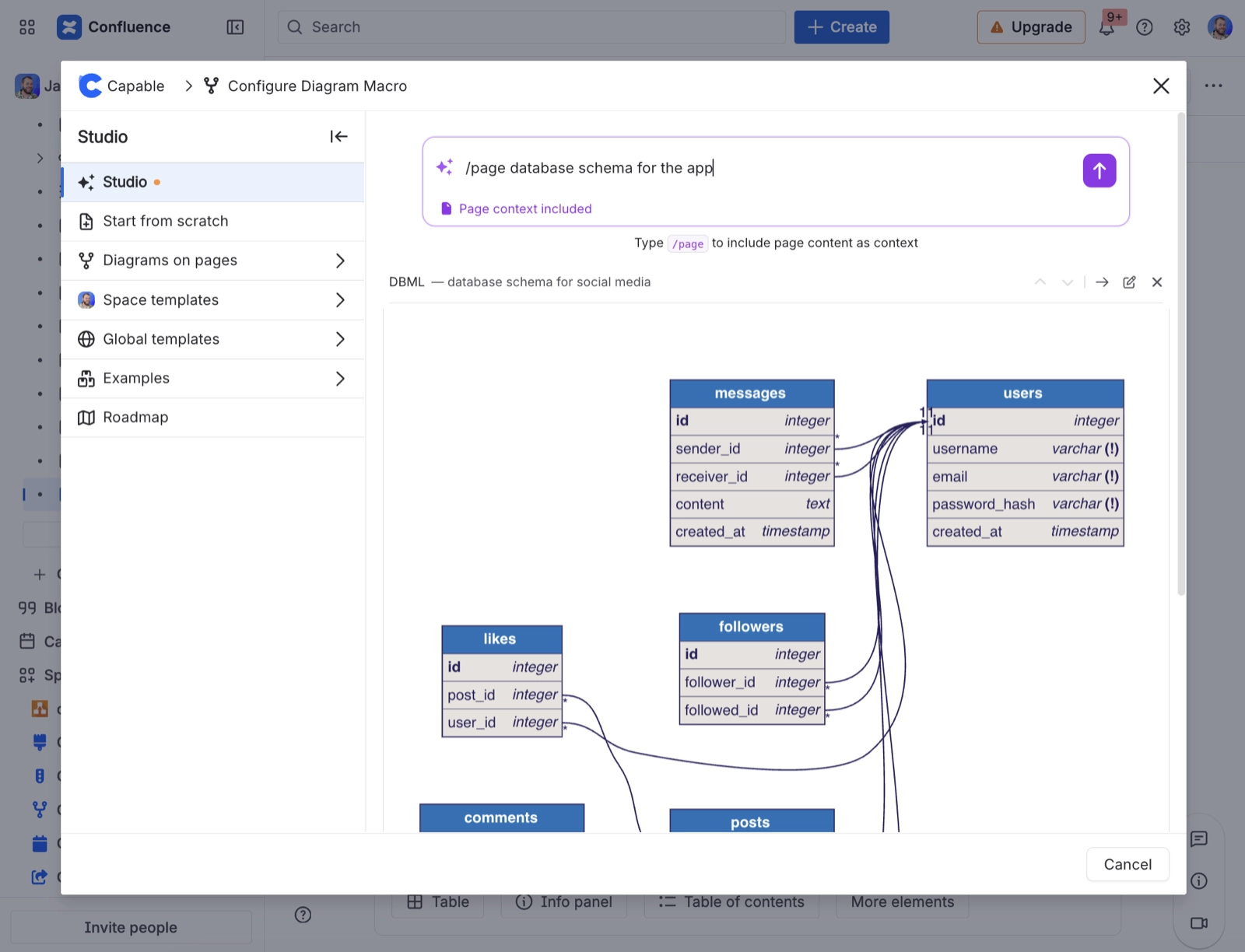
Step | What happens |
|---|---|
You describe the diagram | In plain language, with as much detail as you have |
A draft is generated | As real diagram source, not an image |
You refine it | By describing changes, or by editing the source directly |
You place it | On the page, where it behaves like any other diagram |
The output is a draft. It is right often enough to save real time and wrong often enough that you must read it before publishing. Treat it as a first pass by a fast colleague who has not read your documentation.
#A few things that catch people out
Generated diagrams are ordinary diagrams afterwards. Nothing is locked to AI.
What is sent to the model, and when, is set out in Security and privacy.
Vague prompts produce vague diagrams. See Writing diagram prompts.
#Related
A fast first pass you can actually edit.