
Quality for Confluence
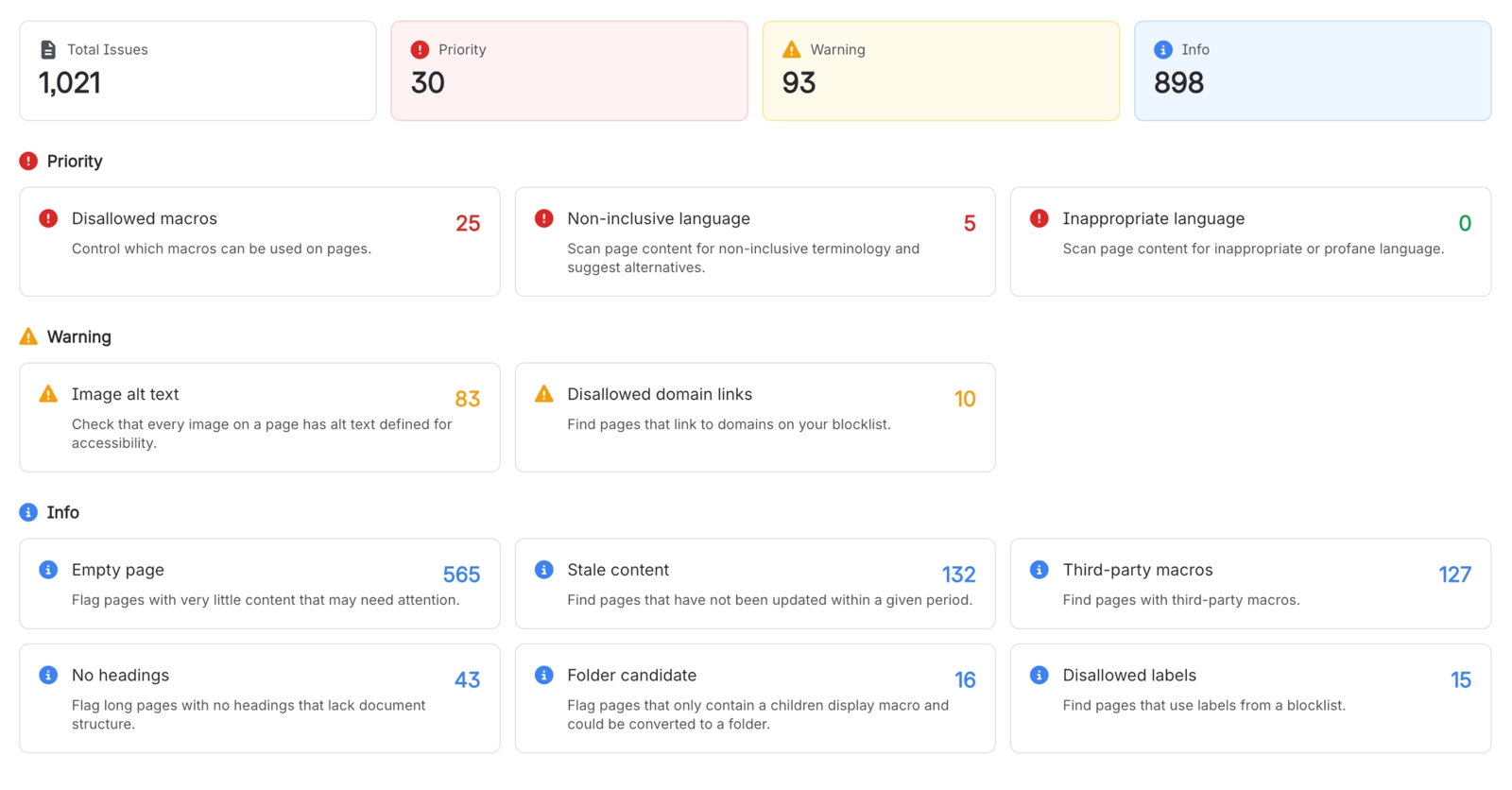
Capable Quality checks Confluence pages and blog posts against 13 content-quality rules covering page structure, accessibility, language and organisational compliance. It reports what it finds in four places: a Quality item in each page byline, coloured by the most serious finding; a Quality column, filter and side panel in Capable Search; a list for every rule that is turned on; and a Dashboard of charts and trends.
Eight of the rules are worked out when Capable scans a page and are stored on the page, so they can be counted and searched. The other five (Disallowed domain links, Disallowed macros, Third-party macros, Stale content and Disallowed labels) are checked when results are shown, against the domains, macros, labels and age set on the Rules page.
Rules are set once for the whole site on the Rules page. Each rule has one control, Priority, Warning, Info or Off, that turns it on and sets how serious it is.
#Start here
#Everything else
Written against the app as it behaves today.






















