
Diagram examples
The rest of this branch is organised by language, which is the right structure once you know what you are writing. This page is the other way round: start from what you want to show, and it points you at a working diagram.
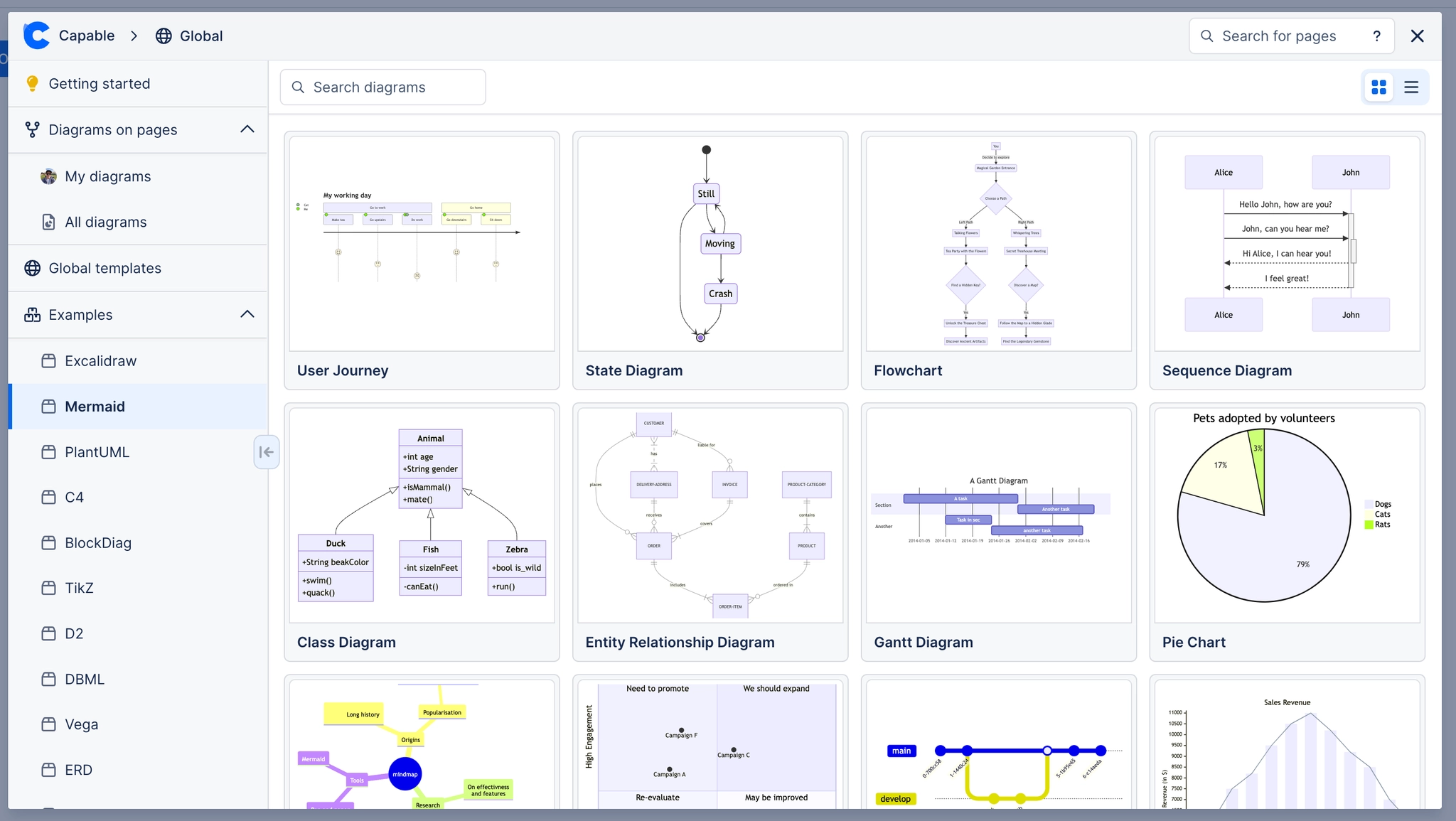
Every diagram linked here is real. Open one, edit it, and nothing breaks. If you want the language reference rather than an example, that is in Reference.
#Start from what you want to draw
#If you are new to this
Start with Mermaid. It covers most of what people draw, and the syntax is short enough to read without training.
Copy, then change one line. Every example page has the source underneath the diagram. That loop teaches a language faster than any reference page.
Use draw.io when position matters. Floor plans, network diagrams and anything with official icons belong on a canvas.
Nothing here is a screenshot. Every diagram on this branch is stored, rendered and editable exactly like one you drew yourself.
#Related
Start from the picture you want.






















