Language presets
Presets are a shortcut for the language toggles: three curated lists that cover the common cases, applied in one click and then adjustable.
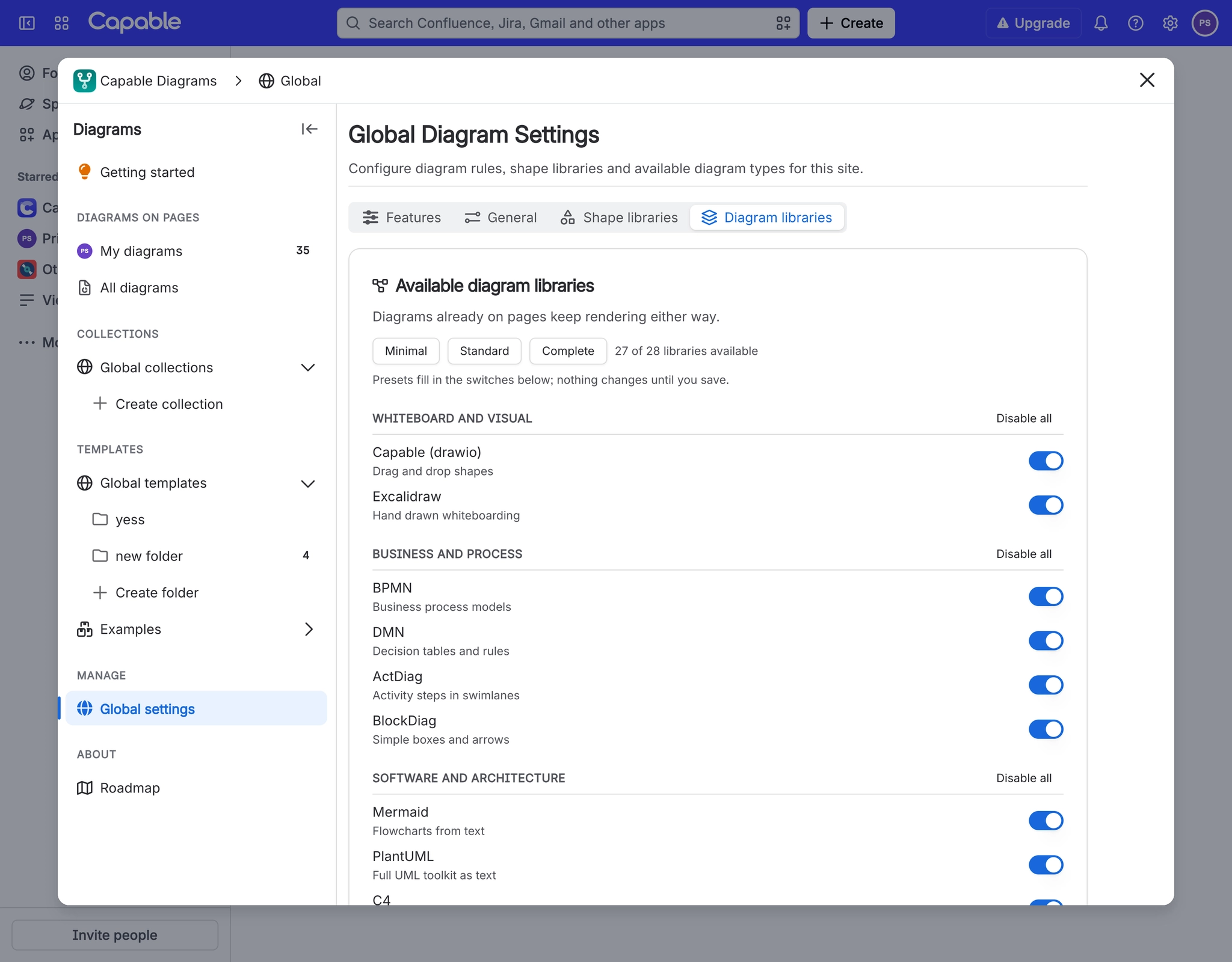
They are a starting point rather than a policy. Apply one, then turn individual languages on or off.
#When you would change this
Setting up a new site and not wanting to review thirty-one switches.
Simplifying an existing site that has grown confusing.
Giving a non-technical user base a short, obvious list.
#What you can set
Setting | What it does |
|---|---|
Minimal | The few languages most people need, and nothing else. |
Standard | The common set: the general-purpose languages plus the popular specialists. |
Complete | Everything the app can render, except TikZ, which stays a separate decision. |
Zero Egress | Only the libraries that draw without anything leaving Confluence. Offered while External diagram rendering is off. |
#A few things that catch people out
Applying a preset replaces the whole list, including anything you had turned on by hand.
TikZ is never included by a preset; it is enabled deliberately or not at all.
Presets affect the picker only. Nothing already drawn is affected.
#Related
Set it once, in the right place.