
Subscribe button is missing from a calendar
What you are seeing
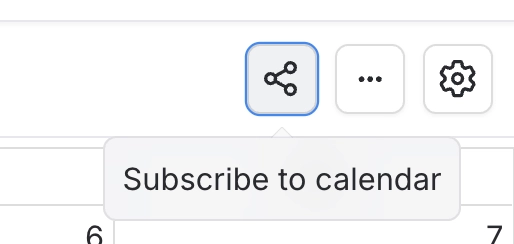
You open a calendar and there is no Subscribe button in its toolbar, so you cannot add it to Google, Apple or Outlook.
#Why it happens
The button is hidden when any of these is true.
You are not signed in. Signed-out readers never see it.
The calendar is not a saved calendar. Calendars that show the dates from a page cannot be subscribed to.
An administrator has turned off the site-wide "Calendar subscriptions" feature.
#What to do
Sign in.
Check you are on a saved calendar, not one built from the dates on a page.
If the button is still missing, ask an administrator to check that Calendar subscriptions is on in Confluence settings → Capable → Features.
#Settings involved
Setting | Where | What it does |
|---|---|---|
Calendar subscriptions | Confluence settings → Capable (Capable Calendar in the standalone app) → Features | "Let users subscribe to Capable calendars from Google, Apple, or Outlook via a personal iCal feed. Turn off to disable subscriptions for all users." You only see this setting if your Capable app includes Calendar. |
#Limits that apply here
Limit | Value | What happens |
|---|---|---|
iCal feed window | A rolling window of dates | Events outside this window never reach a subscriber's calendar app, even though they show fine inside Confluence. |
#Related
Signed-out visitor sees a calendar that looks complete but is missing events
Saved calendar events are never loaded for signed-out readers; only dates on the page itse
Calendar byline does not appear on a page that clearly has dates (Suite)
In the Suite the byline only shows on pages already indexed as carrying a date, or in a sp
Something is missing or looks wrong
The rest of this family.
Found it? Good.






















