
Someone who should not have it has my feed URL
#What you are seeing
Your calendar feed URL has ended up with someone who should not have it.
#Why it happens
A feed URL works like a key. Anyone holding the link can read that calendar's events without signing in.
#What to do
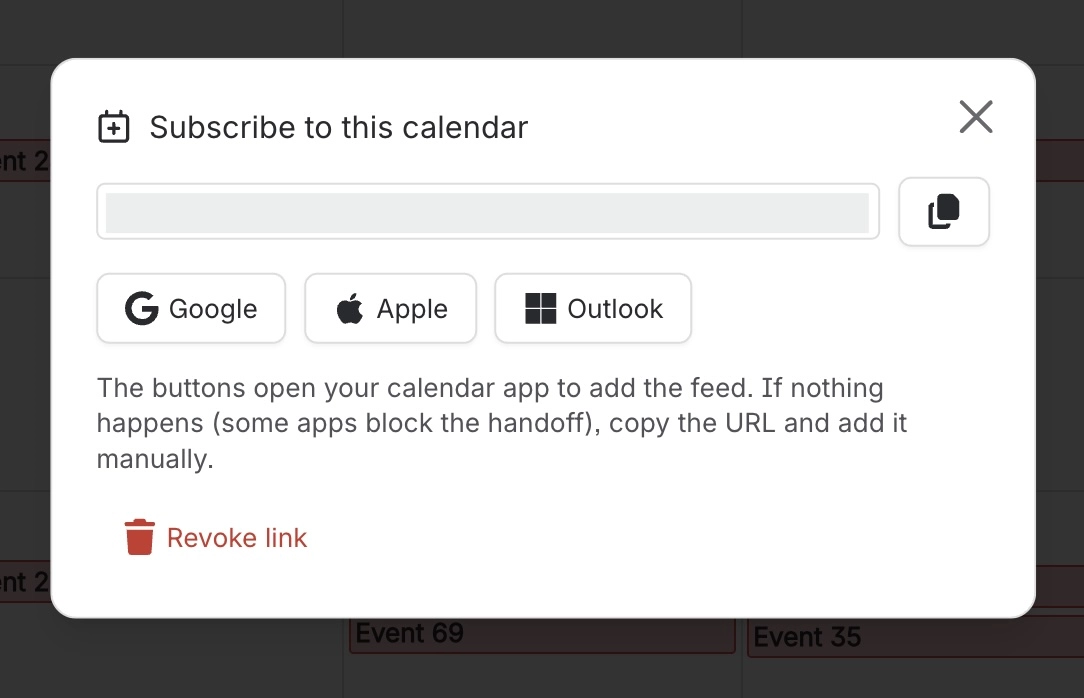
Revoke the link (Subscribe → Revoke link, or an admin's Revoke all), then create a new one. Anyone holding a copy of the old link loses the feed.
Treat your feed URL like a password. Never paste it into a shared page or ticket.
#Related
Turned off the "Calendar subscriptions" feature but existing links still work
The toggle only blocks creating new links; it does not revoke ones already handed out.
"Dates" column and the Calendar panel badge in Capable Search show fewer dates than the page has
Those two views cannot recognise Capable Event macros, so they count fewer dates.
Everything else
The rest of this family.
Found it? Good.






















