
Saved event editor
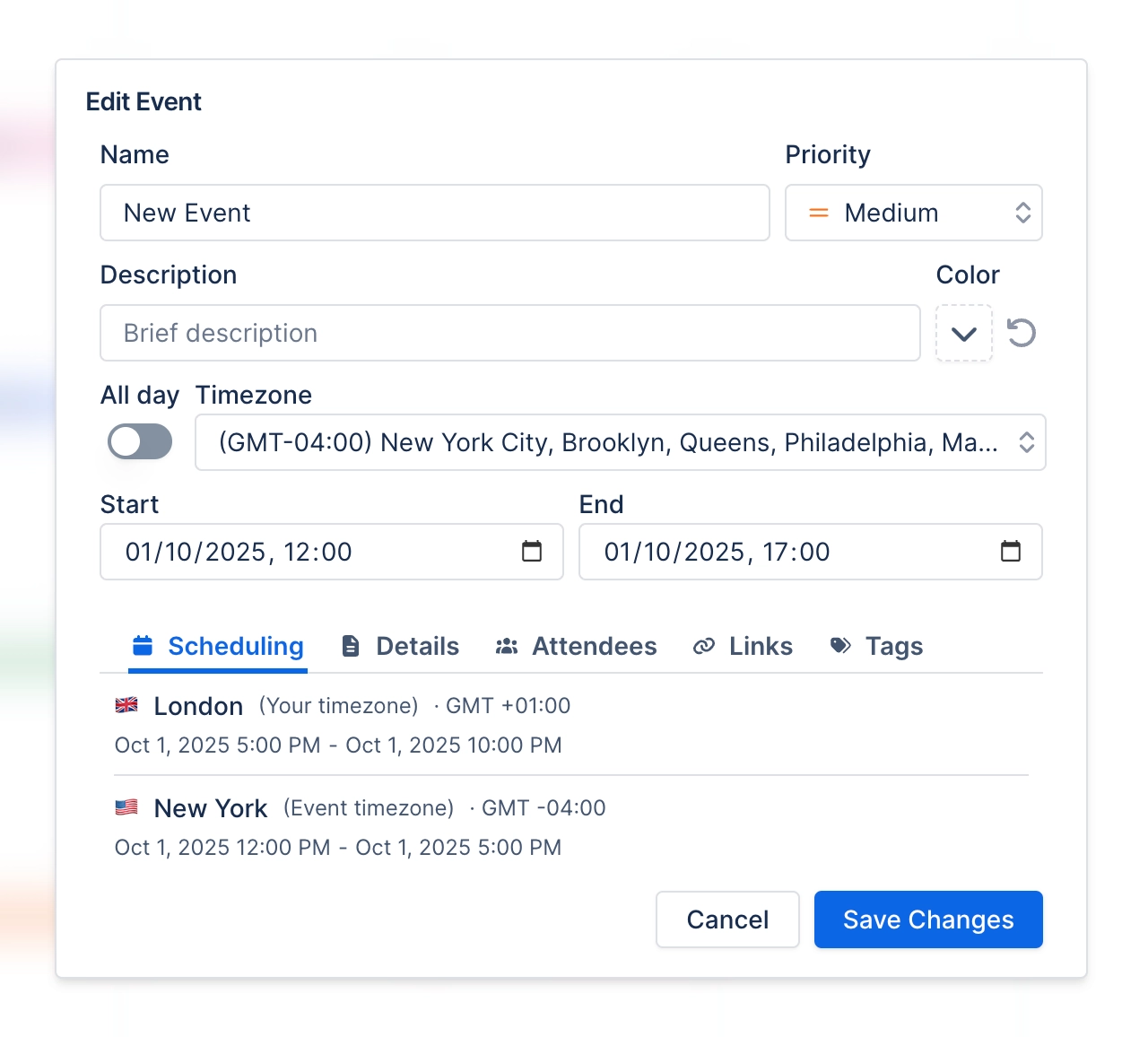
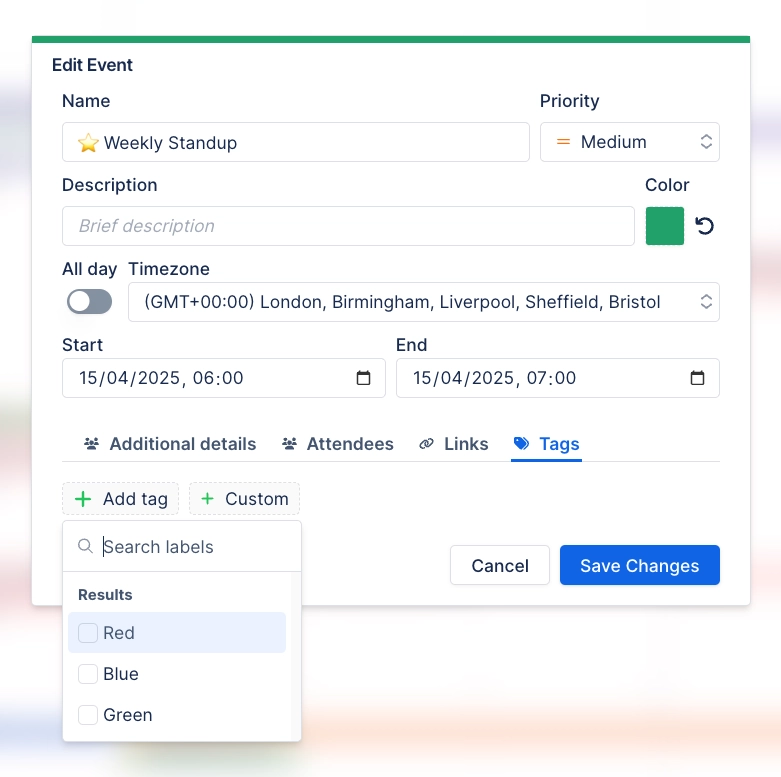
You create and edit events saved inside a calendar in one dialog with five tabs: Scheduling, Additional, Attendees, Linked content and Tags. Between them, you set the name and priority, description and colour, dates, attendees, linked content, tags, which calendar the event belongs to, and any additional information.
#Where you do it
Task | Where |
|---|---|
Show the dates already on a page as a calendar | Page editor → insert "Calendar (Capable)" (Suite) or "Calendar macro (Capable)" (standalone) |
Point a page calendar at a shared, saved calendar | Calendar macro config → Content tab → Source |
Control which period the calendar opens on | Calendar macro config, or Calendar Configuration panel → Start on |
#Settings that affect this
Setting | Where | What it does |
|---|---|---|
Base Timezone | Calendar Configuration panel | "Set the timezone by which events are co-ordinated. Note that events are shown in the timezone of the user viewing the calendar." In practice, it only pre-fills the timezone when you create or edit an event. The calendar itself always shows events in each viewer's own timezone. |
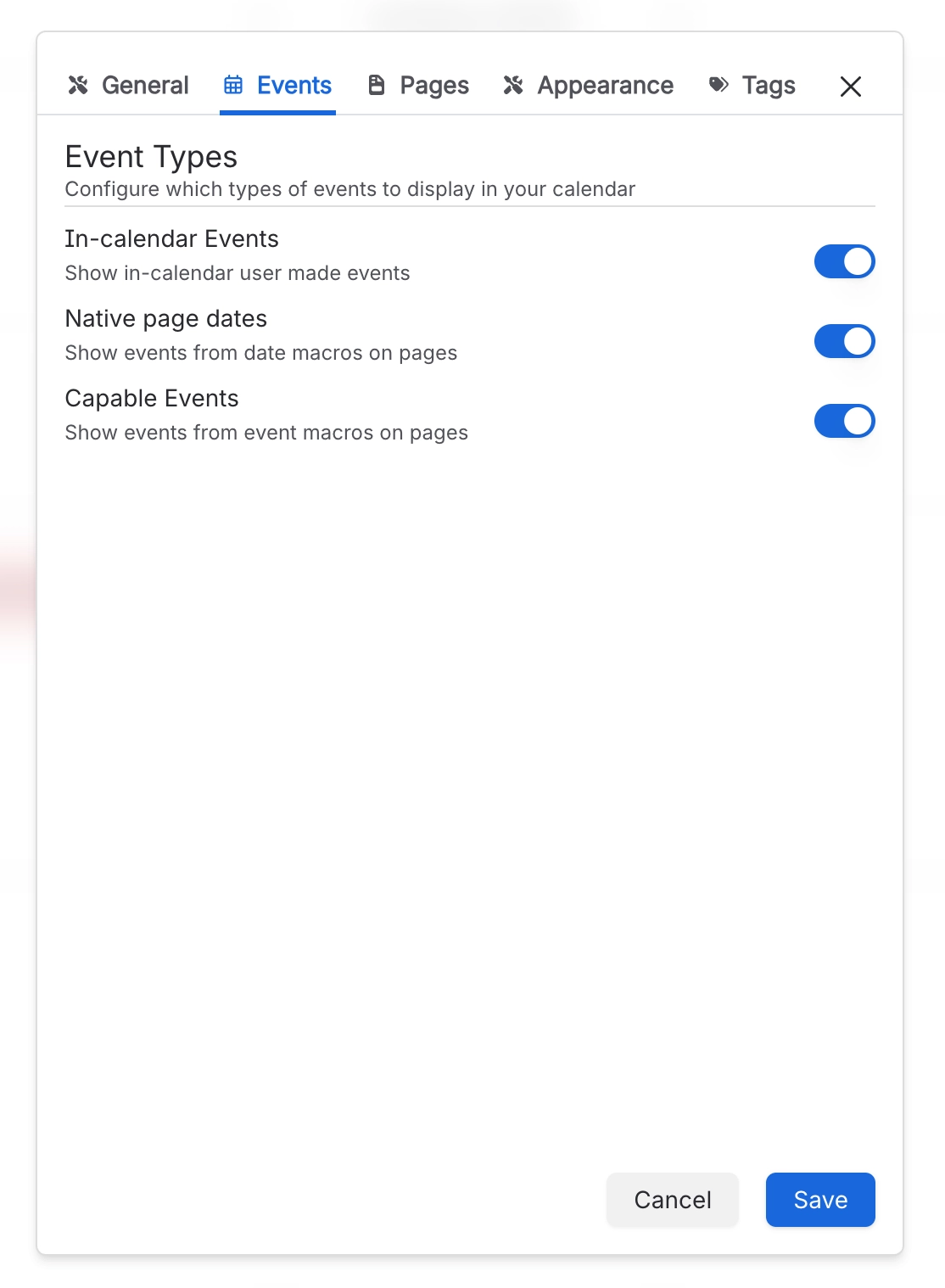
In-calendar Events | Calendar Configuration panel → Events | "Show in-calendar user made events". The events people create and save inside this calendar. |
Native page dates | Calendar Configuration panel → Events | "Show events from date macros on pages". Picks up the dates people add with Confluence's own date picker on the calendar's source pages. |
#Worth knowing
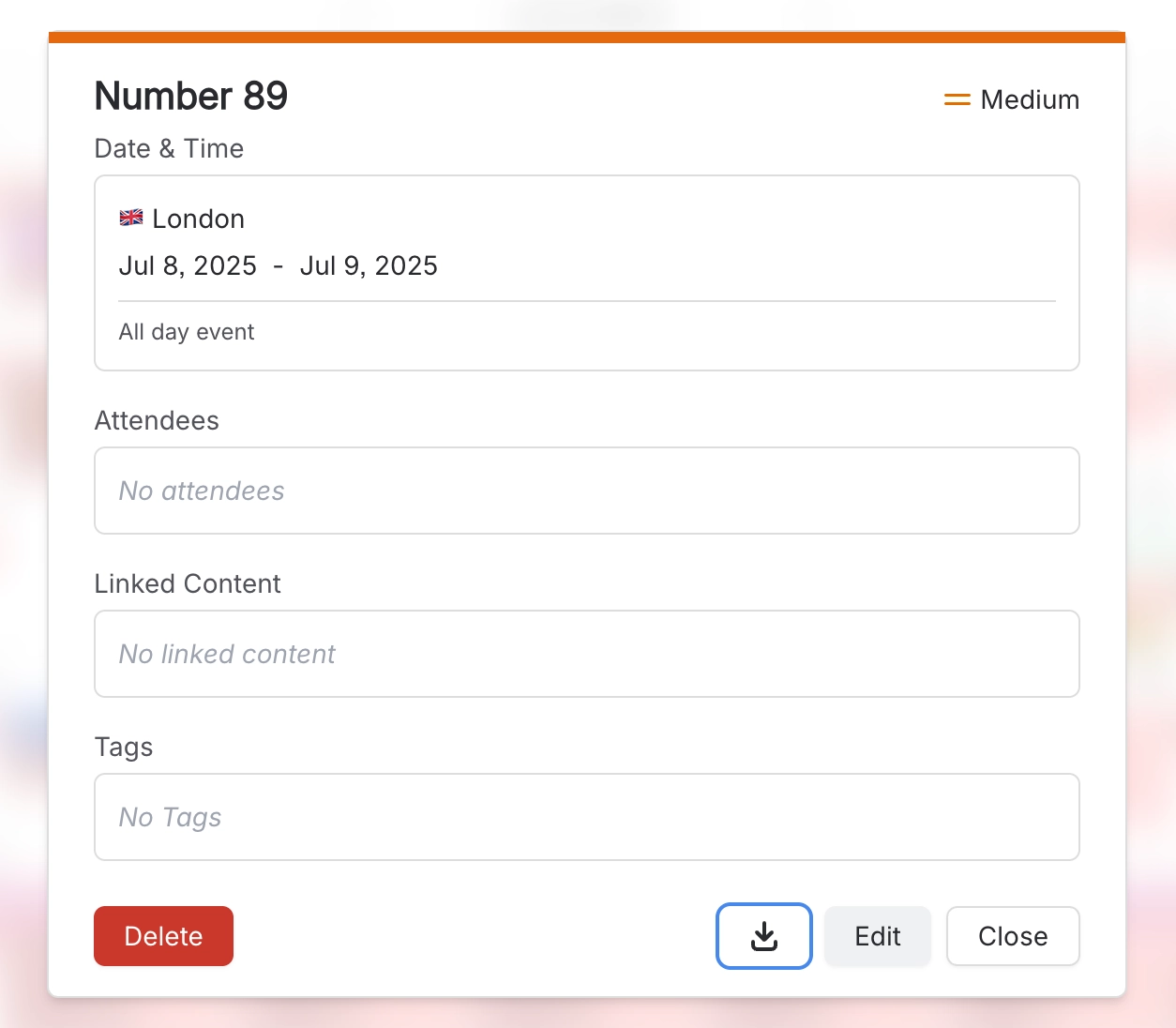
In the calendar macro's overflow menu, Export → iCal and Export → CSV currently do nothing when you select them.
If no event types are selected, the calendar shows all of them, not none.
Known issue: the Event macro can convert a time twice when formatting it, so the time it shows may be wrong. This is a bug, not how it's meant to work.
#Limits that apply here
Event macro title
Saved event name
Saved event description
Saved event text
Saved event tag
Saved event priority
#Related
How it actually behaves.






















