
Confluence CQL search
Capable Calendar adds three fields to Confluence search: "Capable Date Start", "Capable Date End" and "Capable Date Users". They read from Capable's date index, a record of the dates on each page, so you can use them in your CQL queries.
#Worth knowing
Each page records up to 200 different start dates in the search index.
#Where you do it
Task | Where |
|---|---|
Show the dates already on a page as a calendar | Page editor → insert "Calendar (Capable)" (Suite) or "Calendar macro (Capable)" (standalone) |
Have Confluence's own dates picked up automatically | Anywhere on a page. A date in a paragraph, a table row, an action item or a decision item. |
Create a saved, shared calendar | Calendar page → catalogue → create a calendar (or "Create new calendar" from the macro's Source picker) |
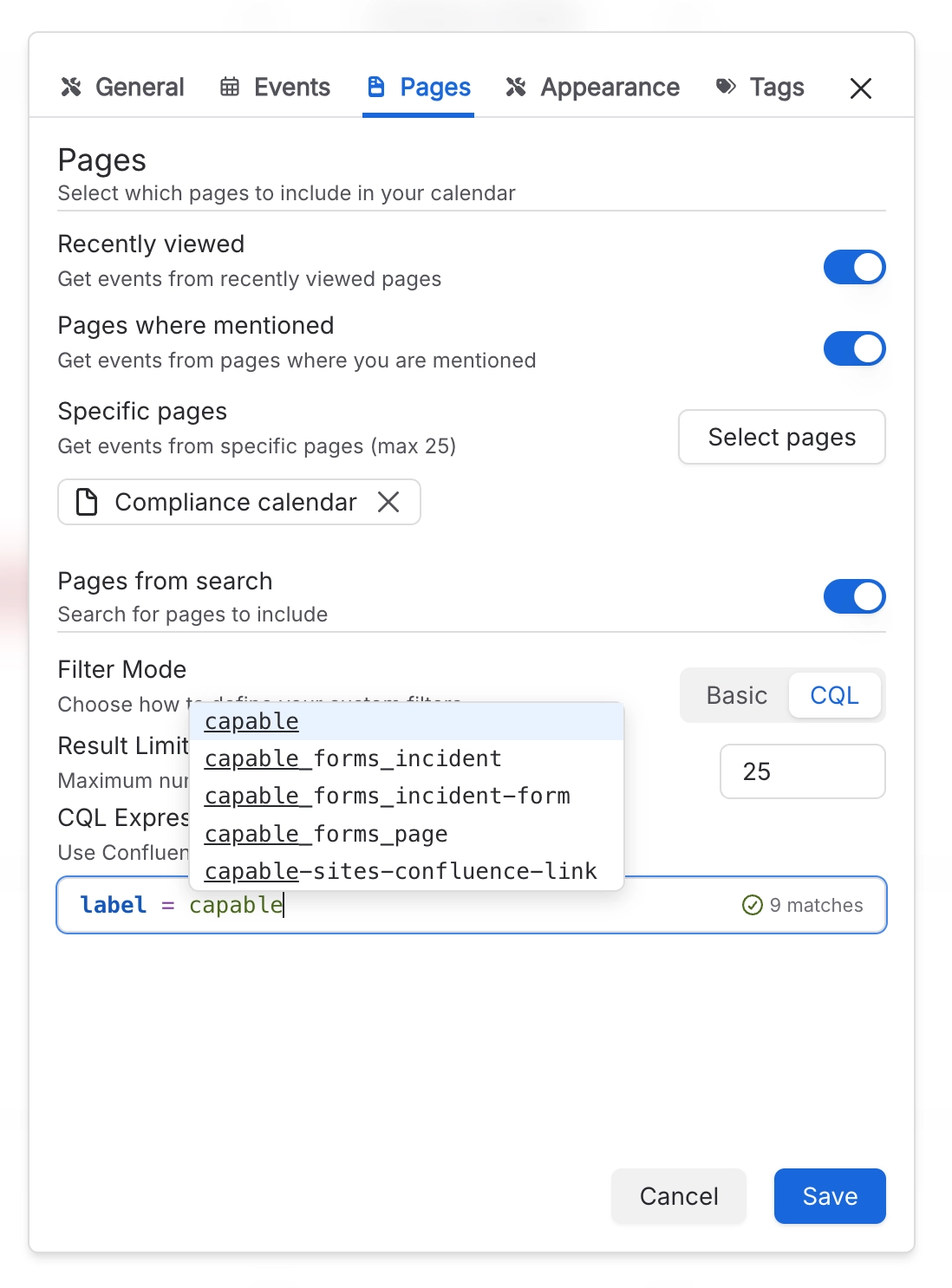
Fill a calendar with the dates from pages that match a CQL search | Calendar settings (the gear on a calendar) → Pages → turn on "Pages from search" and set Filter Mode to CQL |
#Settings that affect this
Setting | Where | What it does |
|---|---|---|
Pages from search | Calendar settings → Pages | "Search for pages to include". Every page the search returns is checked for dates. Filter Mode and Result Limit stay unavailable until this is on. |
Filter Mode and Result Limit | Calendar settings → Pages | Filter Mode lets you build the search with Basic filters or write it in CQL. Result Limit sets how many pages the search returns, and so how many are checked for dates. |
Hide the Calendar capability site-wide | Confluence settings → Capable → Capabilities | Removes Calendar across the whole site. Suite only. The standalone Capable Calendar app has no Capabilities tab, though its byline still follows the same setting. |
#Limits that apply here
Limit | Value | What happens |
|---|---|---|
Pages from search source | Your Result Limit | Dates on pages beyond the limit simply don't appear, and there's no warning. |
Date search index | 200 start dates per page | A page's first date, last date and the people mentioned on it are always recorded. Only the list of individual dates is capped. |
Indexed date search results | - | Skipped until the calendar knows which date range it is showing. |
#Related
Better with company.






















