
Readers cannot change the view inside the macro
What you are seeing
Readers can see the Calendar macro on a page, but there is no way to switch views (for example from Month to Week or Agenda) from the macro itself.
#Why it happens
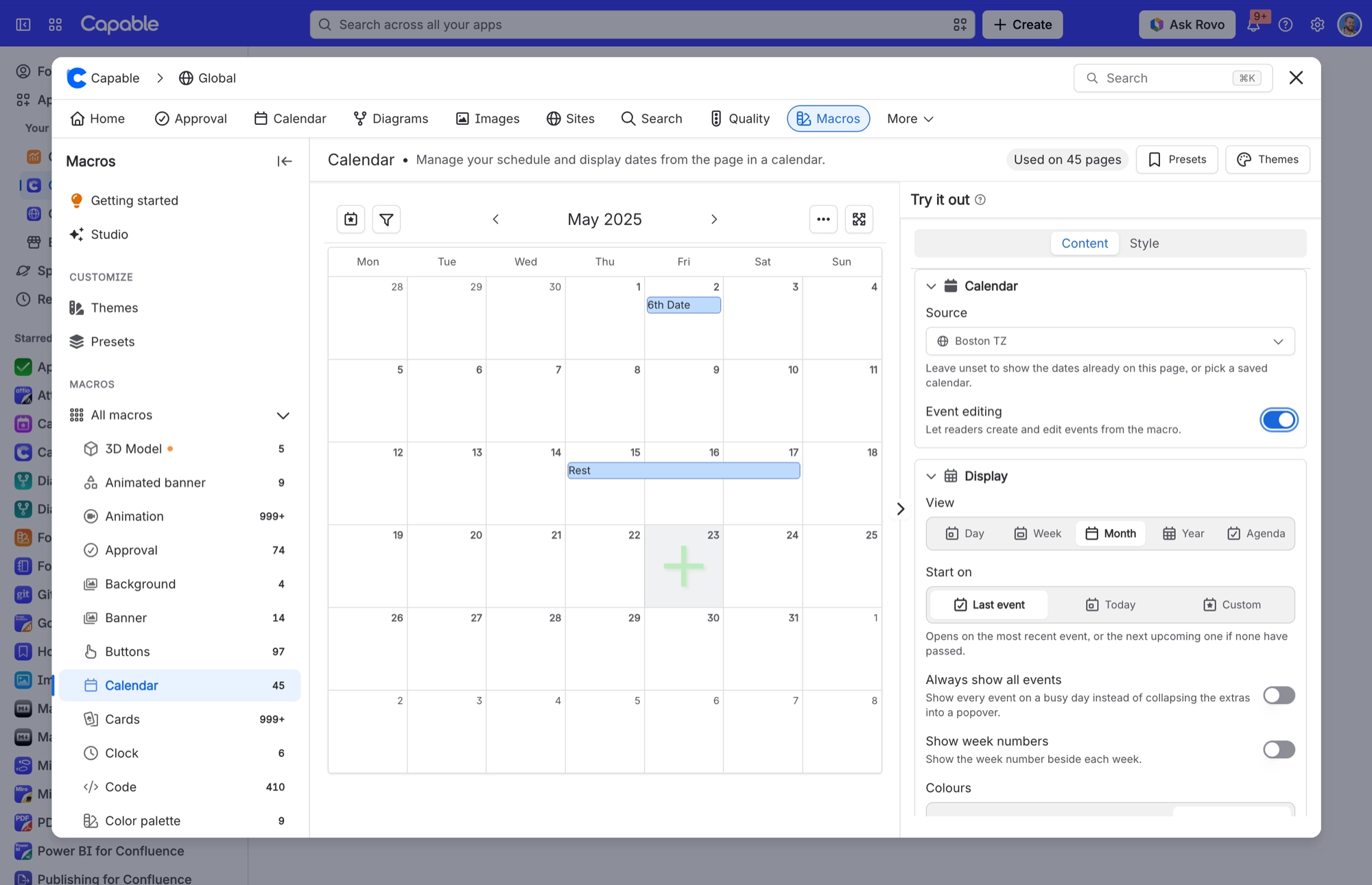
This is by design. To keep the macro tidy on the page, its compact toolbar leaves out the view switcher. You still get today, filters, the arrows for moving between dates, the More menu and Maximize.
#What to do
Tell readers to press Maximize. It opens the calendar in a large window with the full toolbar, view switcher included.
If most readers want the same view, edit the macro and choose it under View in the Display settings. The macro then opens in that view on the page.
#Settings involved
Setting | Where | What it does |
|---|---|---|
View | Edit the Calendar macro → Content → Display | The view the macro opens in on the page: Day, Week, Month, Year or Agenda. |
#Related
Cannot create or edit events in a shared calendar
Permission comes from Confluence content permissions on the calendar itself, re-checked on
Unlicensed or signed-out visitor lands on the Calendar page and sees a notice instead of the product
The space and global Calendar pages deliberately render a static visitor notice for unlice
Permissions and access
The rest of this family.
Found it? Good.






















