
Built-in calendars
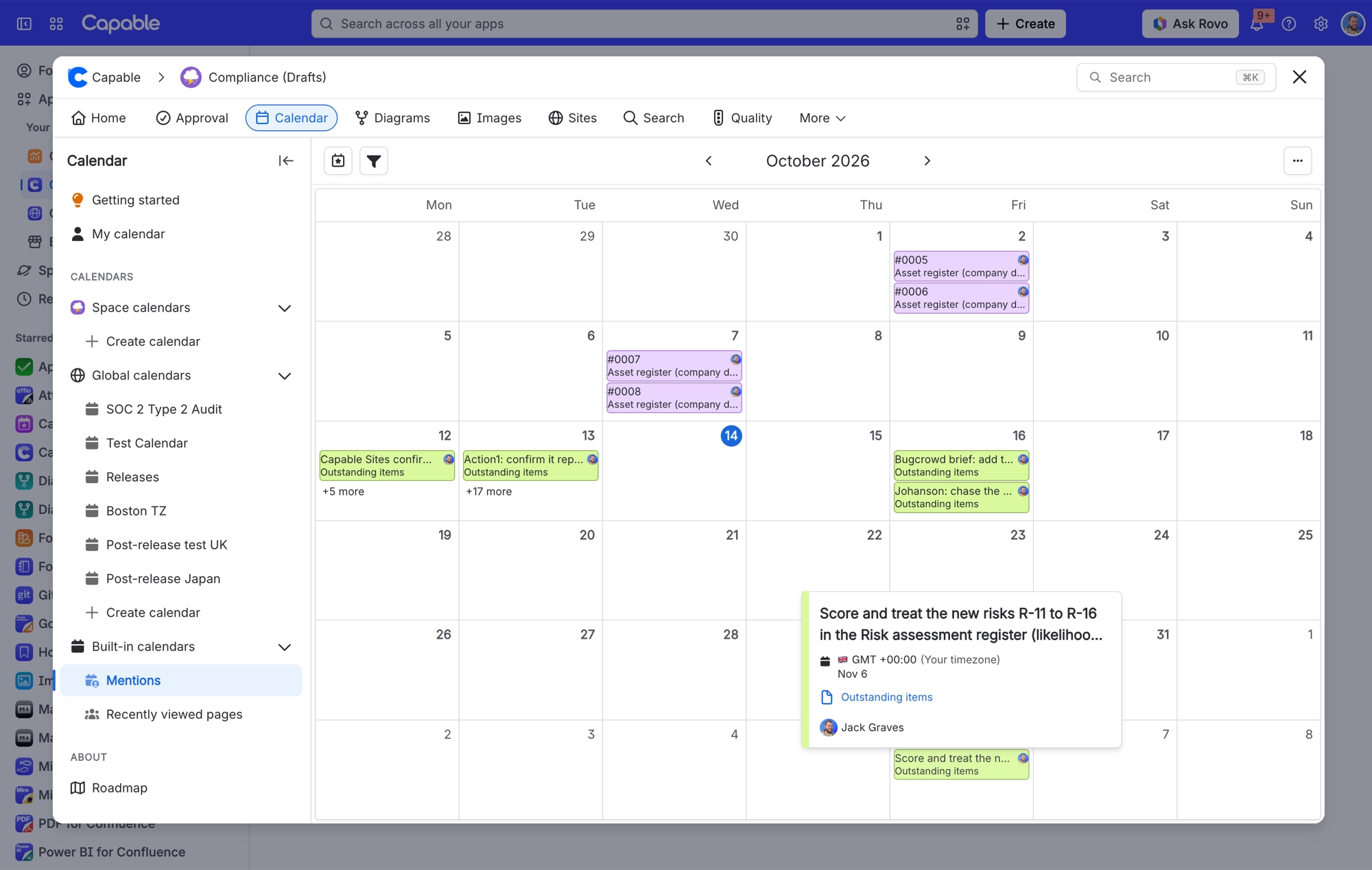
Capable Calendar comes with two ready-made calendars: Mentions and Recently viewed pages. They're read-only, so you can browse their events but not add or edit events in them.
You'll find both under Built-in calendars in the Calendar sidebar, below your space and global calendars.
#Where you do it
Task | Where |
|---|---|
Open a built-in calendar | Calendar → Built-in calendars → Mentions or Recently viewed pages |
Build a personal cross-calendar view | Calendar → My Calendar → Manage sources |
#Settings that affect this
Setting | Where | What it does |
|---|---|---|
Calendar subscriptions | Confluence settings → Capable (Capable Calendar in the standalone app) → Features | "Let users subscribe to Capable calendars from Google, Apple, or Outlook via a personal iCal feed. Turn off to disable subscriptions for all users." You'll only see this setting when your installed app includes Calendar. |
Calendar (global settings tab) | Confluence settings → Capable → Calendar | The Calendar subscriptions card lists the personal iCal feed links your users have created, with the user, calendar, status and date created. Use Previous and Next to page through them. |
Calendar Name | Calendar page → open a calendar → Configuration panel | The calendar's name. Two calendars in the same space, or two global calendars, can't share a name. |
#Related
How it actually behaves.






















