
Importing an .ics file
Got events in another calendar app? Export them as an .ics file and import it into any saved calendar from the calendar catalogue. The import is one-way: events are copied into your calendar, and nothing is written back to the file.
#Import a file
Open the saved calendar you want the events in.
Select the ••• button next to the settings cog, at the top right of the calendar.
Under Actions, choose Import from iCal.
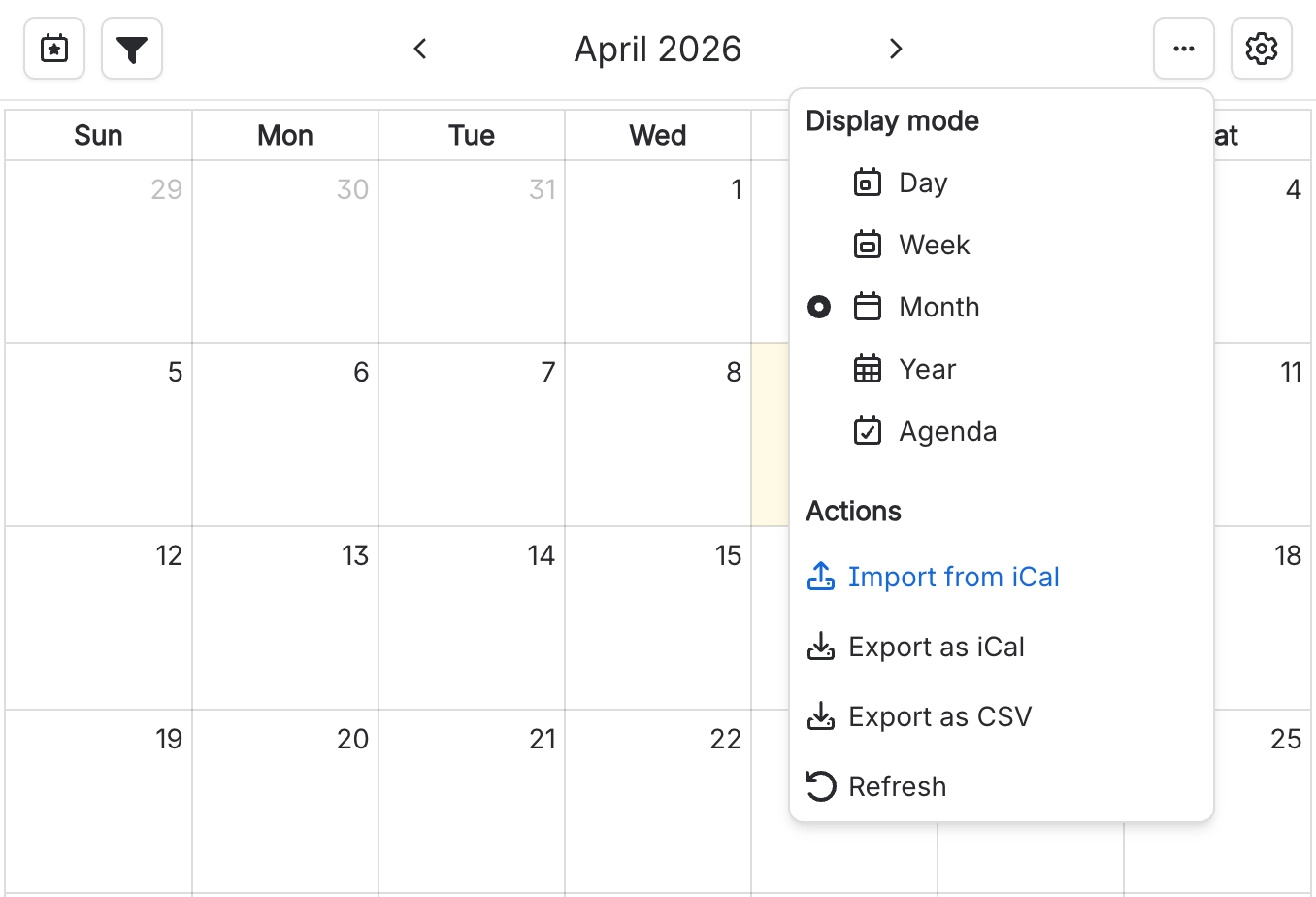
Import from iCal sits at the top of the Actions group, just above the export options. Drop your .ics file onto the dashed area, or click it to browse for the file.
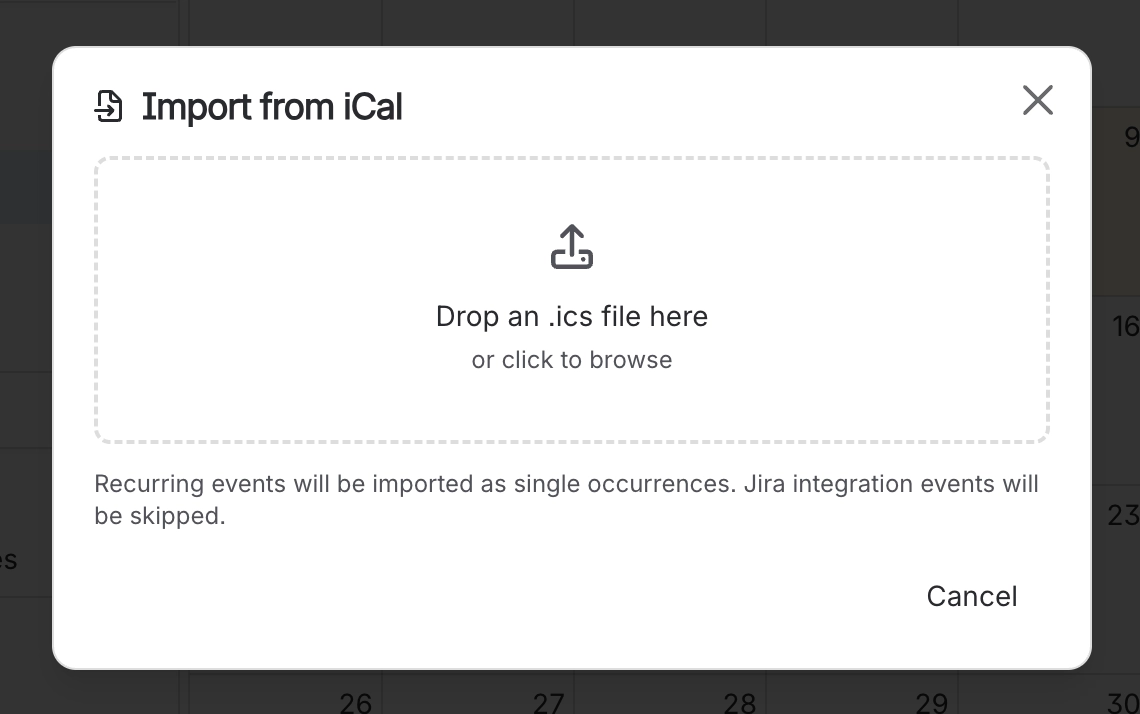
The dialog takes one .ics file. The note under the drop zone sums up what changes on the way in.
#What gets imported
Events are copied into the calendar, with a few exceptions:
Recurring events import as their first occurrence only.
Jira integration events are skipped. These are events marked as coming from Confluence’s Jira integration.
Events with no start date are skipped.
Events with very short titles, fewer than 4 characters, are skipped.
#Related
How it actually behaves.






















