
Event
The Event macro adds a small date pill to your page showing when something happens. You can show the event's title before the pill and the responsible person's avatar after it. If the event was set up in a different time zone from the reader's, the pill shows the times converted to theirs, with a tooltip explaining the conversion.
#1. How to insert
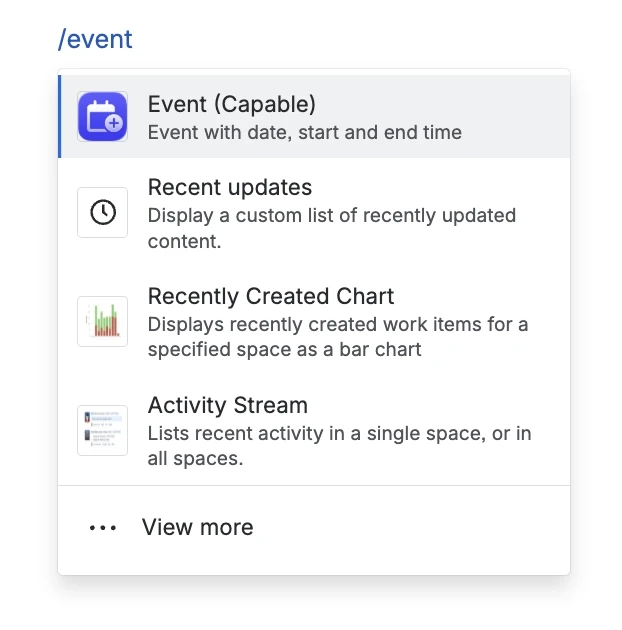
In the editor, type /event and choose Event (Capable).
#2. Configure the macro
Give the event a title, pick its dates and times, and choose the time zone those times are in. The pill previews the result as you go.
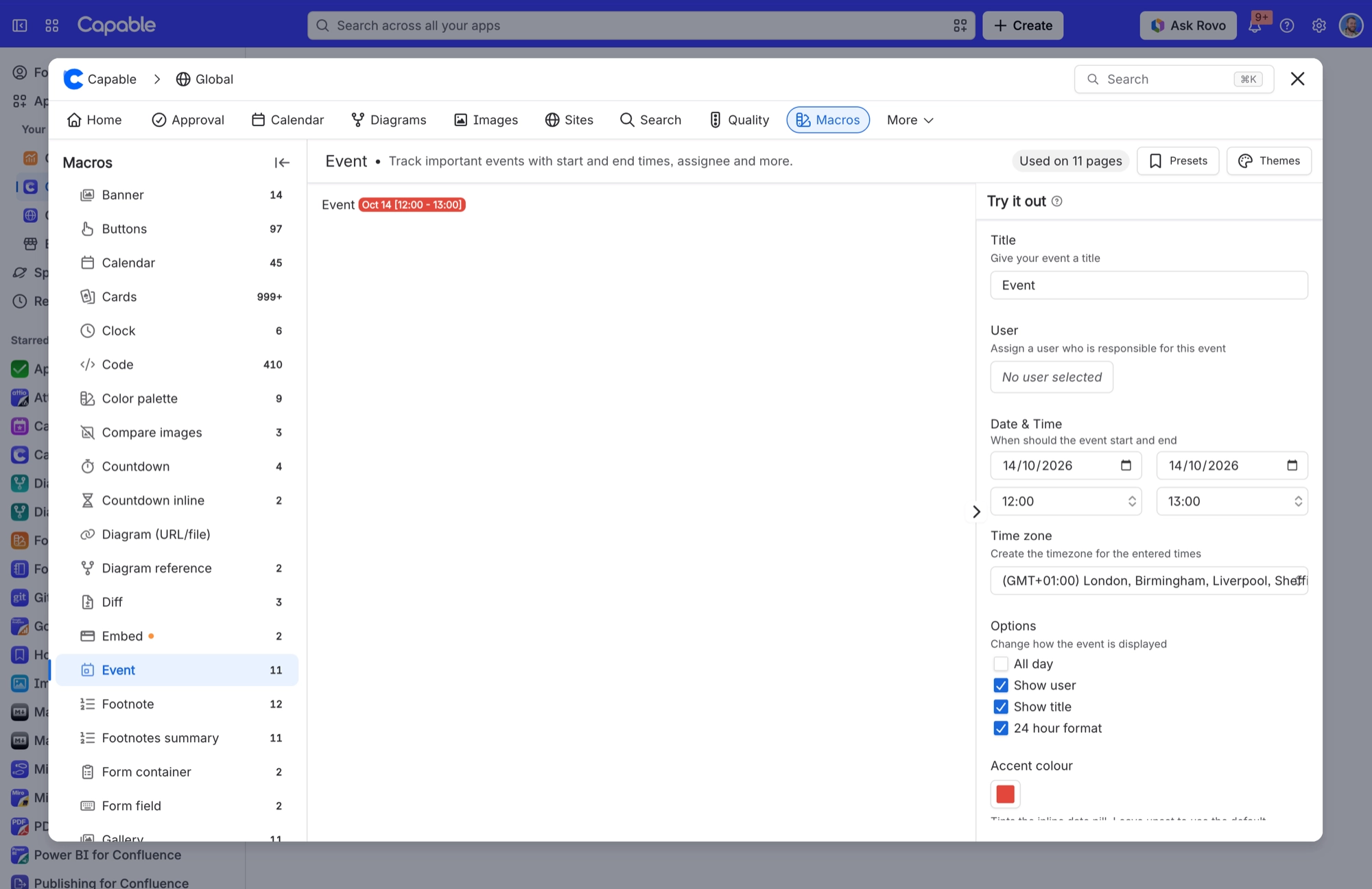
Setting | Values | What it changes |
|---|---|---|
Title | Free text, up to 75 characters | Shown before the pill when Show title is on. It's also the event's name on every calendar that picks the macro up. |
User | A Confluence user, or none | The person responsible for the event. Their avatar appears next to the pill when Show user is on. They also become the event's participant, which is what lets the event show up on calendars that gather events by mention. |
Start Date / End Date | Date pickers. The group is labelled Date when All day is on. | When the event starts and ends. If you pick an end date before the start date, the start date moves back to match. |
Start Time / End Time | A fixed list of times | Hidden when All day is on. |
Time zone | Any time zone. Type at least 2 characters to search; up to 50 matches show. | The time zone your start and end times are in. When it differs from the reader's, the pill shows the times converted to theirs, with a tooltip explaining the conversion. All-day events use the reader's own zone instead. If the page will be published to a Capable Site, set a time zone here, or the site shows UTC times. |
Options | All day, Show user, Show title, 24 hour format | All day hides the time fields and shows a date-only pill. It also marks the event as all-day on every calendar and in iCal feeds. 24 hour format switches the pill between 2 PM and 14:00. Show user and Show title control whether the avatar and the title appear beside the pill. |
Accent colour | A brand colour or a custom hex colour; can be cleared | Tints the pill. Leave it unset to use the default colour. The accent is the only styling option for the pill; there's no background, border, corner or shadow setting. The pill text switches between dark and light so it stays readable. |
#3. View on a Calendar macro
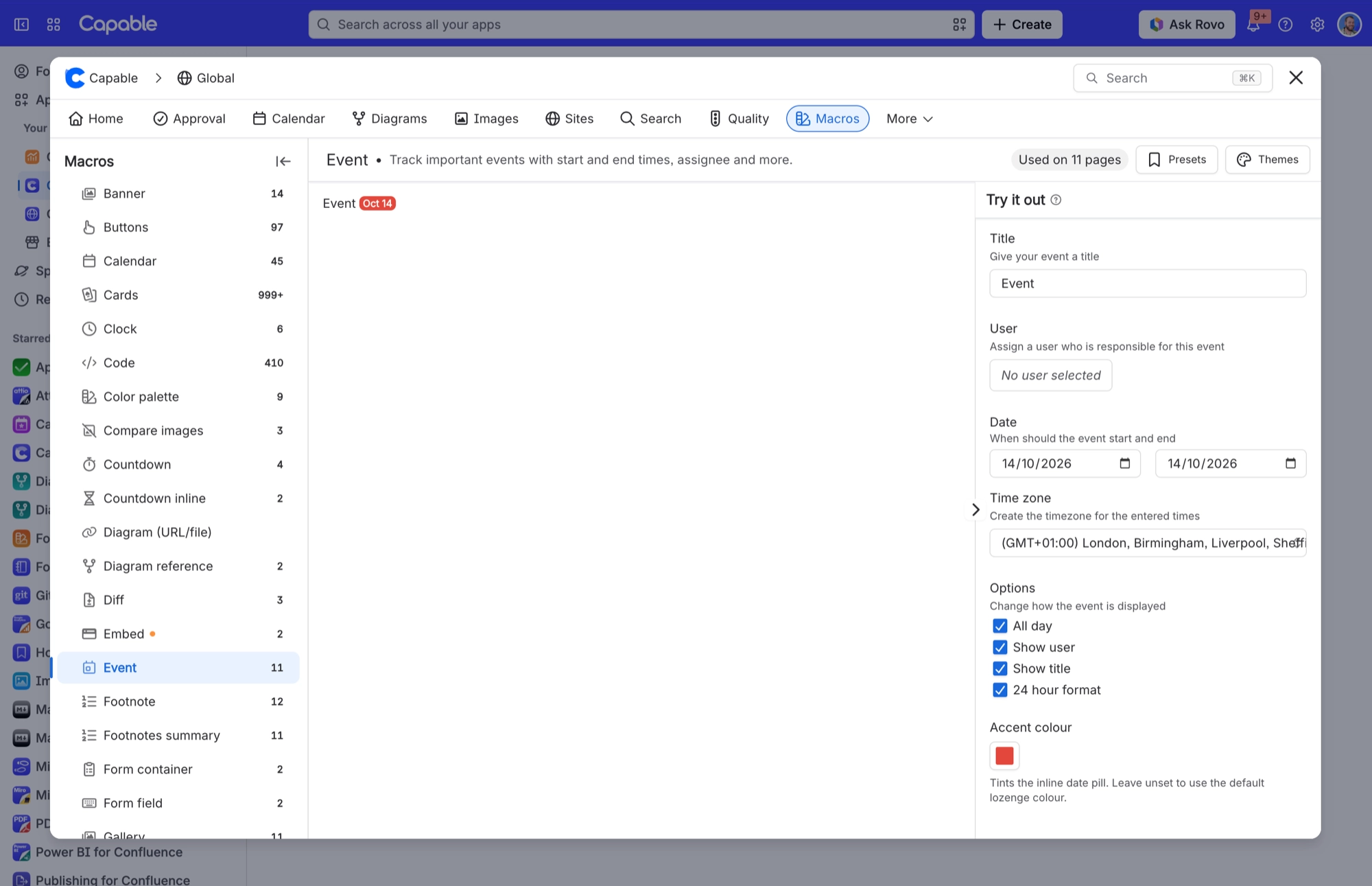
Add a calendar macro to the page to see all its events together in an interactive calendar.
#Related
One macro, documented properly.






















